



Winter for Minecraft 1.21.11
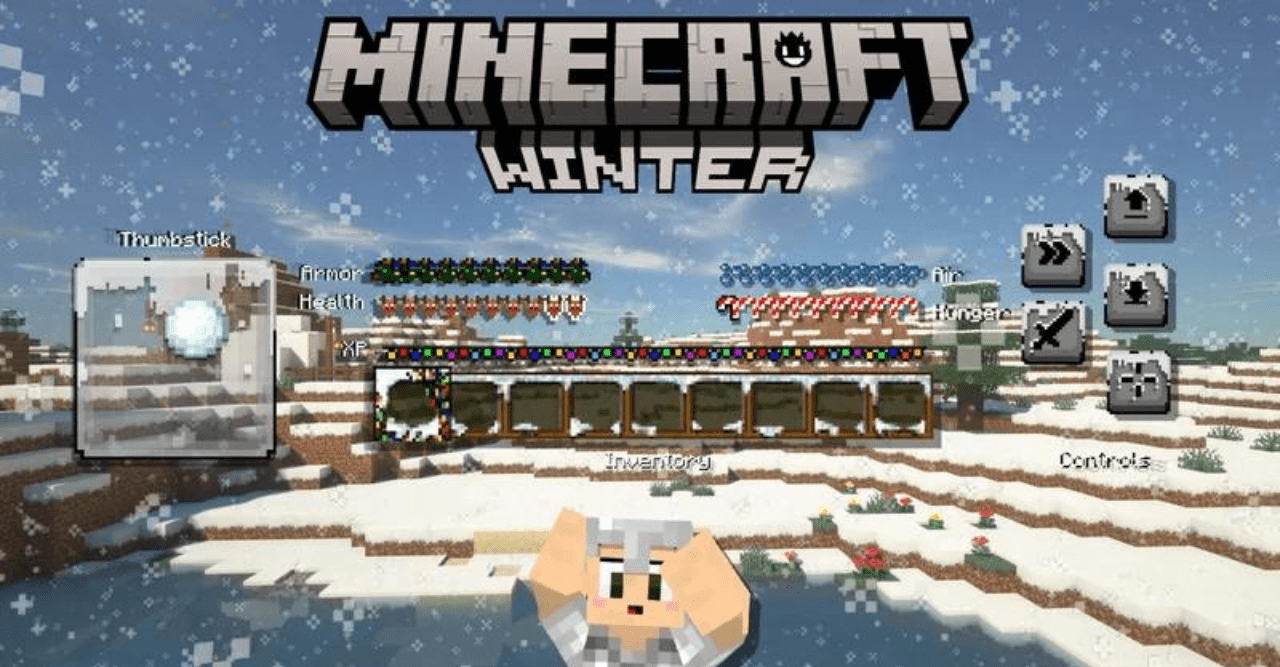
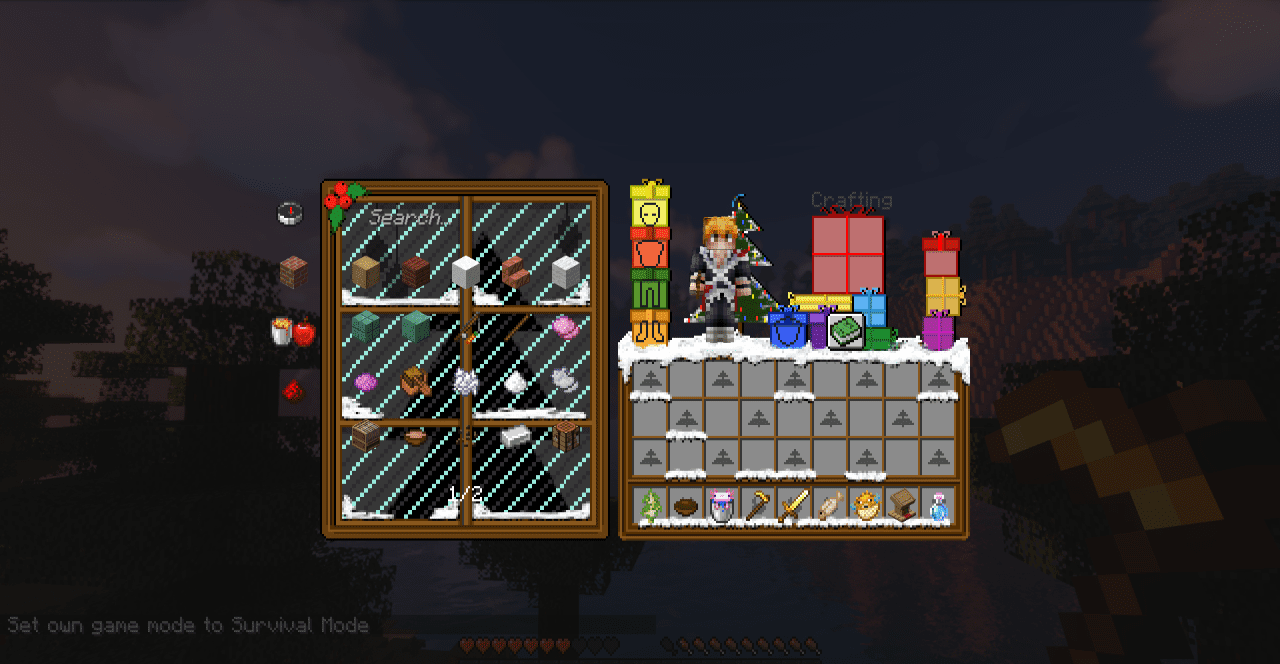
Winter adventures in Minecraft take on a completely new mood when the game’s visual style is infused with a sense of cold calm. This is exactly the impression left by the resource pack in which the Winter theme is revealed through every texture. It changes not only blocks, but also the interface, menus, and control elements, creating a unified feeling of frosty immersion.
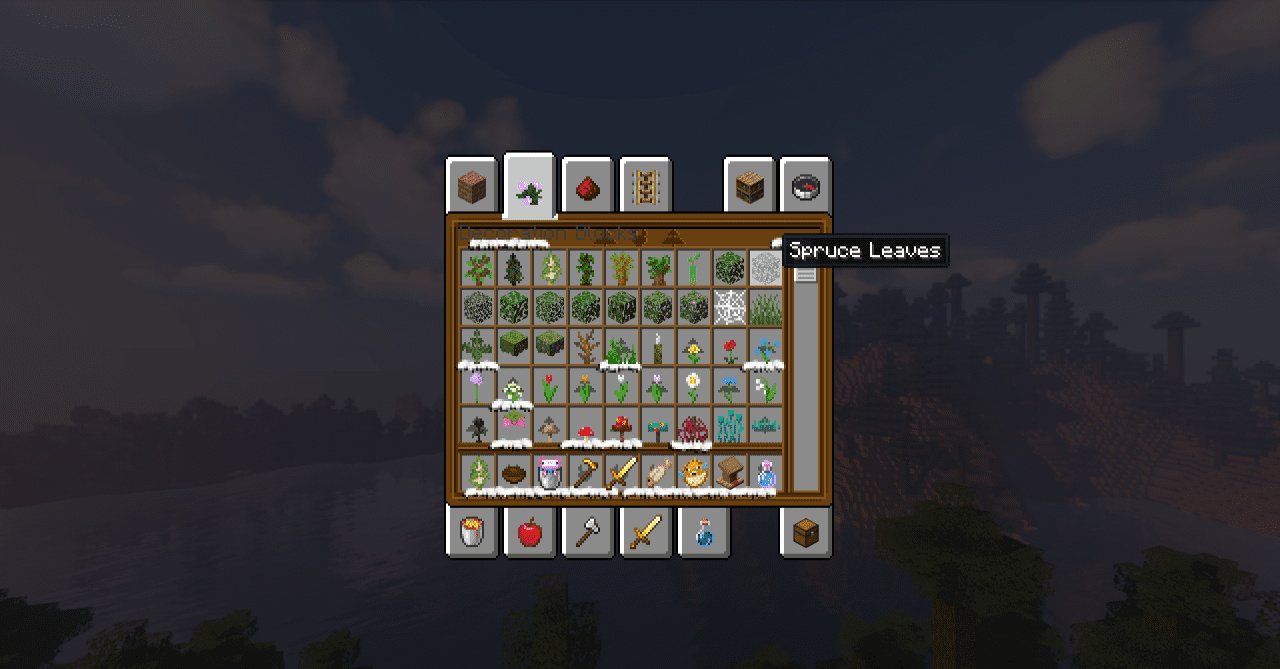
Despite its minimalism, the pack makes the world feel deeper: colors become softer, tones colder, and the atmosphere calmer and cleaner. Everything looks as if a thin layer of frost has covered the ground, the trees, and even the tools in the player’s hands.
How to install the texture pack:
First step: download and install Winter
Second step: copy the texture pack to the C:\Users\USER_NAME\AppData\Roaming\.minecraft\resourcepacks
Third step: in game settings choose needed resource pack.
Comments (2)