



Winter Time for Minecraft 1.21.11
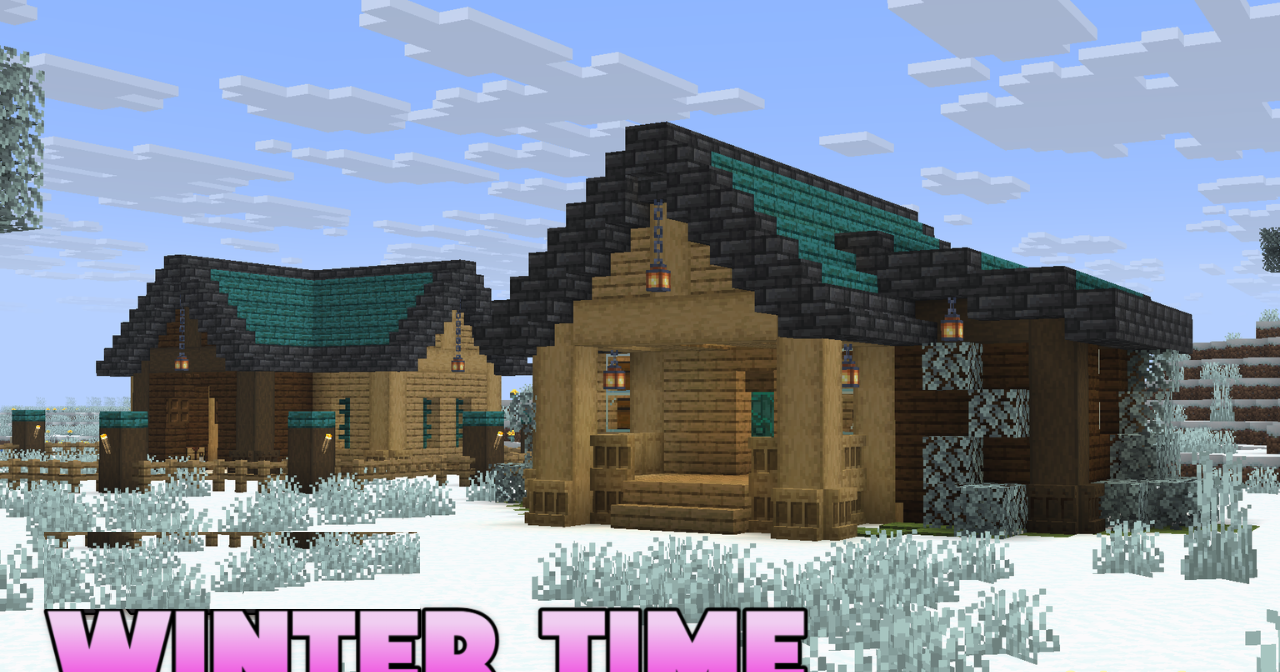
As soon as the world is covered in a cold color palette, its mood changes completely. In Winter Time, the environment feels as if it is immersed in eternal winter: grass and foliage take on cold tones, trees look lightly frosted, and plants become part of a unified snowy atmosphere. Even the water visually supports the sense of cold, enhancing the effect of a cohesive winter world.
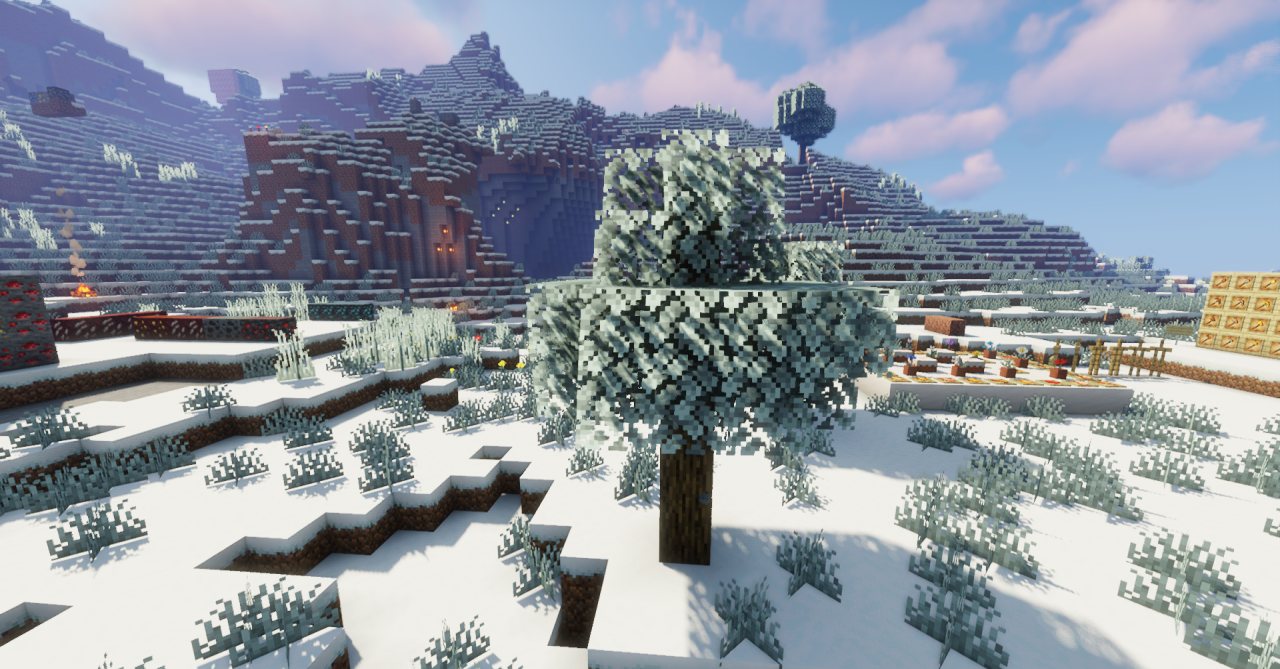
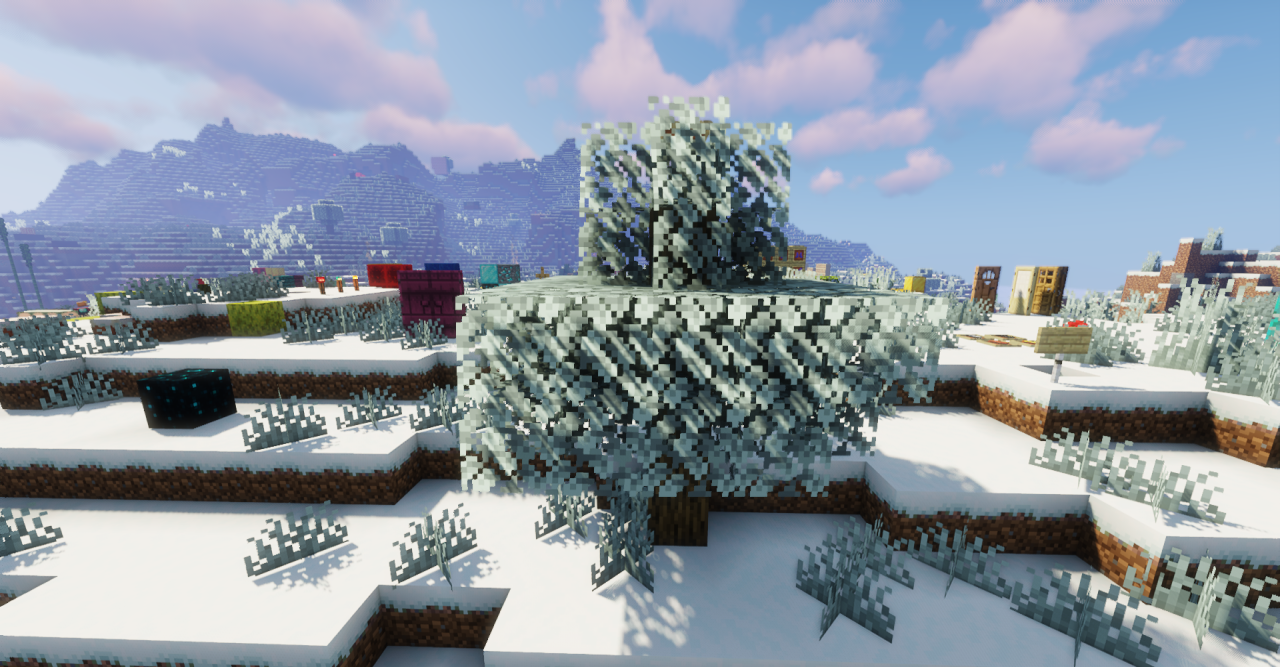
The changes affect many details, yet remain harmonious and do not break the game’s visual logic. Landscapes become calm, muted, and atmospheric, creating a sense of seasonal renewal, as if the world lives according to its own climatic cycle.
How to install the texture pack:
First step: download and install Winter Time
Second step: copy the texture pack to the C:\Users\USER_NAME\AppData\Roaming\.minecraft\resourcepacks
Third step: in game settings choose needed resource pack.
Comments (0)