



Winthor Medieval for Minecraft 1.21.11
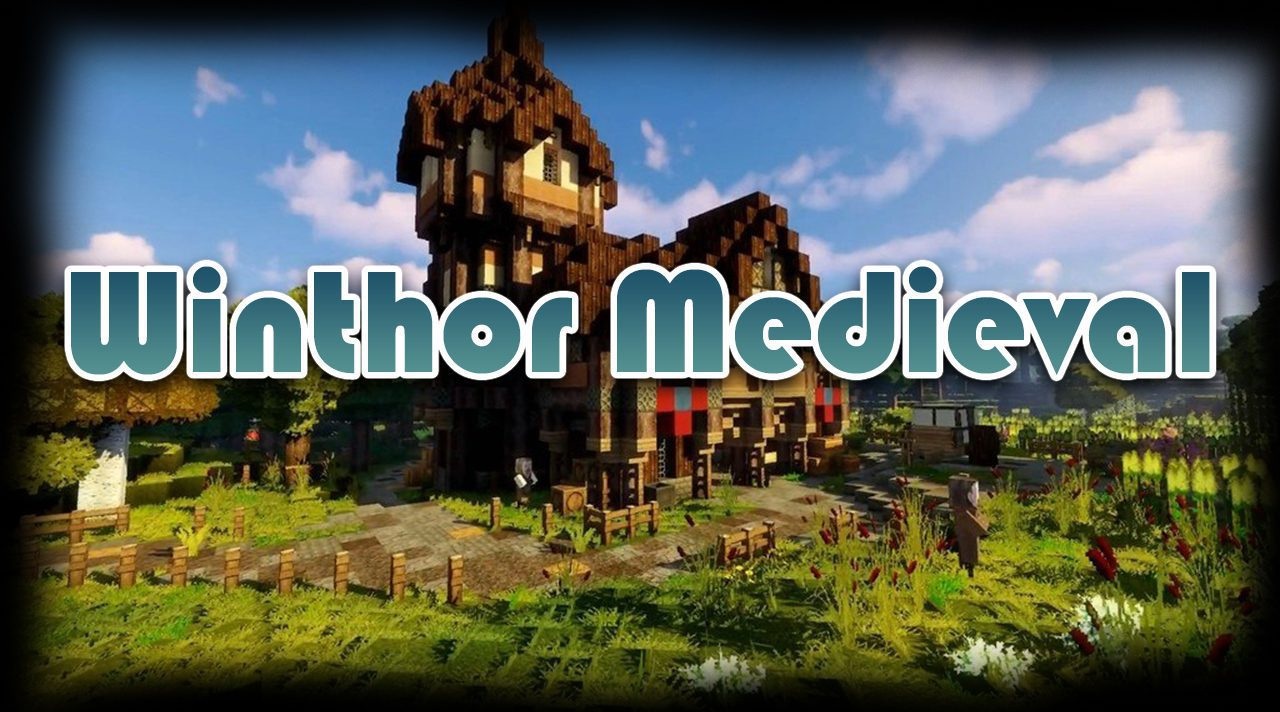
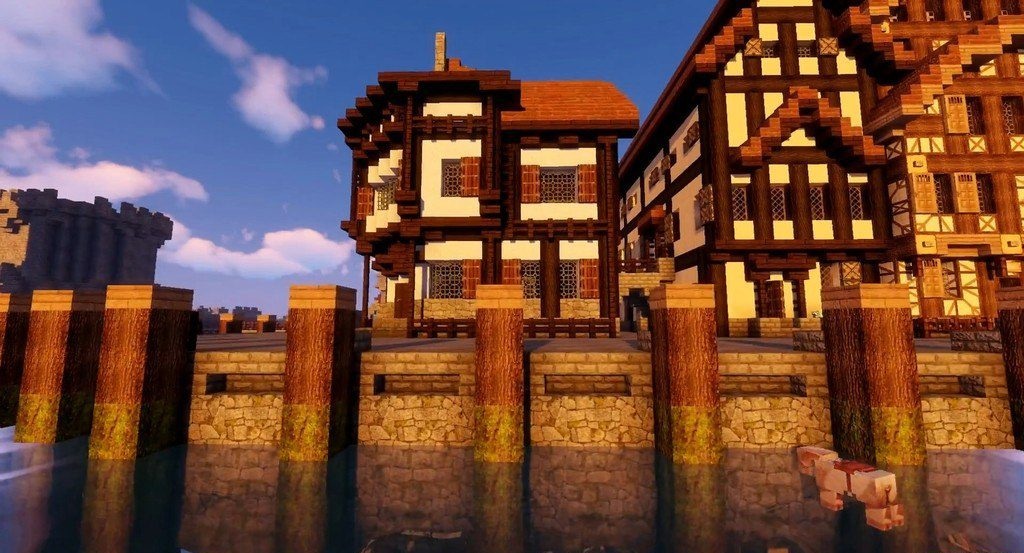
A medieval theme has always gone well with the atmosphere of Minecraft, but Winthor Medieval reveals it in a new way. This resource pack uses a higher 64×64 resolution, thanks to which many textures look more detailed and expressive. Bright colors and a cartoonish style combine unexpectedly well with medieval motifs: stone walls, wooden buildings, and various decorative elements create the feeling of a real fantasy kingdom.
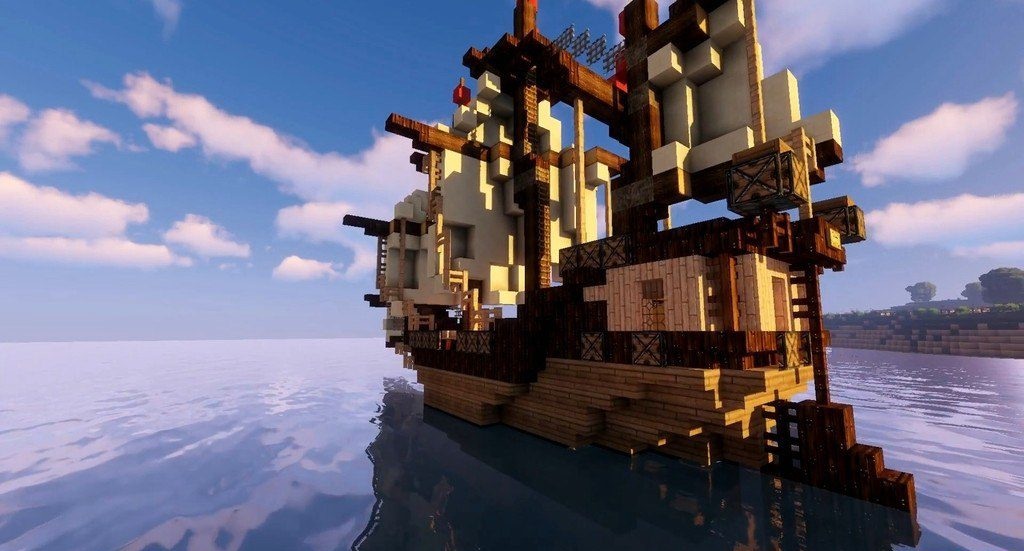
Exploring villages, building castles, or traveling through forests with this pack feels different — the world seems to turn into a separate game with its own atmosphere.
How to install the texture pack:
First step: download and install Winthor Medieval
Second step: copy the texture pack to the C:\Users\USER_NAME\AppData\Roaming\.minecraft\resourcepacks
Third step: in game settings choose needed resource pack.
Comments (0)