



Woolcotta for Minecraft 1.21.11
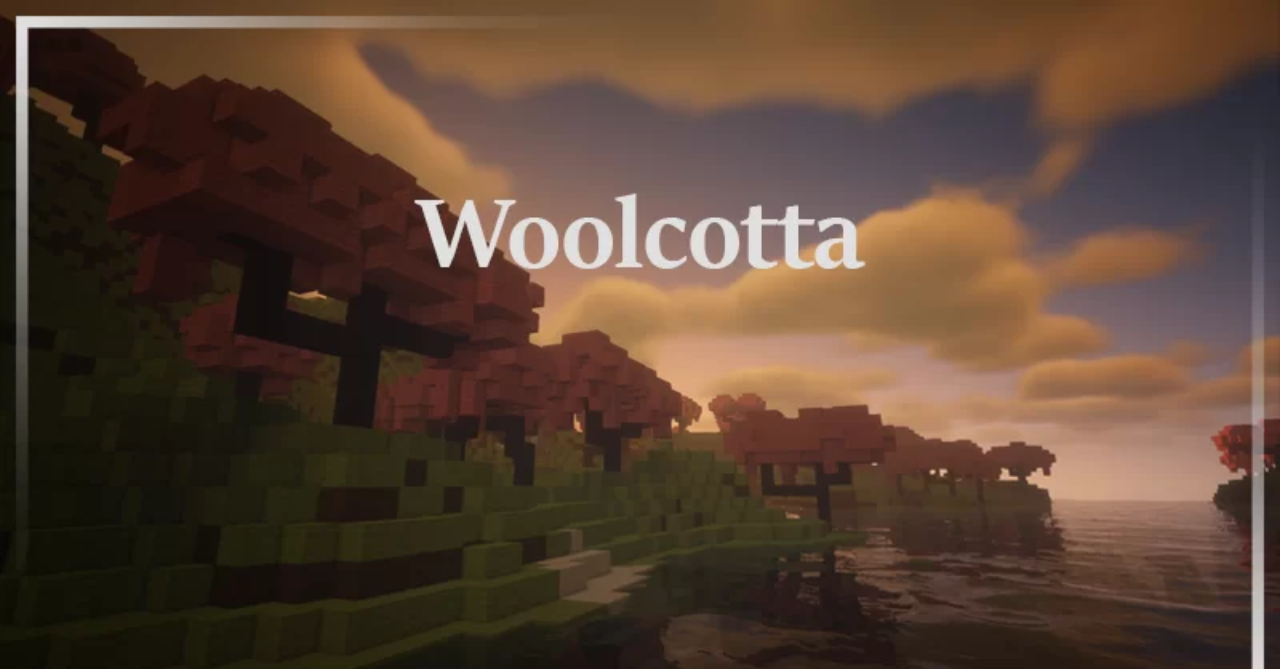
The standard wool palette in Minecraft is quite bright, sometimes even too bright. Woolcotta offers an alternative approach by replacing the usual saturated colors with softer and calmer shades inspired by terracotta. Because of this, wool blocks and carpets receive a more muted and natural color palette. These tones work especially well for modern builds, minimalist houses, or structures inspired by nature.
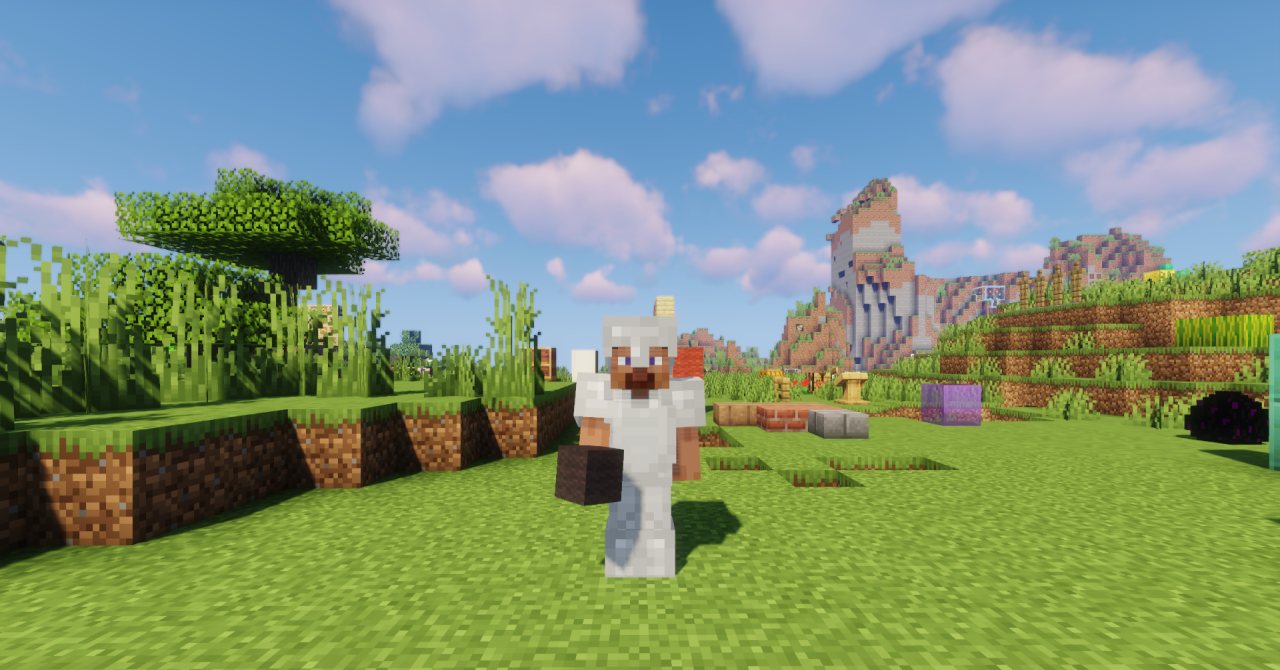
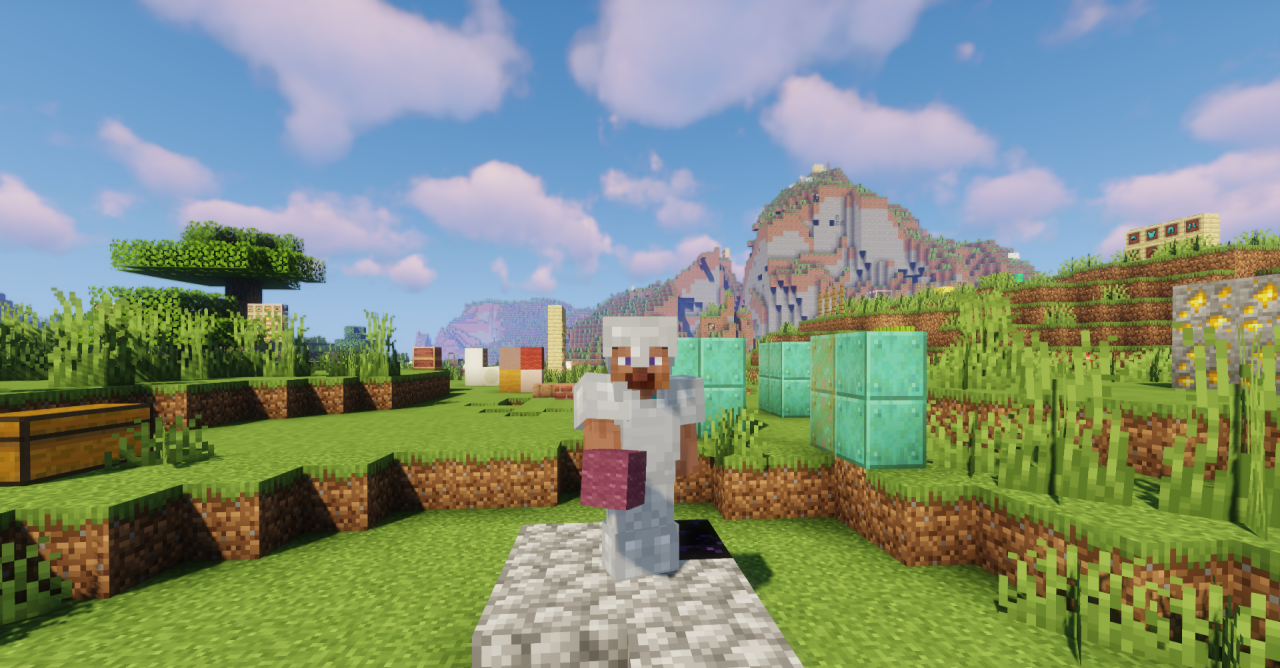
Visually, the materials begin to look warmer and more harmonious, especially when combined with stone, wood, and other natural blocks. All changes remain purely cosmetic — the mechanics of the game are not affected.
How to install the texture pack:
First step: download and install Woolcotta
Second step: copy the texture pack to the C:\Users\USER_NAME\AppData\Roaming\.minecraft\resourcepacks
Third step: in game settings choose needed resource pack.
Comments (1)