



XeKr Light Color for Minecraft 1.21.11
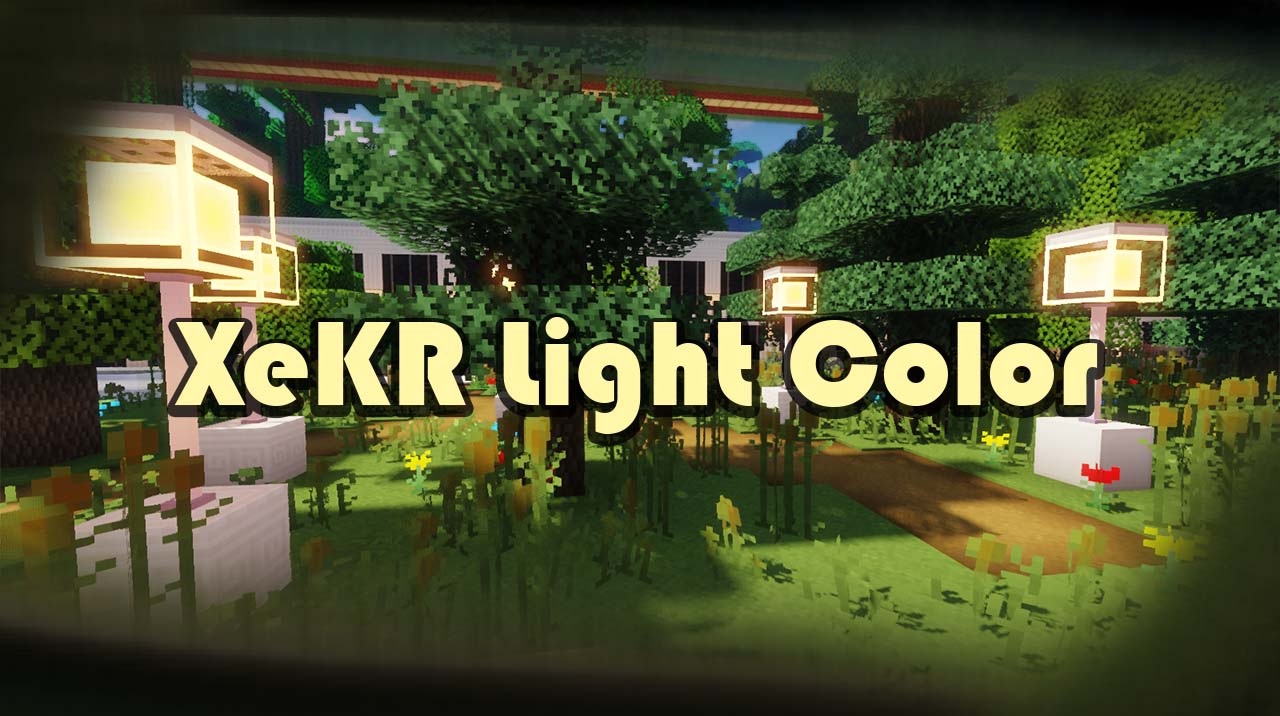
XeKr Light Color emphasizes color palette, lighting, and image clarity while preserving the game’s recognizable vanilla style. Textures become brighter, cleaner, and more saturated without losing simple shapes and block readability. The world looks lighter, more lively, and visually “airy.” In gameplay, this results in a more pleasant perception of the environment.
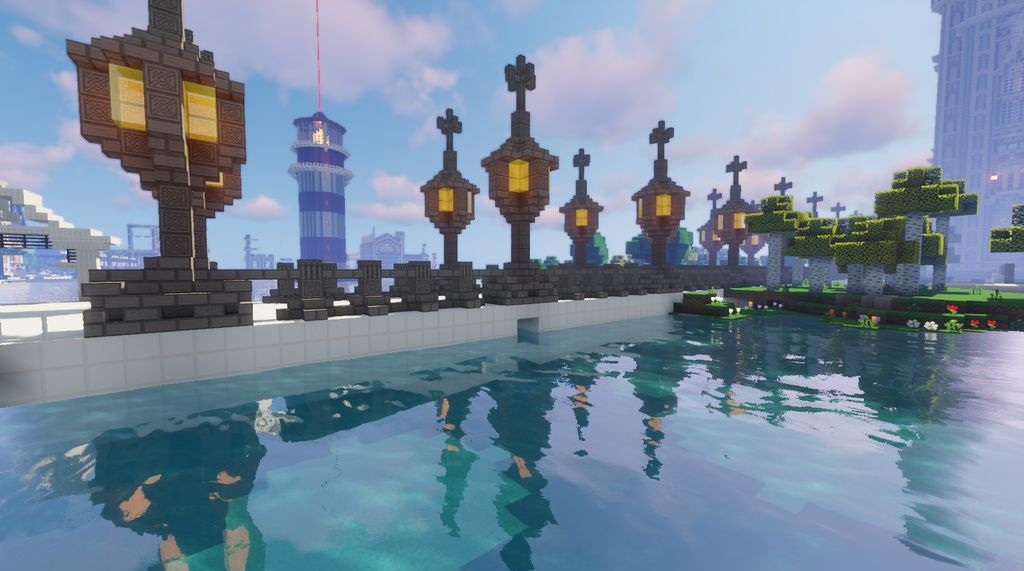
Biomes become more expressive thanks to updated hues, lighting highlights the shape of blocks, and daytime landscapes look especially vibrant. The overall image is not overloaded with detail, yet feels noticeably fresher, creating the impression of a renewed but still classic Minecraft.
How to install the texture pack:
First step: download and install XeKr Light Color
Second step: copy the texture pack to the C:\Users\USER_NAME\AppData\Roaming\.minecraft\resourcepacks
Third step: in game settings choose needed resource pack.
Comments (1)