



XXVI’s Shiny Armor Trims for Minecraft 1.21.11
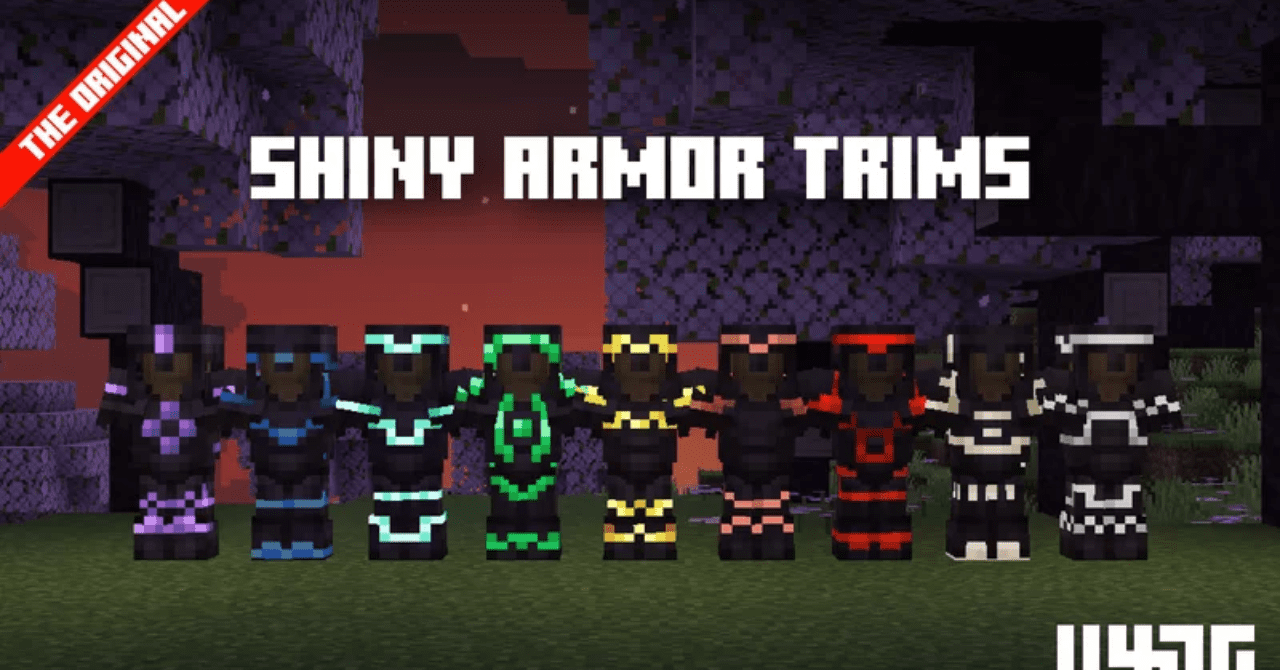
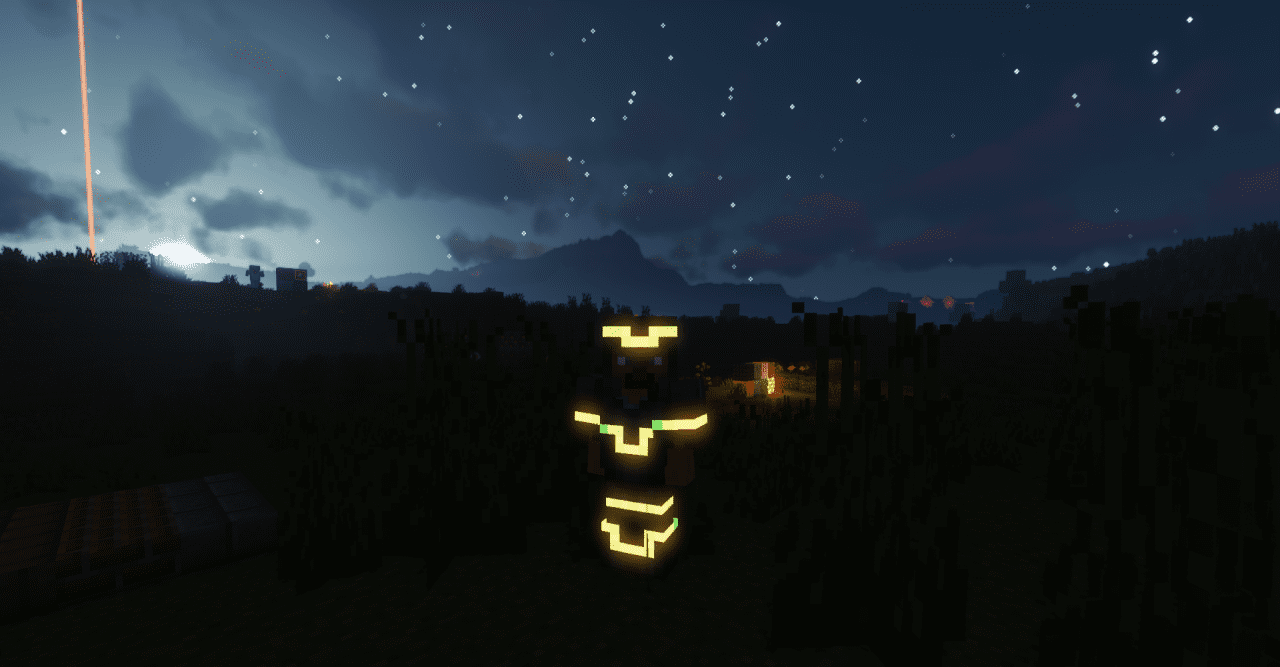
If standard armor feels too simple to you, XXVI’s Shiny Armor Trims easily solves this problem. This texture pack makes the decorative elements of armor bright, glossy, and truly eye-catching. The patterns shimmer in the light, reflect beautifully, and emphasize the character’s movements. The main advantage of the pack is freedom of customization.
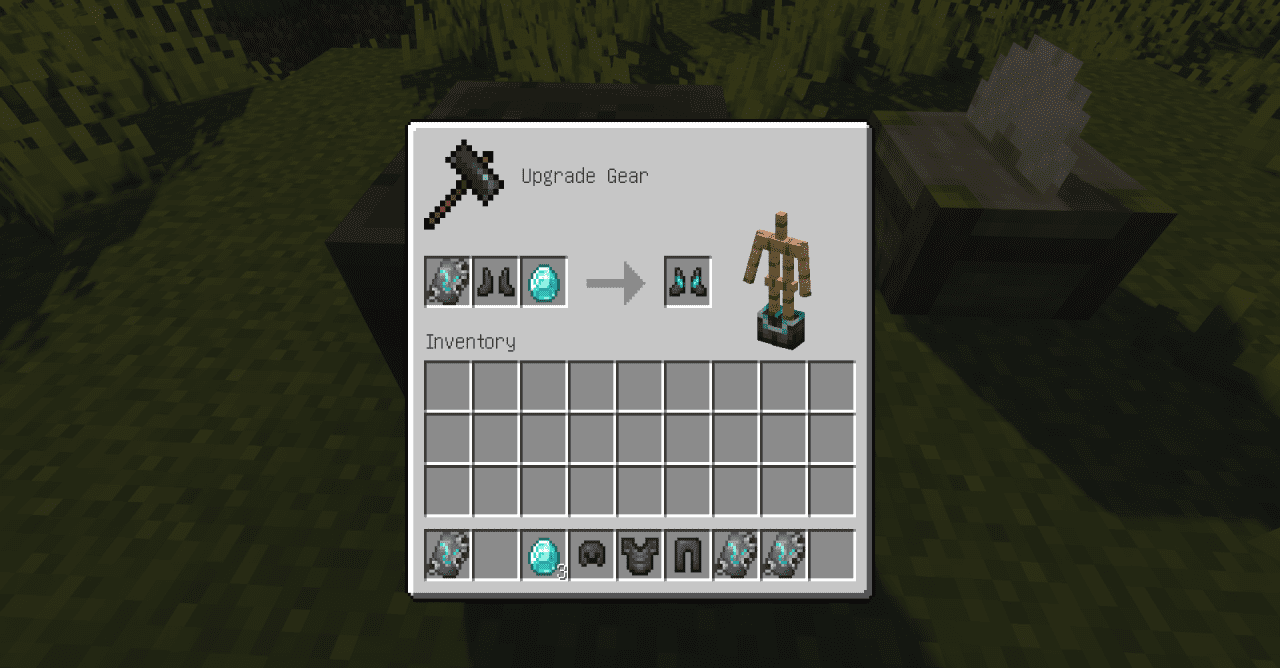
You can choose different trim options to match your style, creating a unique look without changing the armor’s stats. This kind of visual upgrade is perfect for PvP, roleplay worlds, and simply for those who like to stand out. The pack is lightweight, minimalistic, and yet noticeably changes the character’s appearance.
How to install the texture pack:
First step: download and install XXVI’s Shiny Armor Trims
Second step: copy the texture pack to the C:\Users\USER_NAME\AppData\Roaming\.minecraft\resourcepacks
Third step: in game settings choose needed resource pack.
Comments (4)