



Yiu Anime GUI for Minecraft 1.21.10
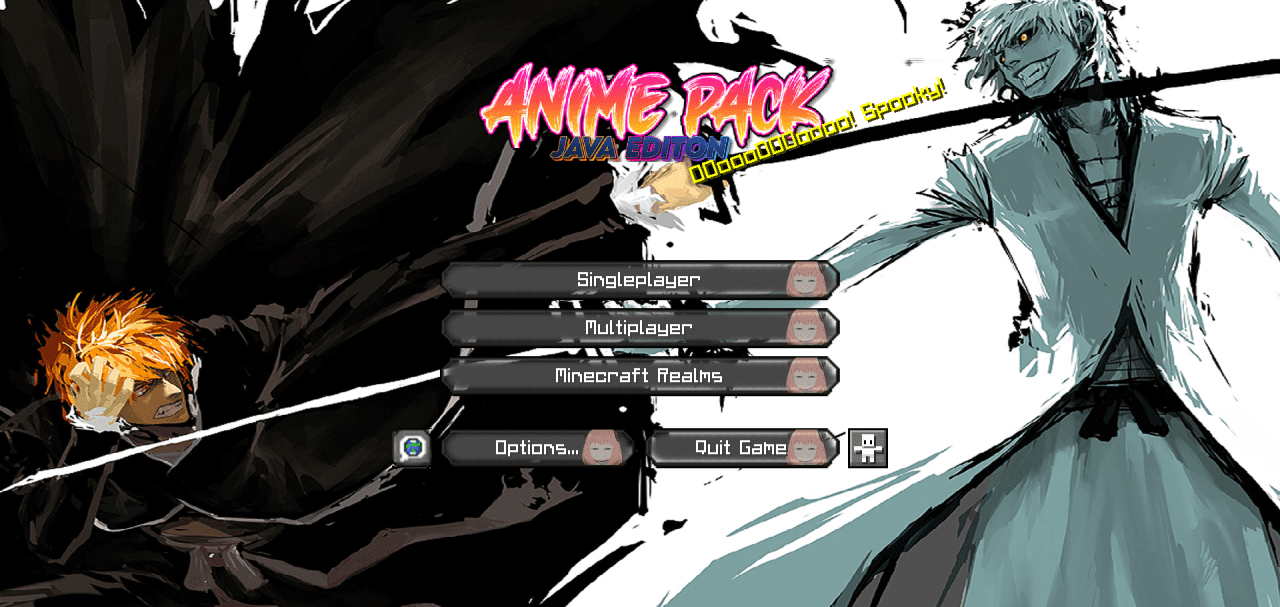
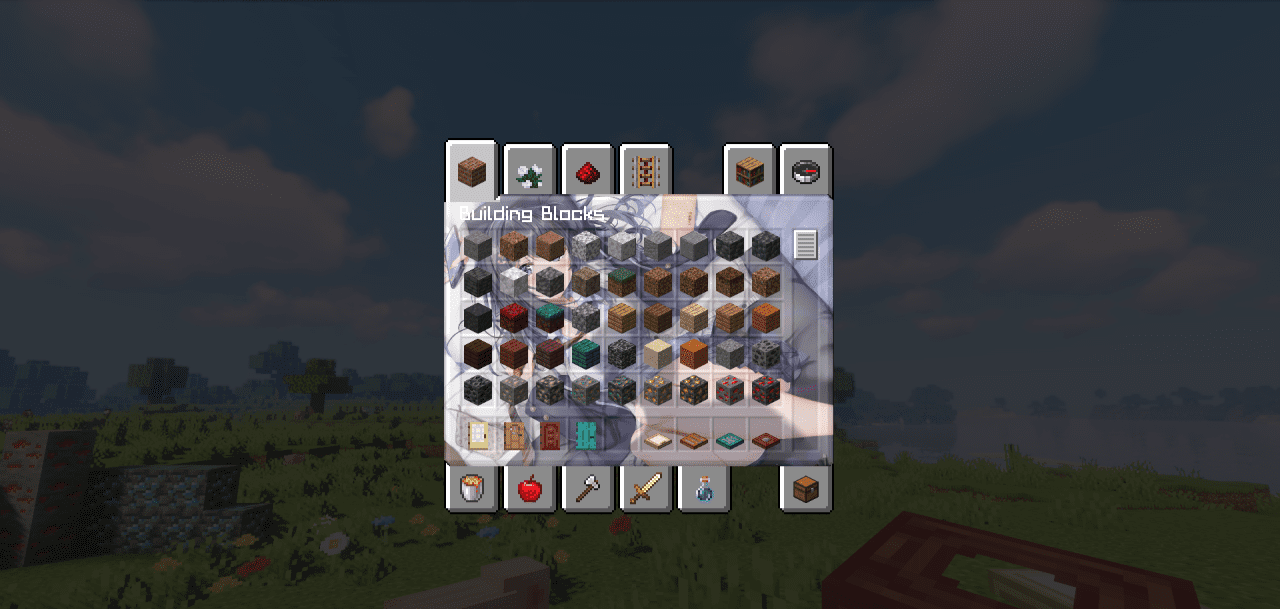
Yiu Anime GUI completely renews Minecraft’s interface, turning it into a dynamic anime-style panel. Menus, fonts, inventory, and loading screens are redesigned, with added rainbow outlines and bright elements. Everything looks like a mix of Japanese UI design and a classic game. The main menu background is decorated with characters, and transitions between tabs are smooth and visually pleasant.
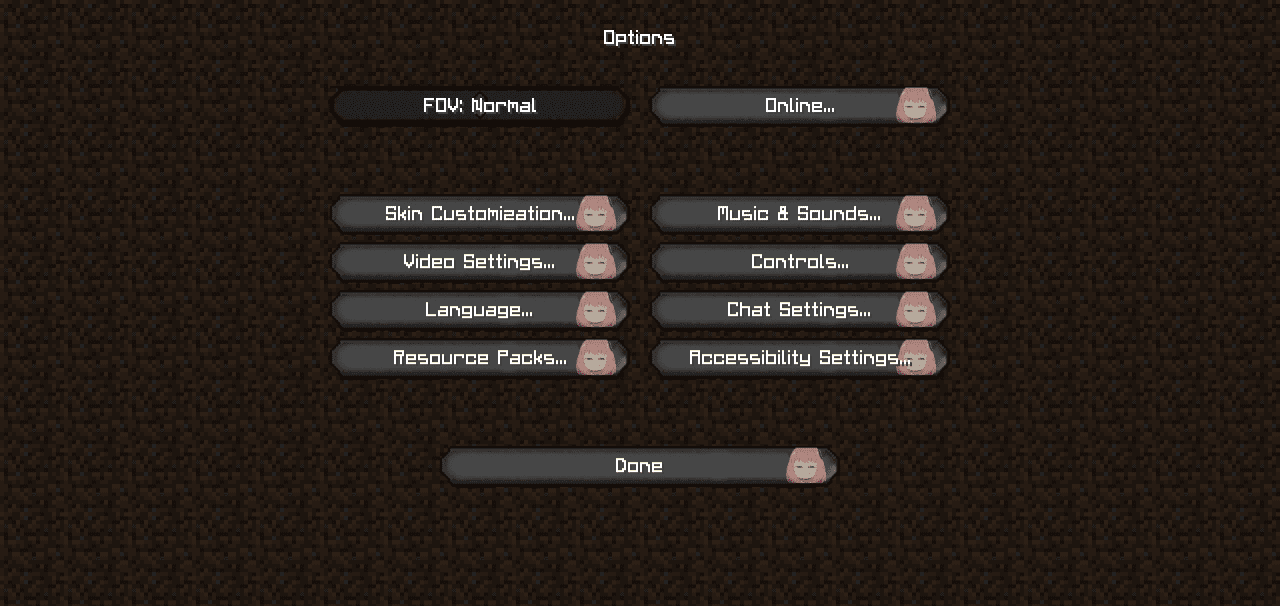
This pack will especially appeal to fans of anime and visual novels — interacting with the interface now feels like using an interactive app. It doesn’t affect FPS but makes every menu element lively and aesthetic.
How to install the texture pack:
First step: download and install Yiu Anime GUI
Second step: copy the texture pack to the C:\Users\USER_NAME\AppData\Roaming\.minecraft\resourcepacks
Third step: in game settings choose needed resource pack.
Comments (2)