



Yiu Anime GUI for Minecraft 1.21.11
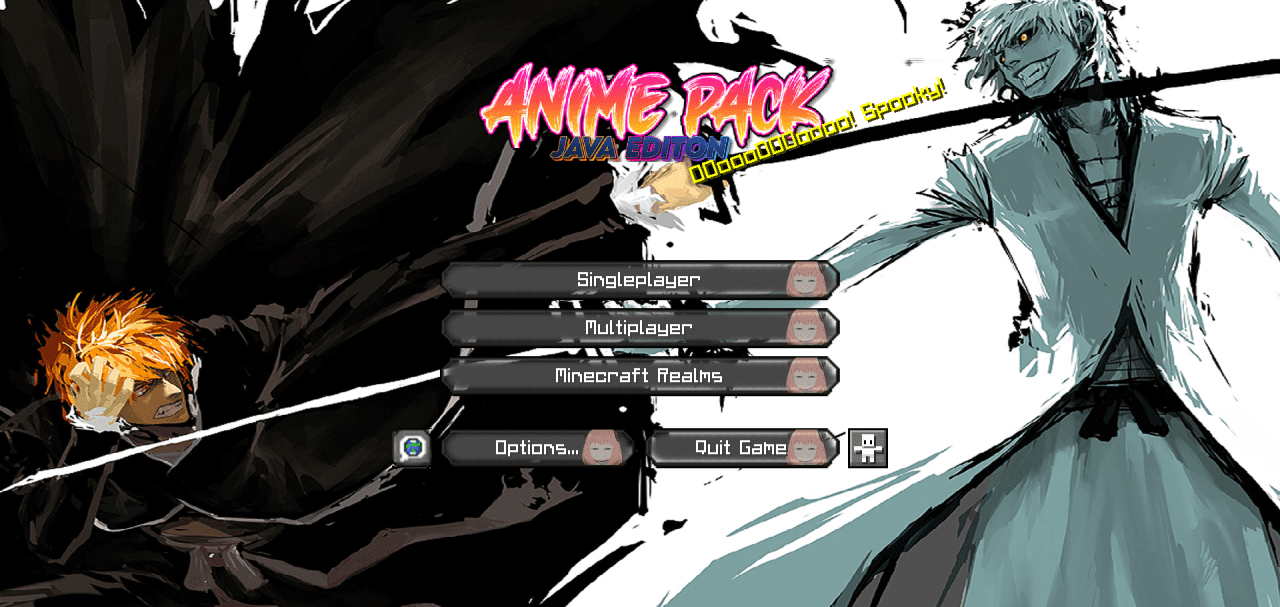
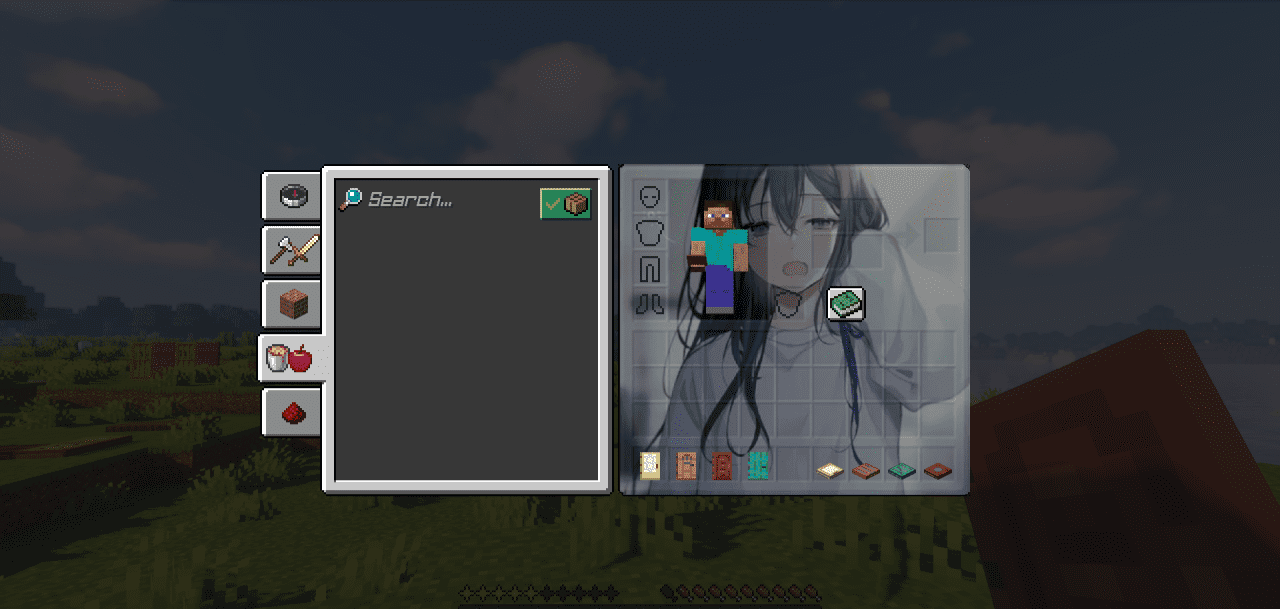
Yiu Anime GUI completely reimagines the standard interface, turning it into a bright anime-style design. The changes affect the main menu, loading screens, containers, selectors, fonts, and interface visual effects. Instead of familiar gray elements, the player sees rich colors, character images, and decorative animations with glowing outlines. The interface becomes not just functional, but expressive and emotional.

It constantly reminds you that this is not a standard setup, but a stylized version of the game. This add-on is suitable for anime culture fans, those who love vivid visuals, and anyone who wants to refresh the game’s appearance without changing blocks or mechanics.
How to install the texture pack:
First step: download and install Yiu Anime GUI
Second step: copy the texture pack to the C:\Users\USER_NAME\AppData\Roaming\.minecraft\resourcepacks
Third step: in game settings choose needed resource pack.
Comments (7)