



Animated Items for Minecraft 26.1.2
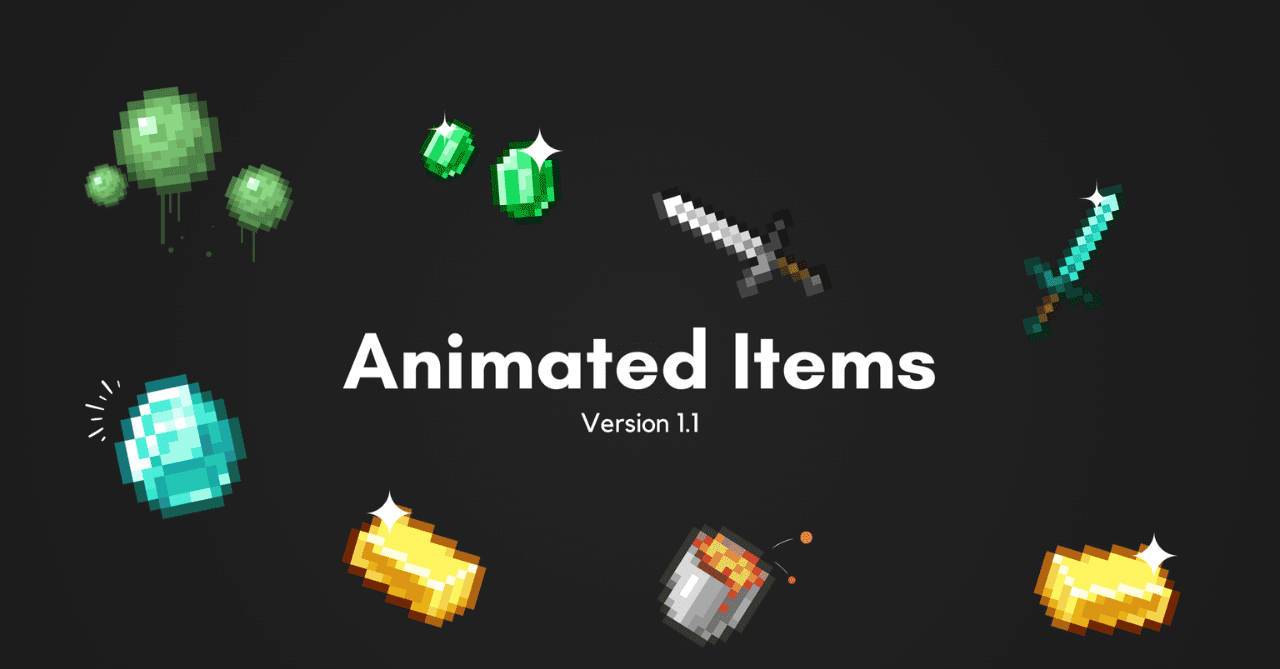
Animated Items adds more movement and visual depth thanks to animated textures for various items. Despite the simple idea, such changes bring the game world to life and make many familiar things much more interesting.
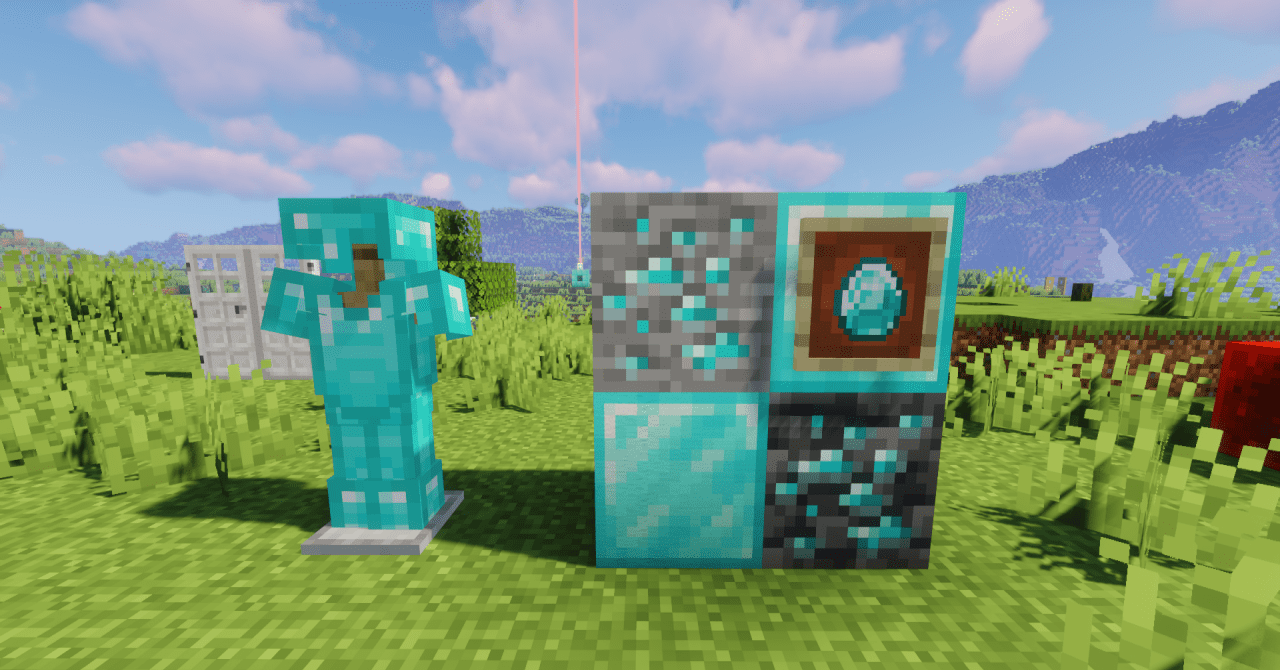
Now some items in the inventory and environment receive small animations, which make the game more dynamic and atmospheric without seriously changing the original style of Minecraft. Torches begin to look more alive thanks to the flickering of fire, enchanted tools receive a more expressive shine, and potion bottles look as if there is really moving liquid inside them.
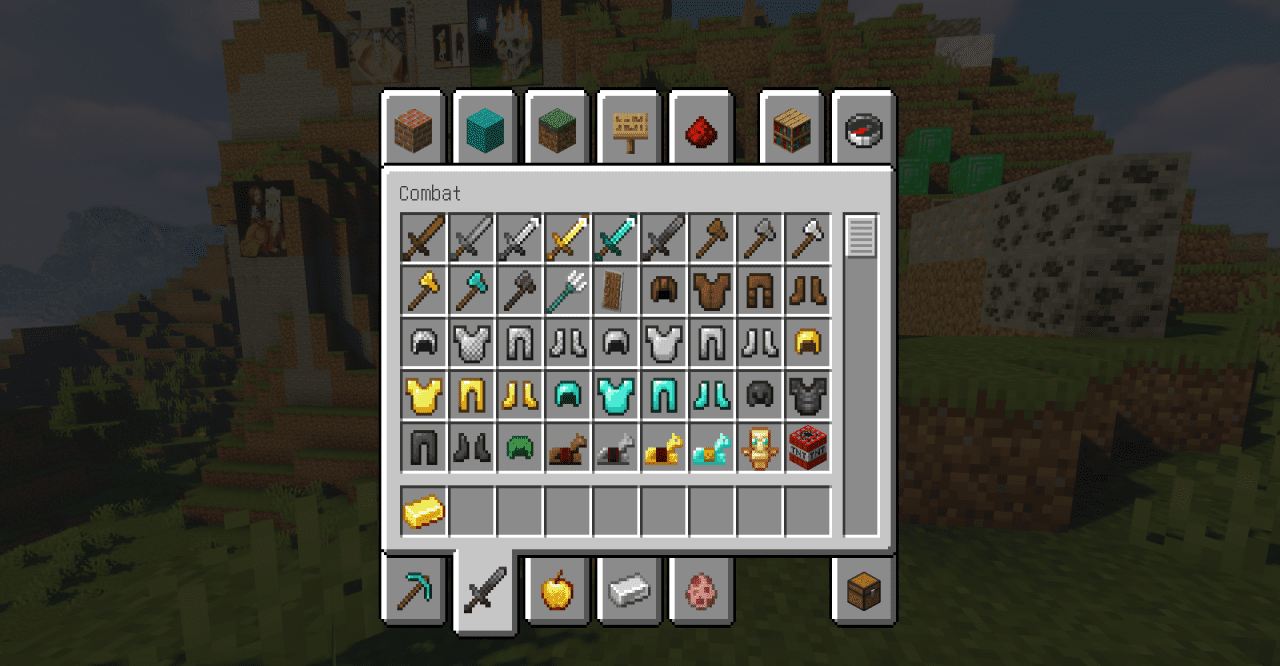
How to install the texture pack:
First step: download and install Animated Items
Second step: copy the texture pack to the C:\Users\USER_NAME\AppData\Roaming\.minecraft\resourcepacks
Third step: in game settings choose needed resource pack.
Comments (0)