



Armored Legacy for Minecraft 26.1.2
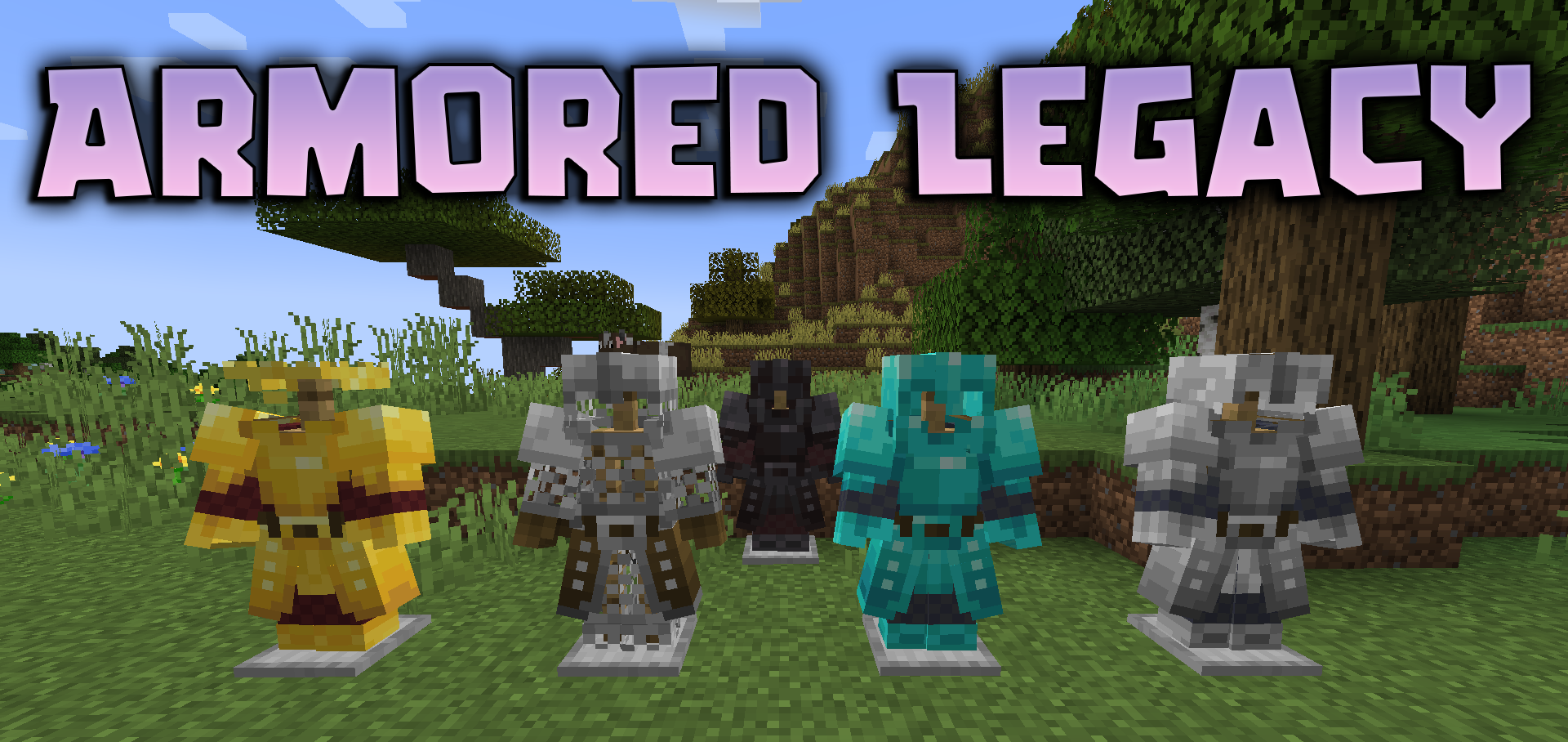
Armor in Minecraft has always been an important part of survival, but the standard models begin to feel too simple and monotonous over time. Armored Legacy was created specifically for those players who want to make equipment more impressive and atmospheric without losing the spirit of the original game.
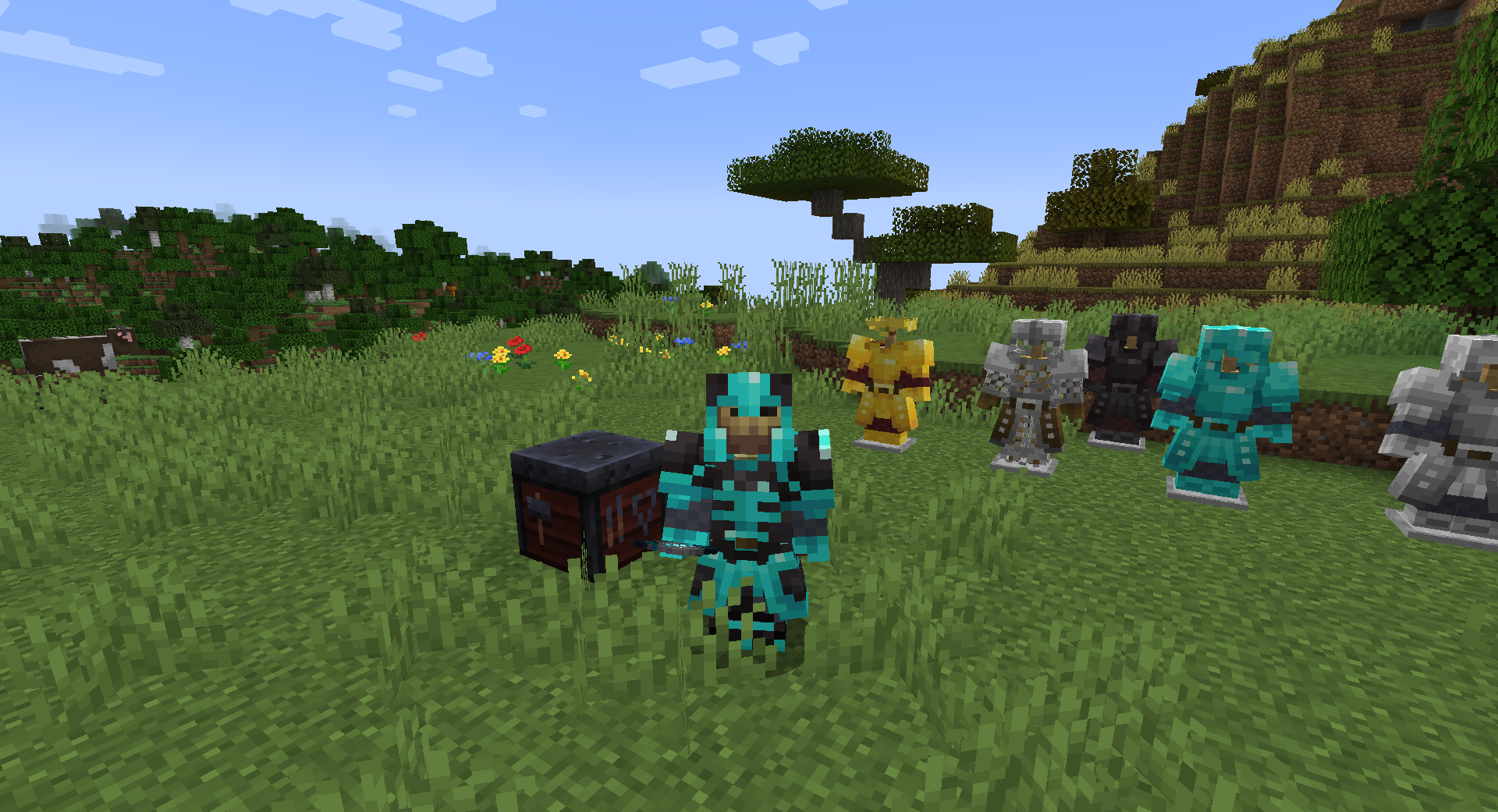
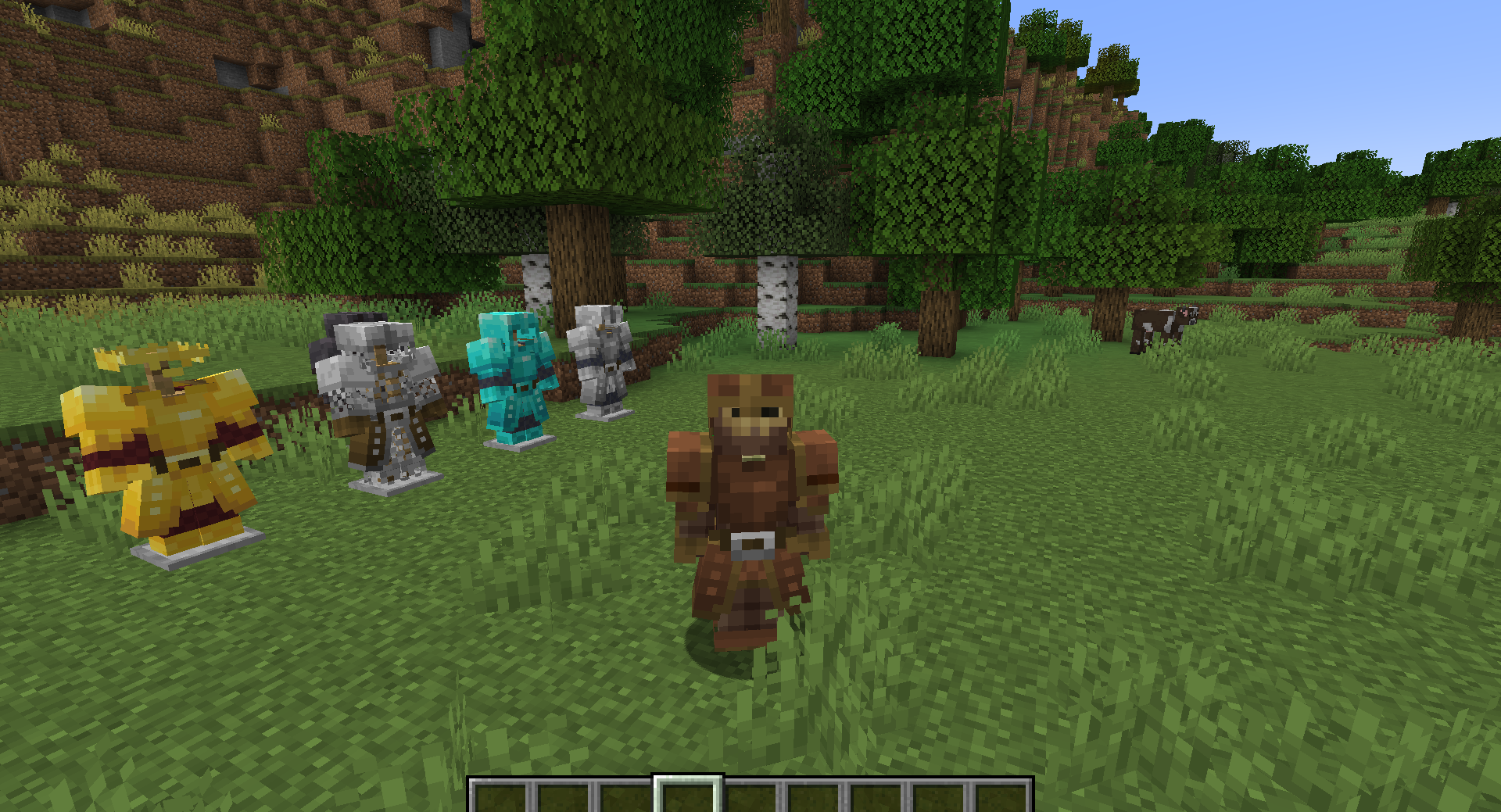
The pack completely updates the appearance of standard armor, adding high-quality 3D models, glowing elements, and various helmet options. Thanks to this, each set begins to look much more powerful and detailed. Glowing details make the armor visually expressive, while the new models create the feeling of truly strong equipment.
How to install the texture pack:
First step: download and install Armored Legacy
Second step: copy the texture pack to the C:\Users\USER_NAME\AppData\Roaming\.minecraft\resourcepacks
Third step: in game settings choose needed resource pack.
Comments (0)