



Better Animations for Minecraft 26.1.2
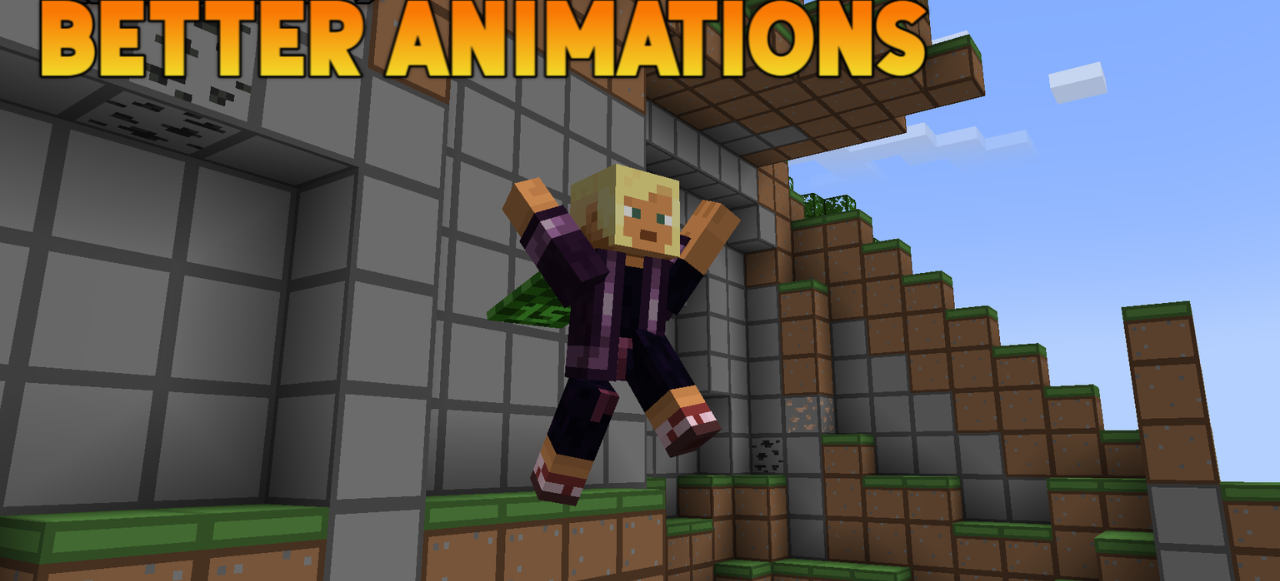
In Better Animations, the emphasis is placed not on blocks and the environment, but on the character’s movement itself. The texture pack brings Minecraft to life by reworking animations so that familiar actions look smoother, more natural, and more expressive. Walking, mining resources, turning, and ordinary movement begin to feel more dynamic, which makes the character no longer seem too static.
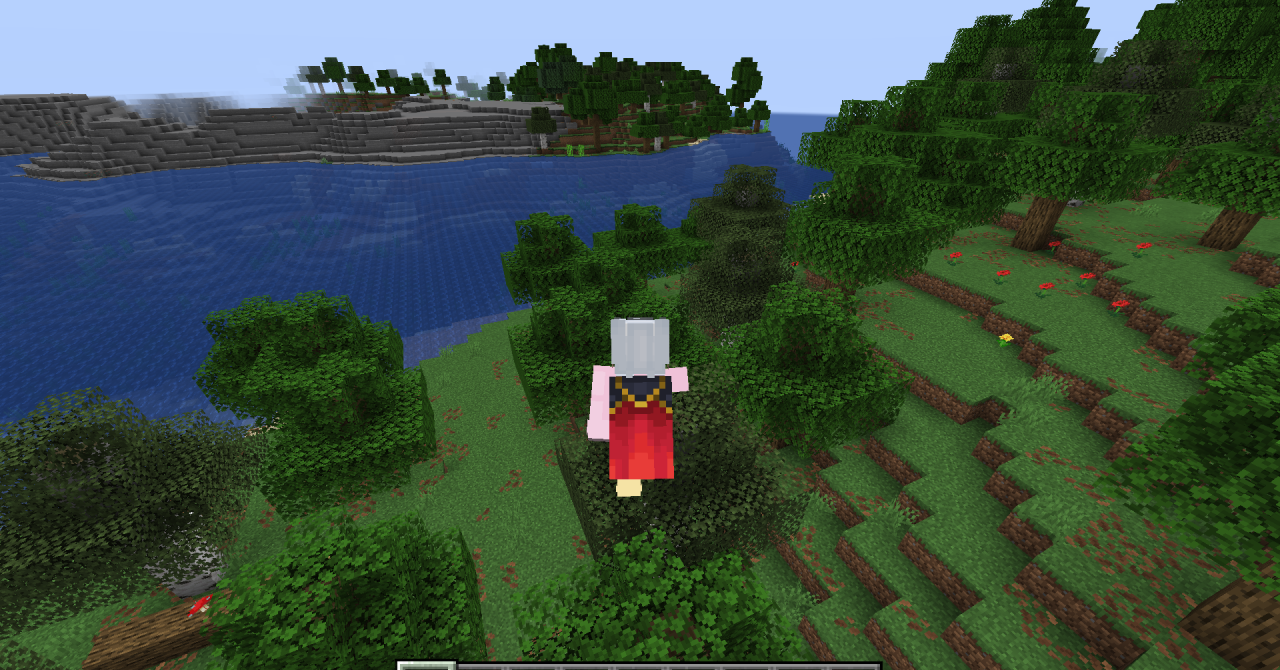
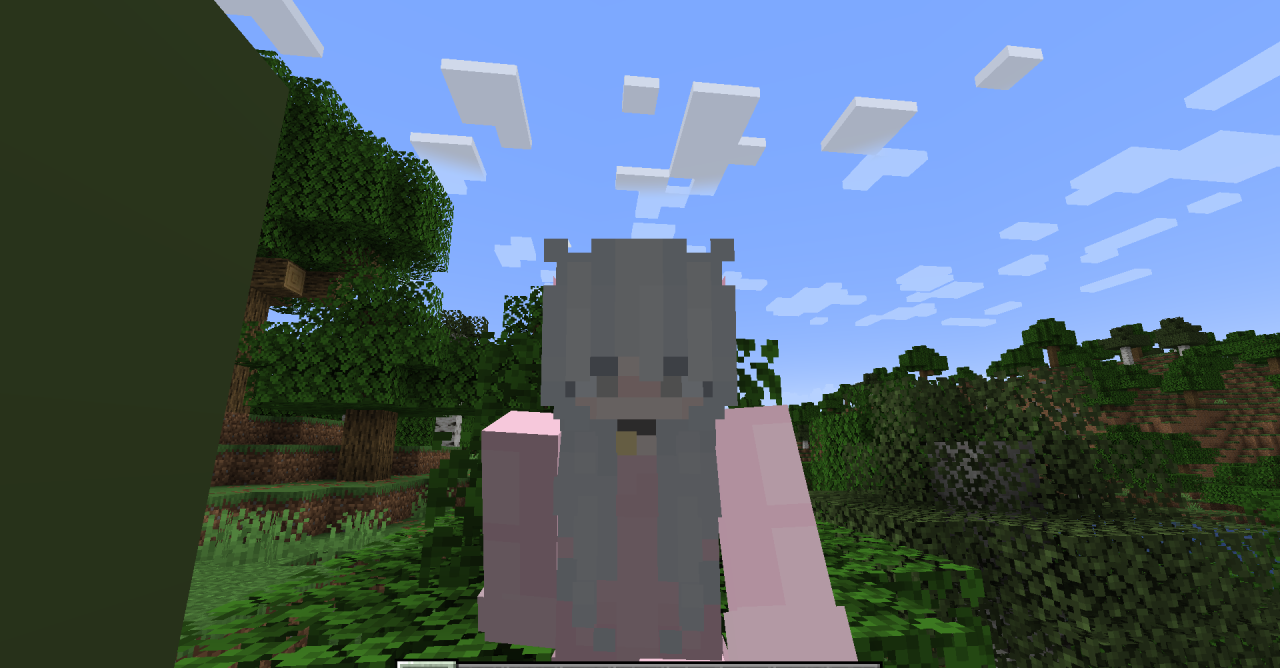
The pack works specifically on the feeling of liveliness: the game begins to look more modern, and every action becomes a little more pleasant to the eye. It is not the loudest visual change, but it is one of those that quickly become familiar and truly improve the impression of the game.
How to install the texture pack:
First step: download and install Better Animations
Second step: copy the texture pack to the C:\Users\USER_NAME\AppData\Roaming\.minecraft\resourcepacks
Third step: in game settings choose needed resource pack.
Comments (2)