



Colourful Containers Dark Mode GUI for Minecraft 26.1.2
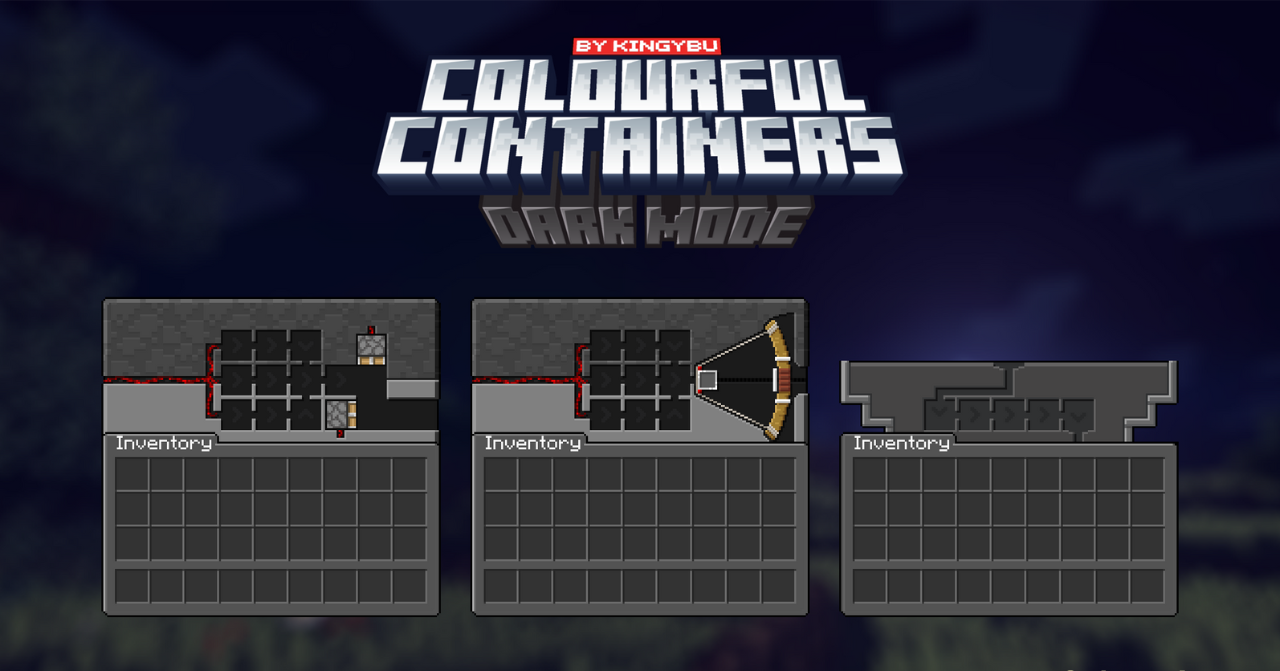
Colourful Containers Dark Mode GUI takes the idea of colorful interfaces and transfers it into a dark design. The menus of interactive blocks receive a design connected to their appearance, but the background and overall tone remain calmer. The crafting table, furnace, enchanting table, and other blocks no longer open in identical gray windows.
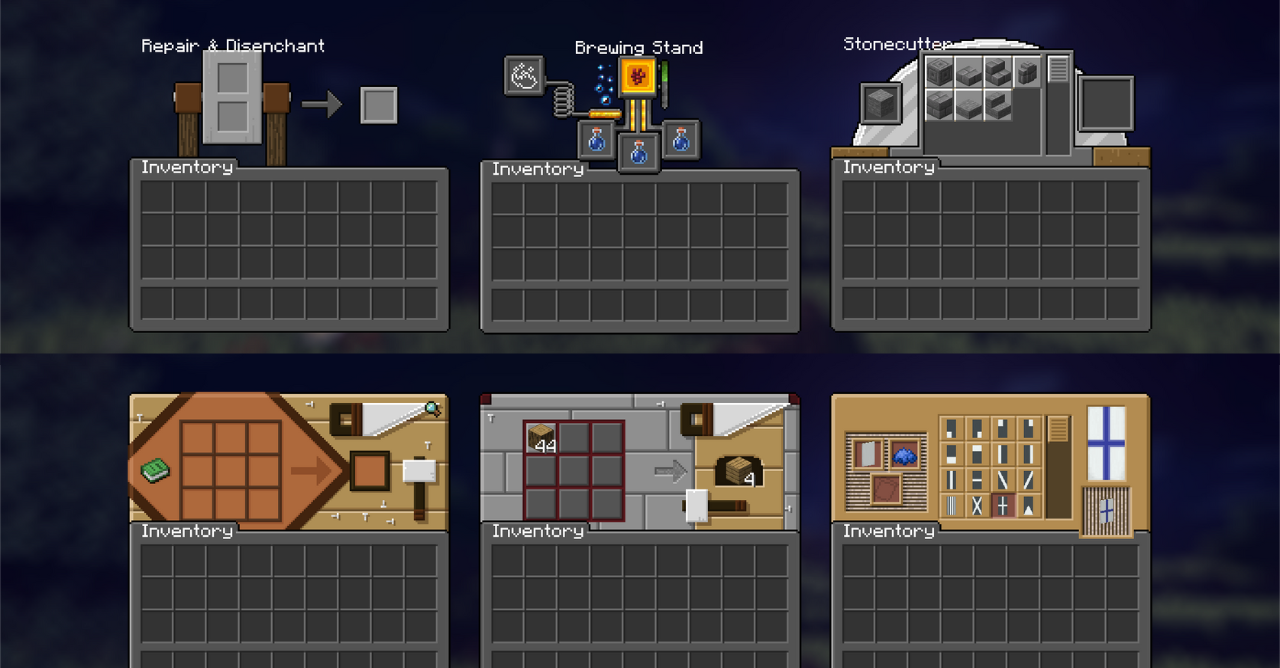
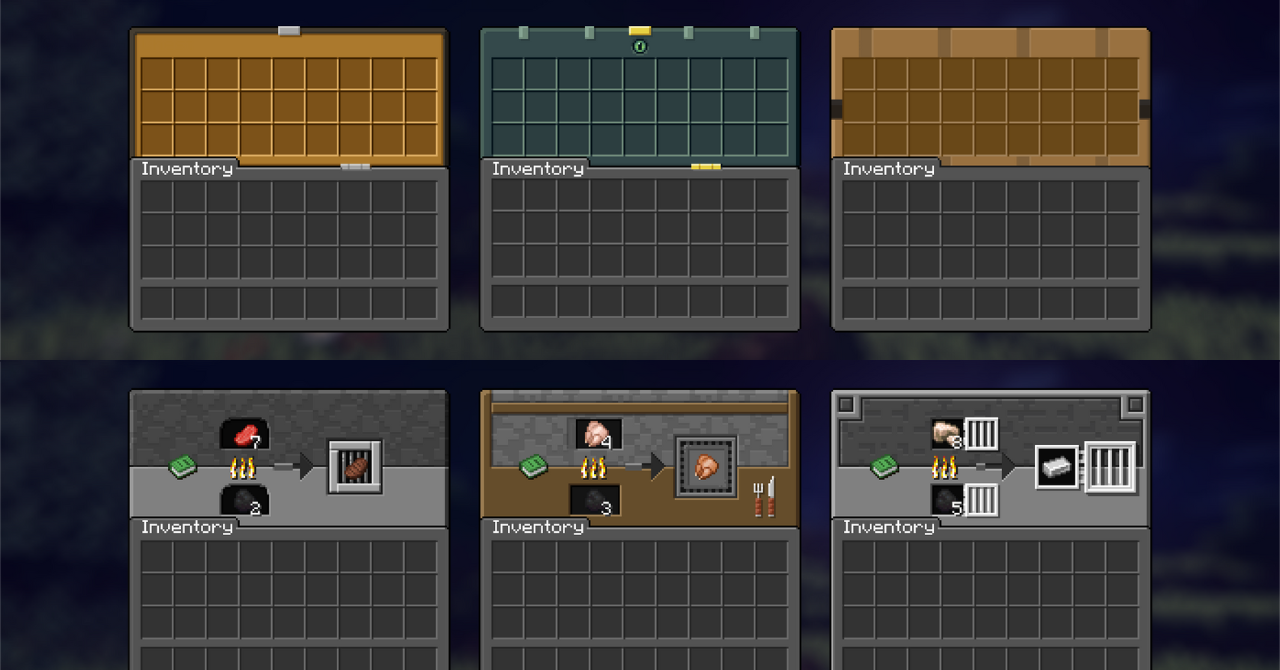
Each interface gets its own theme, some windows are supplemented with animation, and the dark mode helps avoid overloading the screen with brightness. The pack works only with the graphical shell: recipes, crafting speed, smelting, and mechanics remain standard. The result is an interface that looks richer, but does not interfere with long work in the inventory and containers.
How to install the texture pack:
First step: download and install Colourful Containers Dark Mode GUI
Second step: copy the texture pack to the C:\Users\USER_NAME\AppData\Roaming\.minecraft\resourcepacks
Third step: in game settings choose needed resource pack.
Comments (0)