



Colourful Containers GUI for Minecraft 26.1.2

The standard container interface quickly becomes boring: the gray windows of the crafting table, furnace, and enchanting table look equally dry. Colourful Containers GUI replaces these menus with bright variants connected to the interactive blocks themselves. Each window gets its own character: the crafting table, furnace, enchanting table, and other blocks receive designs that visually match their purpose.
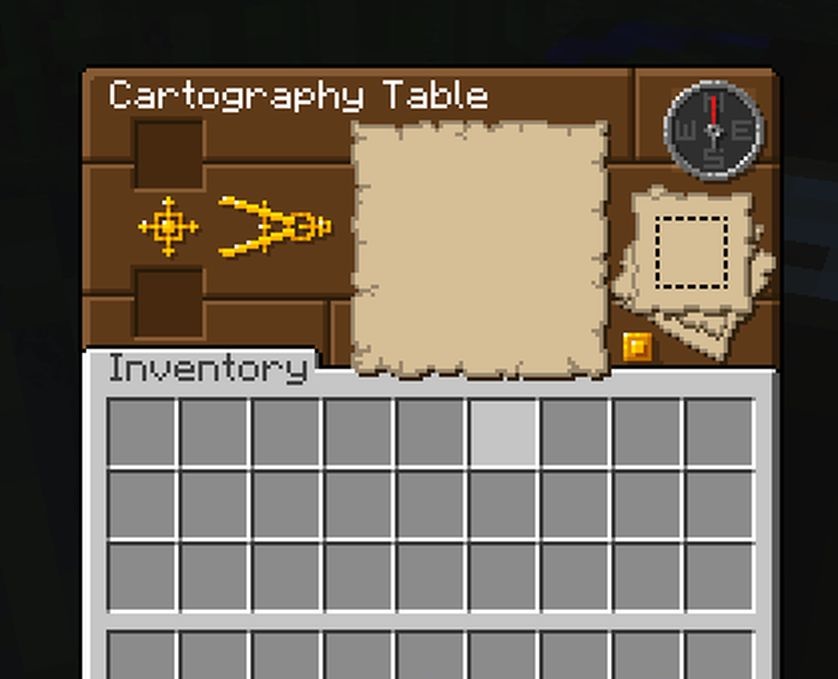
Some interfaces are supplemented with animation, so opening a menu feels less static. The pack does not change crafting, smelting, or block behavior, but only reworks the outer visual layer. As a result, familiar actions such as cooking, enchanting, storage, and item creation look neater and livelier.
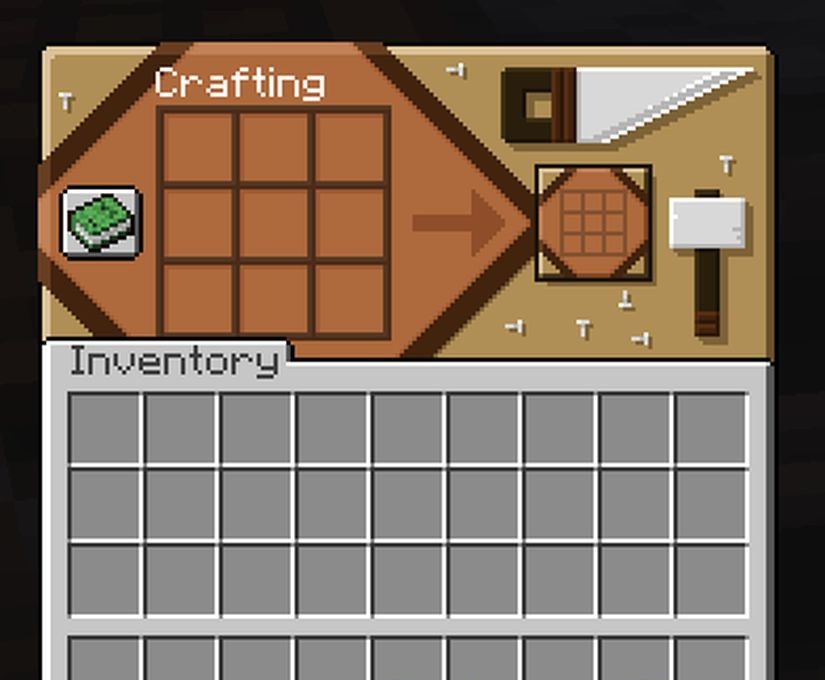
How to install the texture pack:
First step: download and install Colourful Containers GUI
Second step: copy the texture pack to the C:\Users\USER_NAME\AppData\Roaming\.minecraft\resourcepacks
Third step: in game settings choose needed resource pack.
Comments (0)