



Connected Paths for Minecraft 26.1.2
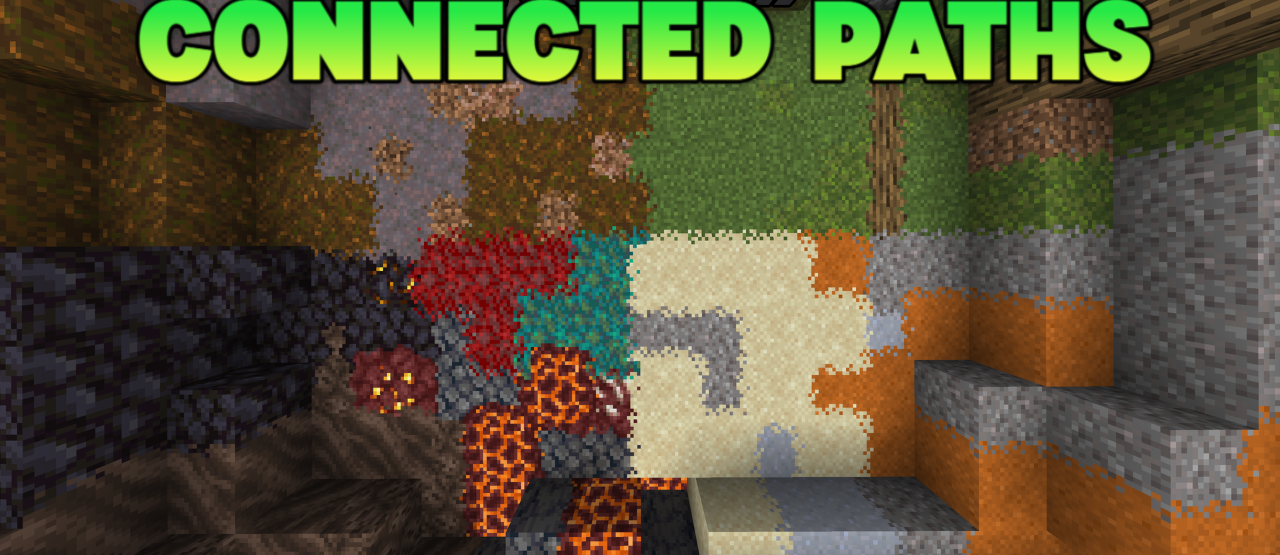
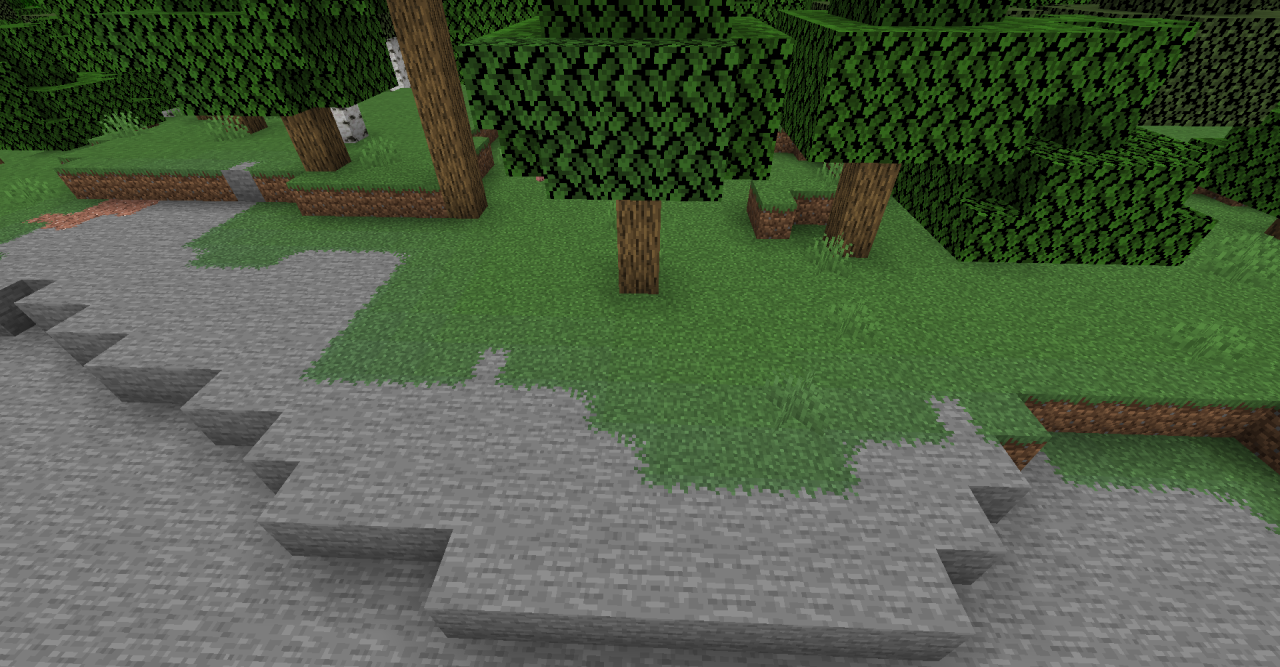
Paths and transitions between blocks often look too sharp, especially when dirt, sand, gravel, stone, and similar materials are placed next to each other. Connected Paths solves this issue by making these connections smoother and more natural. The resource pack preserves the original style while improving the visual consistency of landscapes.
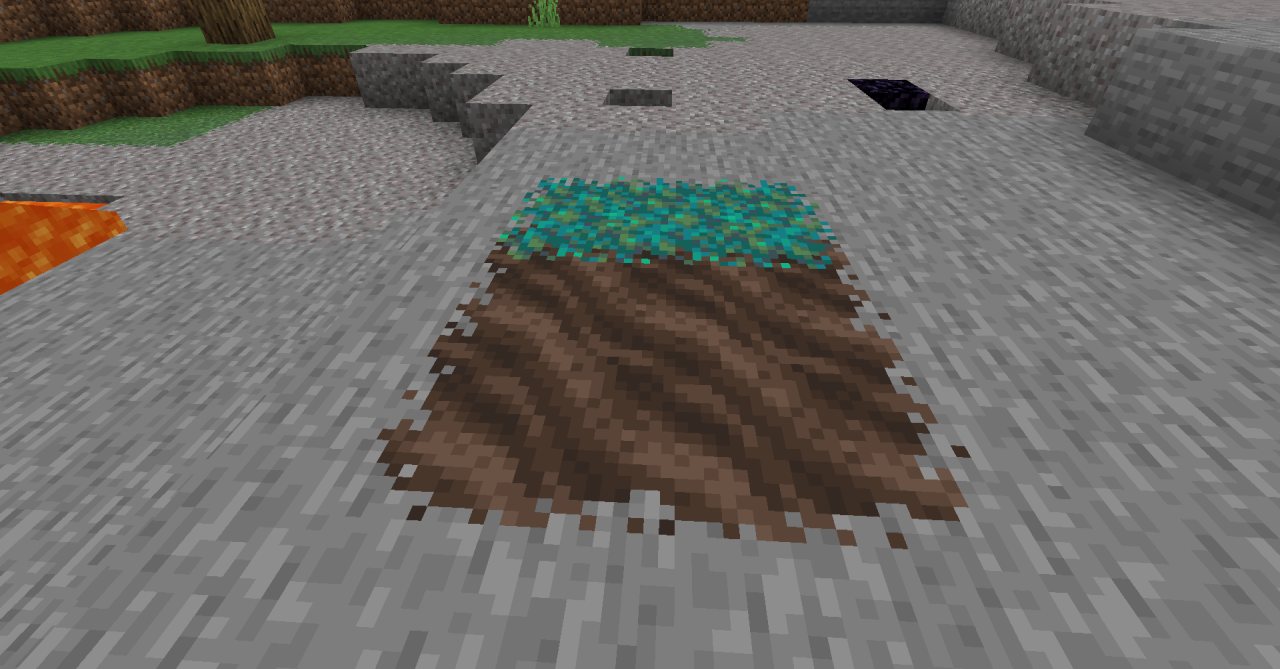
Paths, courtyards, village roads, garden areas, and decorative sections begin to look cleaner, without rough borders between textures. This is especially useful for builders who enjoy designing environments around houses, cities, or farms. It does not stand out as a massive overhaul, but it becomes one of those improvements that makes the world feel cleaner and more complete.
How to install the texture pack:
First step: download and install Connected Paths
Second step: copy the texture pack to the C:\Users\USER_NAME\AppData\Roaming\.minecraft\resourcepacks
Third step: in game settings choose needed resource pack.
Comments (0)