



Essential UI for Minecraft 26.1.2
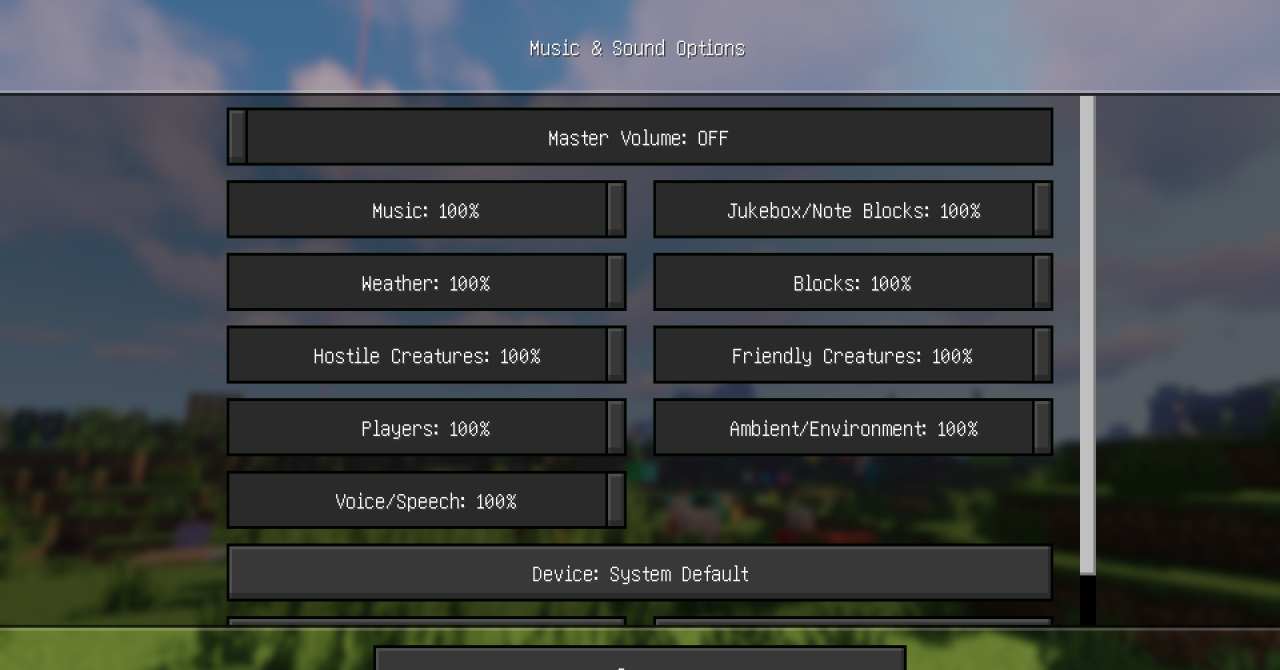
Essential UI updates the part of the game that the player interacts with constantly — the interface. The pack redesigns buttons, the hotbar, and menu elements, making them cleaner and more modern. The standard sharp edges become softer, the overall design looks more polished, and navigating menus becomes more enjoyable. The interface is not overloaded with unnecessary details.
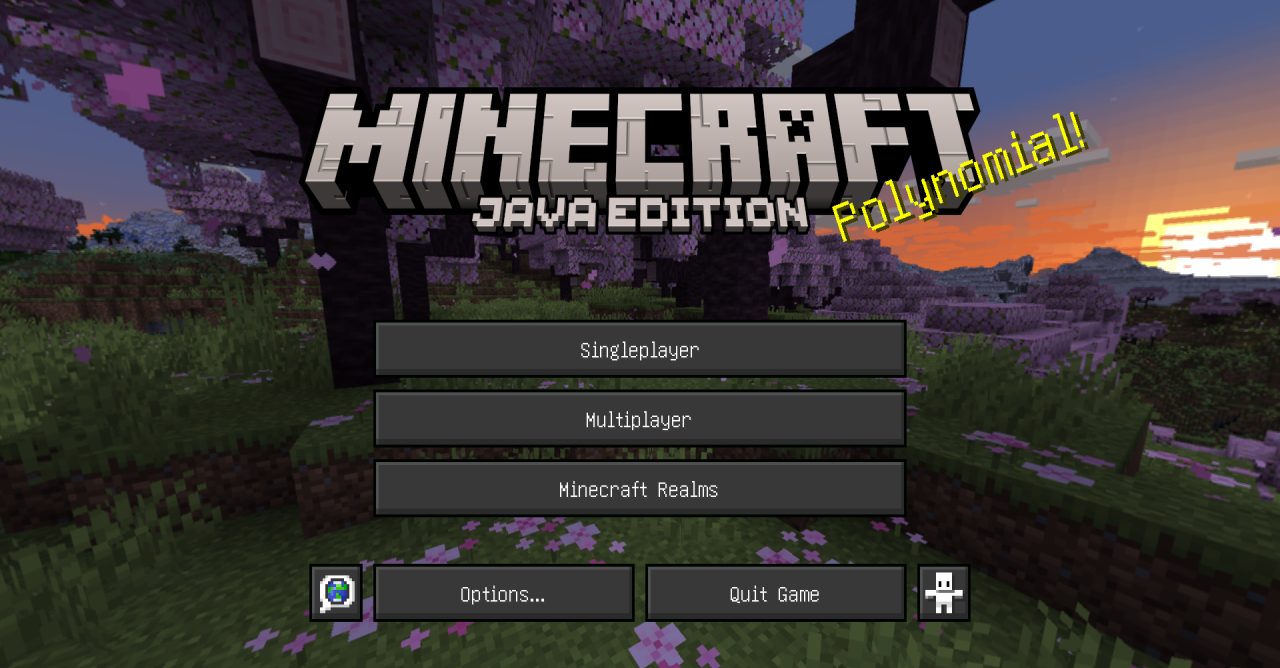
The pack preserves clarity and does not make it harder to quickly navigate the game. The hotbar looks tidier during regular gameplay, while menus feel more visually cohesive. It is a noticeable upgrade that is felt in everyday actions: opening the inventory, changing settings, selecting items, and interacting with menus.
How to install the texture pack:
First step: download and install Essential UI
Second step: copy the texture pack to the C:\Users\USER_NAME\AppData\Roaming\.minecraft\resourcepacks
Third step: in game settings choose needed resource pack.
Comments (0)