



Fancy Foliage for Minecraft 26.1.2
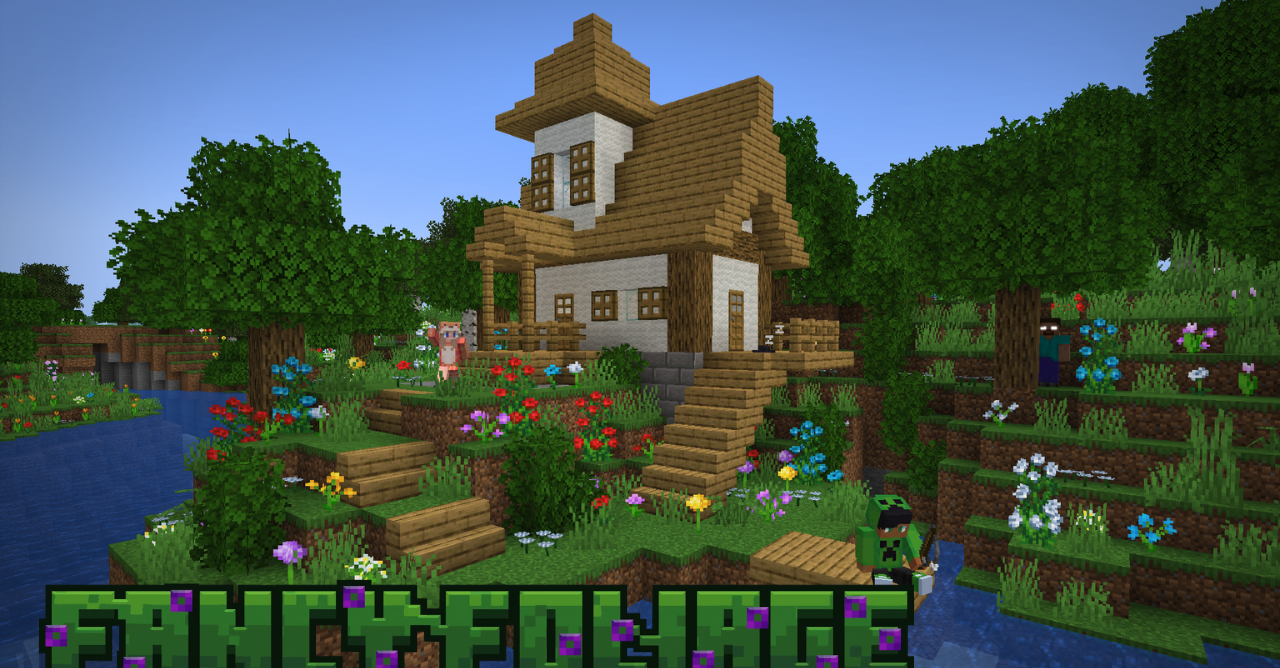
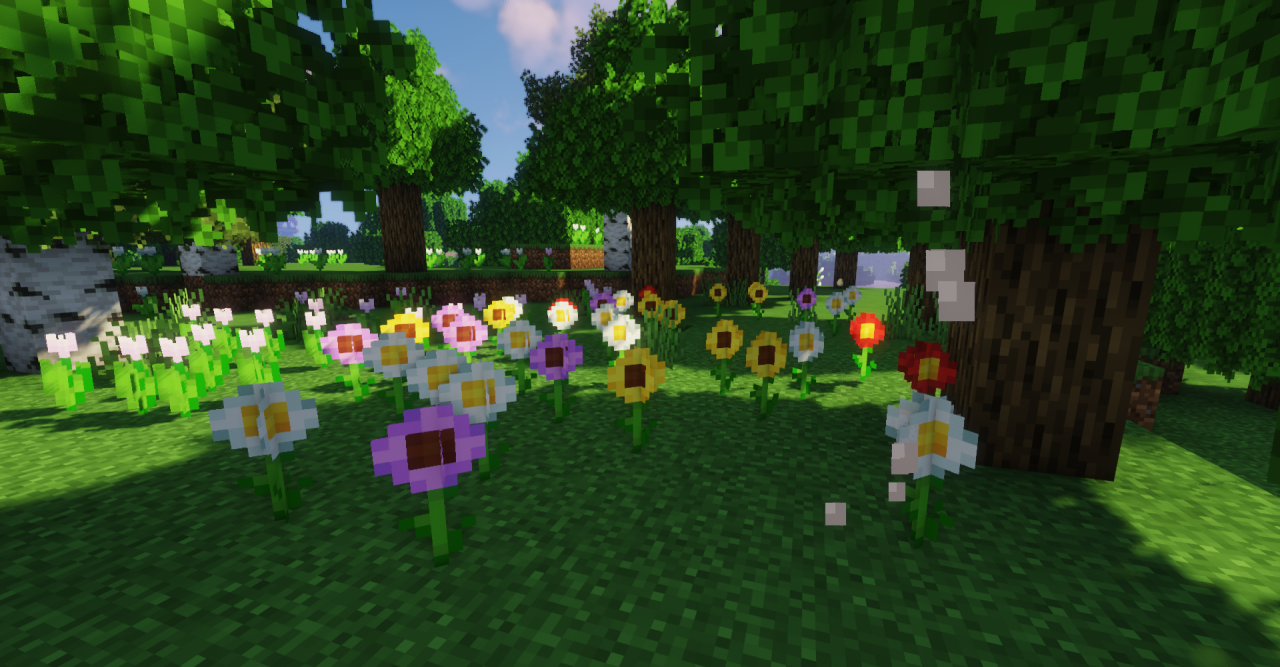
Fancy Foliage works with what the player sees almost constantly: vegetation. The resource pack does not completely change the style of Minecraft, but adds more variety to already existing plants. Grass, bushes, foliage, and decorative elements receive new shapes, patterns, and small differences between textures.
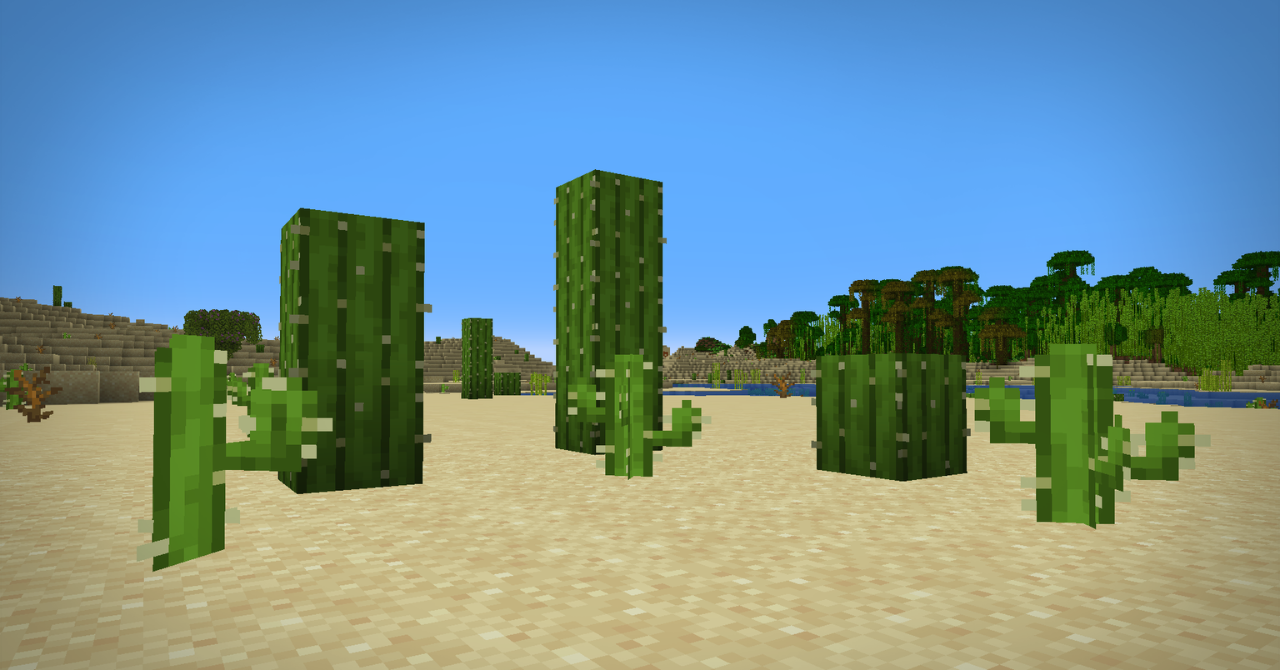
Thanks to this, forests, plains, gardens, and areas around builds look less monotonous. The effect is noticeable where greenery takes up most of the frame. The pack does not make nature realistic and does not break vanilla simplicity. It simply adds details that make the environment feel more alive and more voluminous.
How to install the texture pack:
First step: download and install Fancy Foliage
Second step: copy the texture pack to the C:\Users\USER_NAME\AppData\Roaming\.minecraft\resourcepacks
Third step: in game settings choose needed resource pack.
Comments (0)