



GeForceLegend’s 3D Default for Minecraft 26.1.2
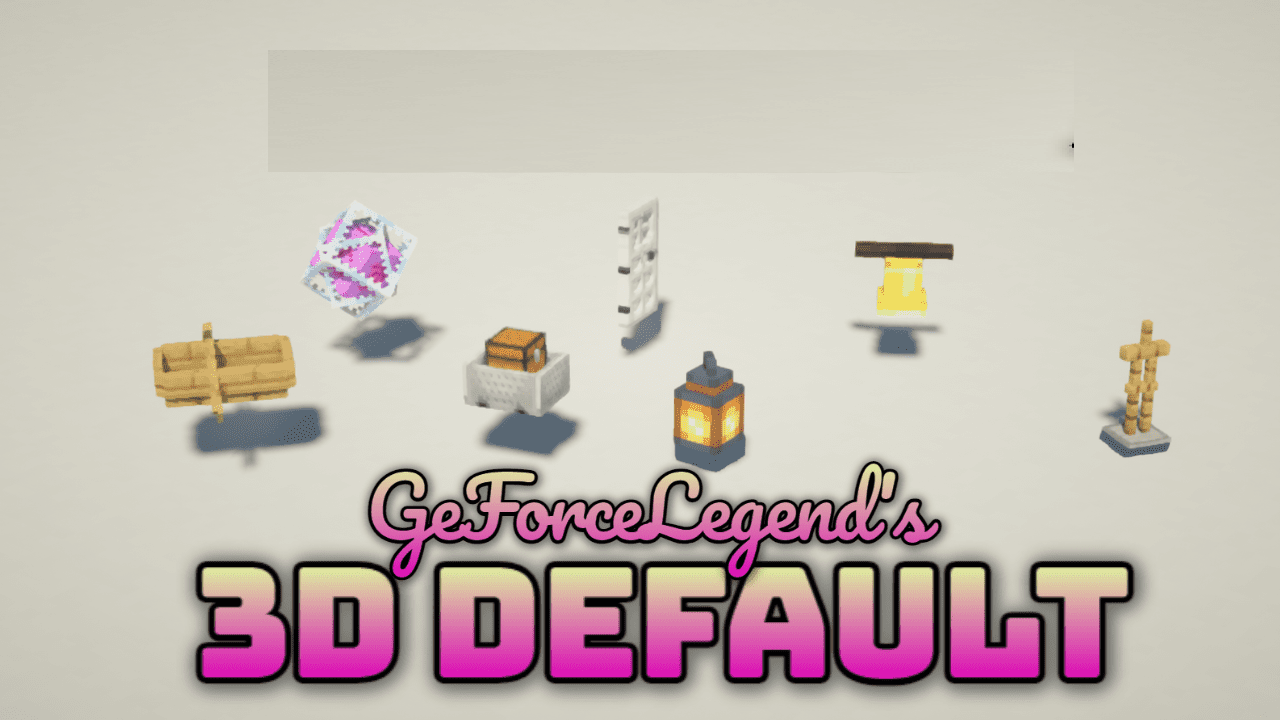
GeForceLegend’s 3D Default takes the familiar appearance of Minecraft and makes it more dimensional without breaking the foundation of the original style. This pack converts many familiar models into a 3D format, preserving the recognizable aesthetic of the game and not turning it into something alien.
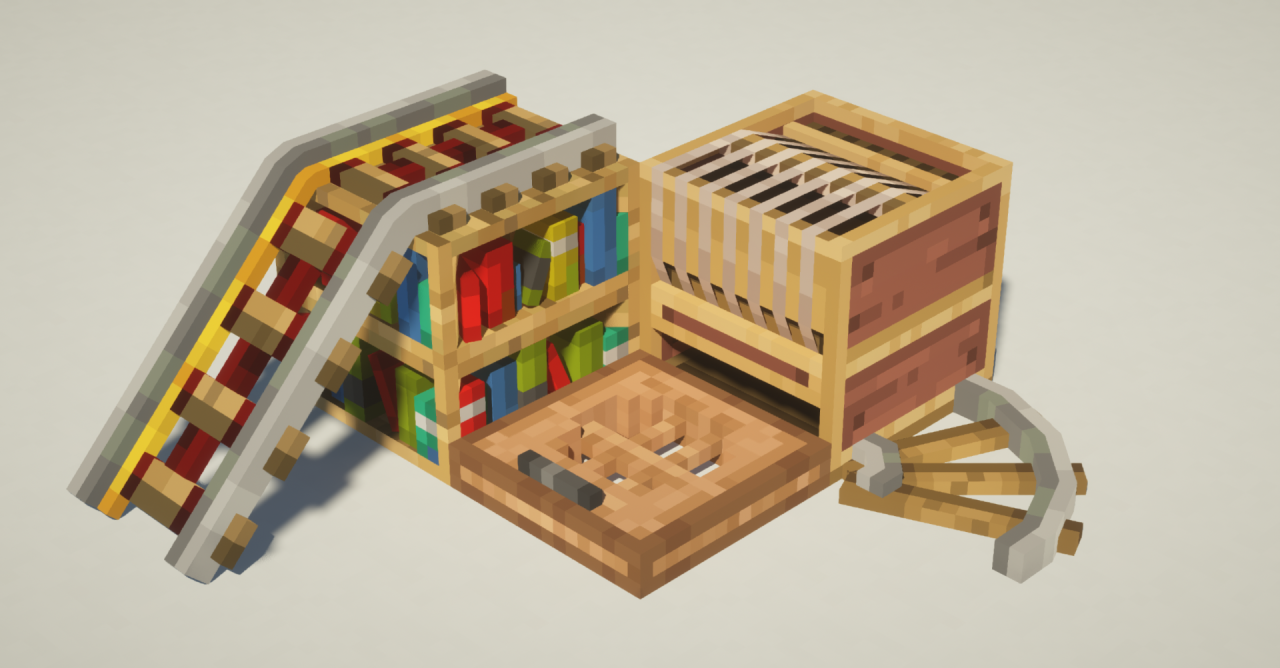
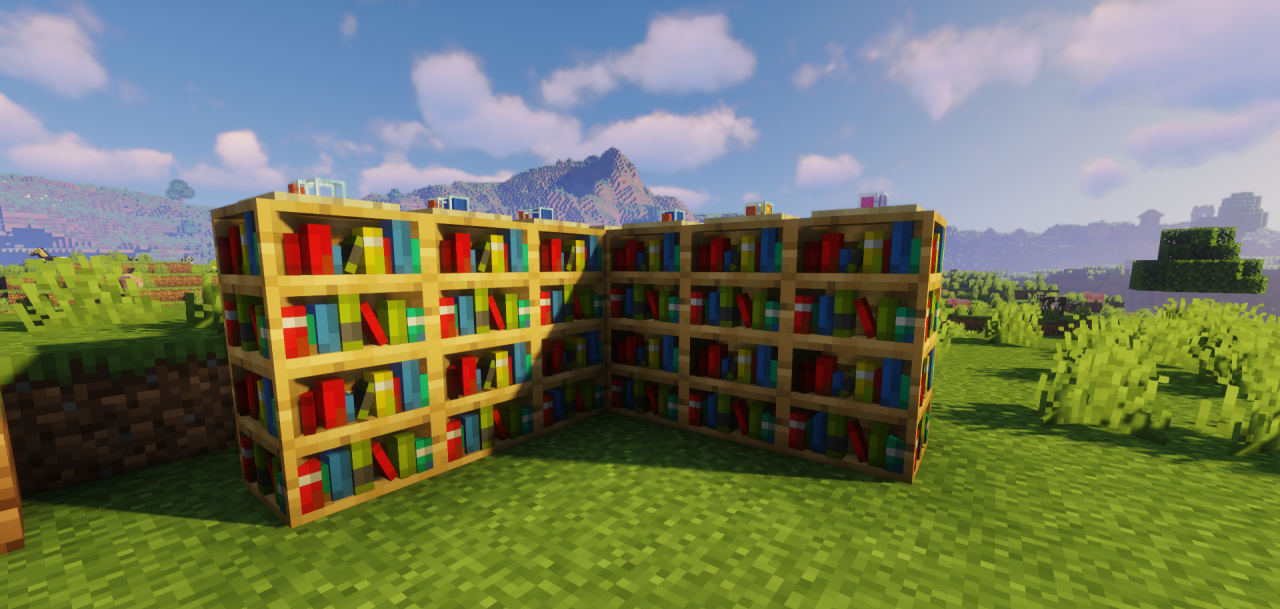
Thanks to this, items and decorative elements look more interesting, while still remaining part of the classic visual image. Another advantage is its lightness: with a 16×16 resolution, it does not feel like a heavy solution and will suit those who want to get a brighter picture without serious load. It does not try to radically change the game, but it makes the familiar world neater, deeper, and more pleasant to look at.
How to install the texture pack:
First step: download and install GeForceLegend’s 3D Default
Second step: copy the texture pack to the C:\Users\USER_NAME\AppData\Roaming\.minecraft\resourcepacks
Third step: in game settings choose needed resource pack.
Comments (0)