



Hafen for Minecraft 26.1.2
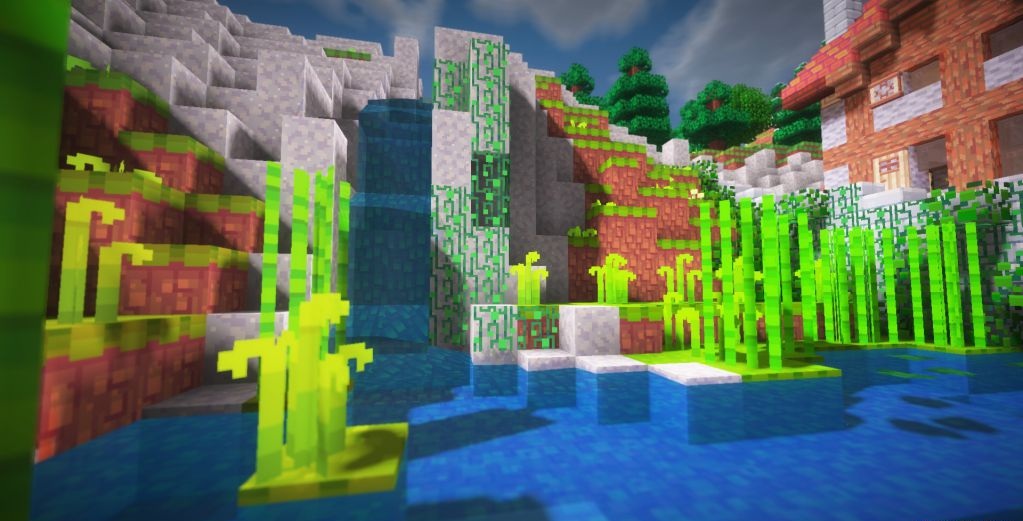
Hafen shows that even a 16x resolution is enough to create a bright and memorable atmosphere. The pack makes Minecraft feel more alive thanks to its rich colors, soft cartoon-like style, and a slight mystical touch. An ordinary forest, village, or cave begins to feel different. Familiar places look more fairy-tale-like, and exploring the world starts to resemble a small adventure.
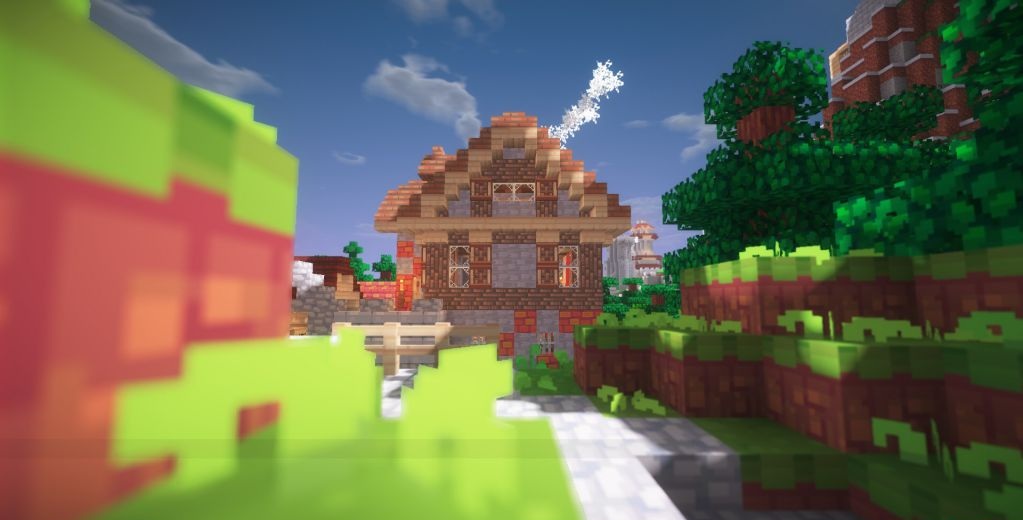
At the same time, the textures do not overload the screen with details, so the game remains clear and comfortable to play. This resource pack is suitable for players who want to move away from the strict vanilla look without losing the recognizable feel of the game. It adds a bit of strangeness, coziness, and magical atmosphere to the world.
How to install the texture pack:
First step: download and install Hafen
Second step: copy the texture pack to the C:\Users\USER_NAME\AppData\Roaming\.minecraft\resourcepacks
Third step: in game settings choose needed resource pack.
Comments (0)