



Ignaf’s Quadral for Minecraft 26.1.2
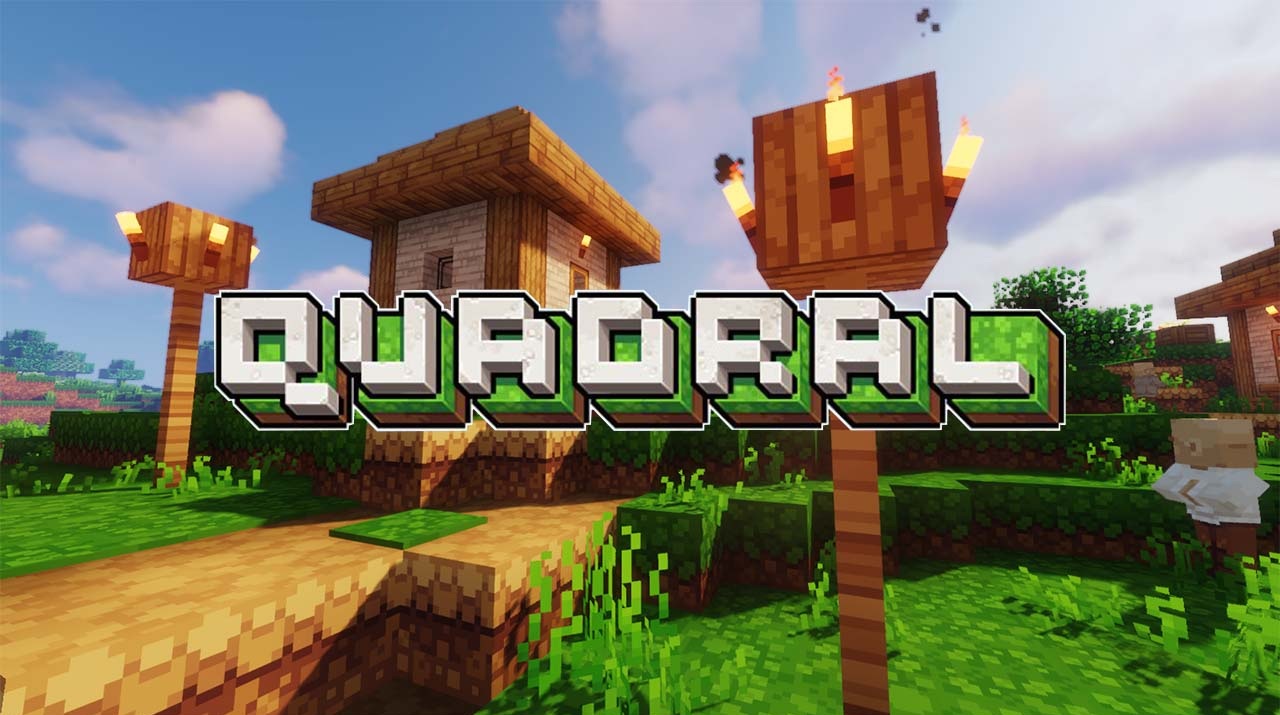
Ignaf’s Quadral does not try to completely remake Minecraft. Instead, it works more carefully: it preserves the vanilla foundation while making the world brighter, cleaner, and more pleasant for long-term survival gameplay. The main feature of the pack is its square, highly readable details. They are especially noticeable on ores, wood, planks, plants, and other blocks. At the same time, the textures do not look overloaded.
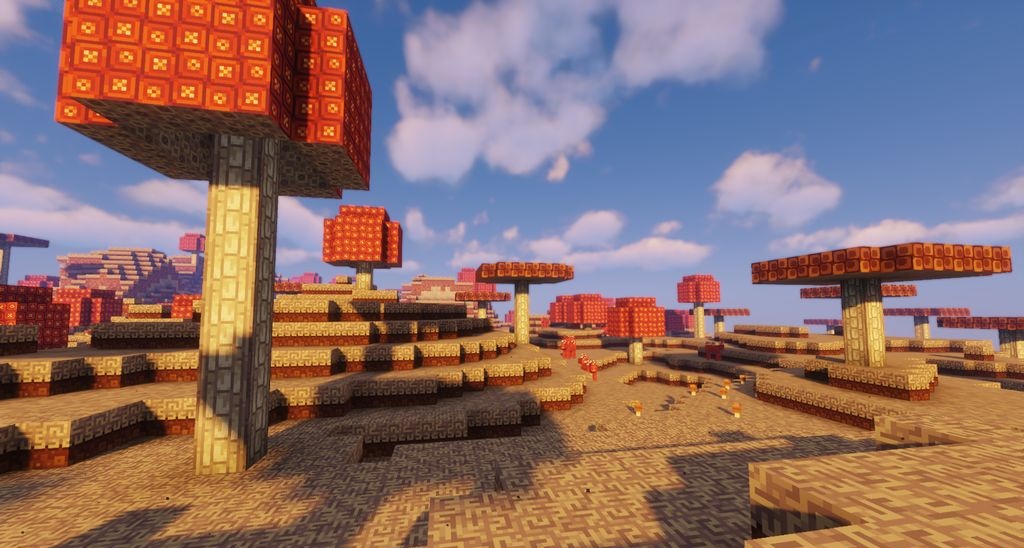
On the contrary, they become softer, richer, and more polished. The colors here are vivid but not too loud, which makes the pack suitable both for regular playthroughs and for creative building. The pack will appeal to players who want to preserve the spirit of the game while giving the world more expressiveness, coziness, and a unified visual style.
How to install the texture pack:
First step: download and install Ignaf’s Quadral
Second step: copy the texture pack to the C:\Users\USER_NAME\AppData\Roaming\.minecraft\resourcepacks
Third step: in game settings choose needed resource pack.
Comments (0)