



Kenui’s Default for Minecraft 26.1
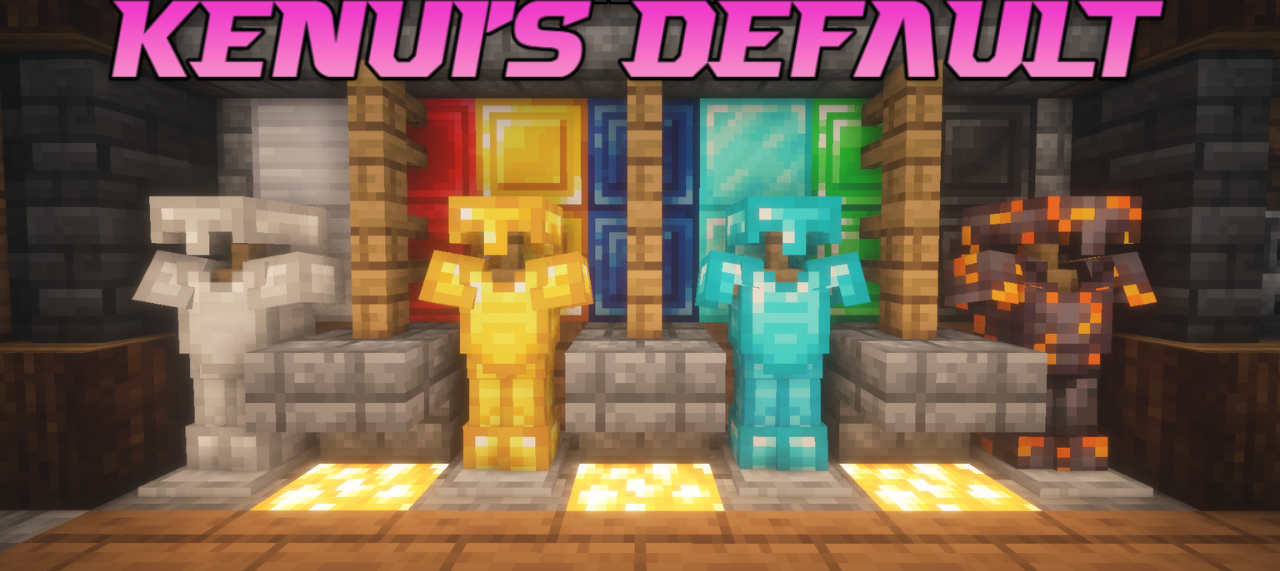
If you need a pack that does not break the familiar look of Minecraft, but carefully brings it to a more pleasant and modern state, Kenui’s Default handles that very well. It improves the standard textures and interface while preserving the vanilla foundation, but making it brighter, cleaner, and more visually interesting.
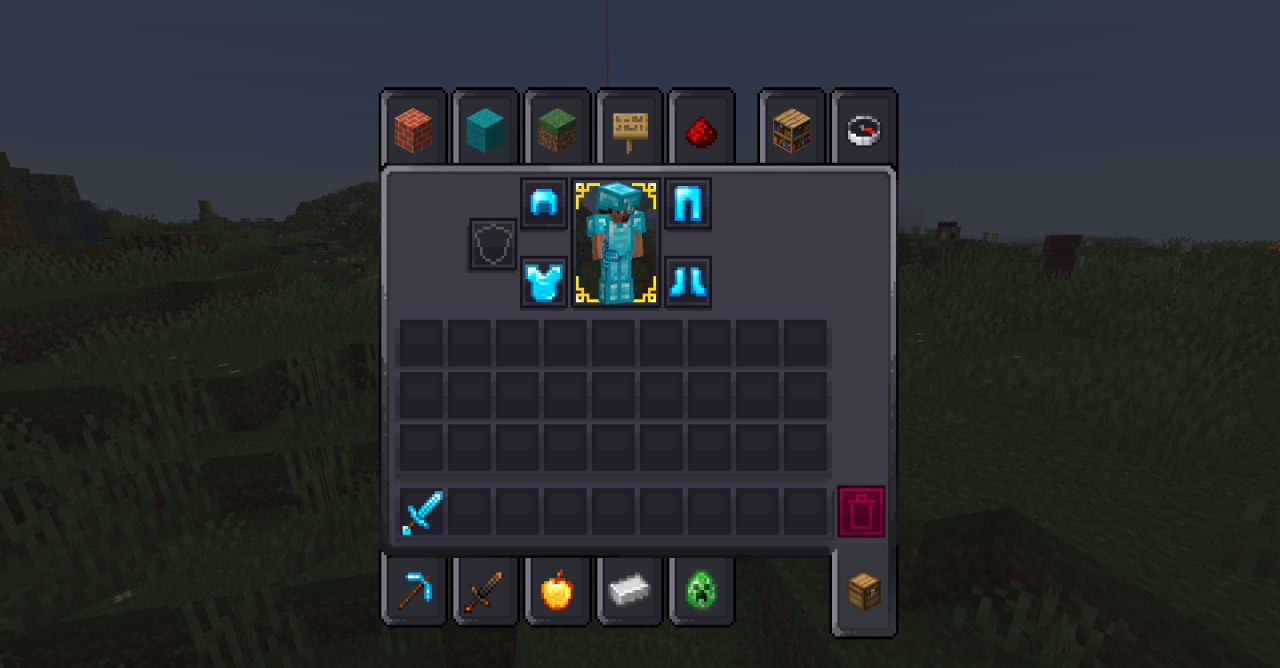
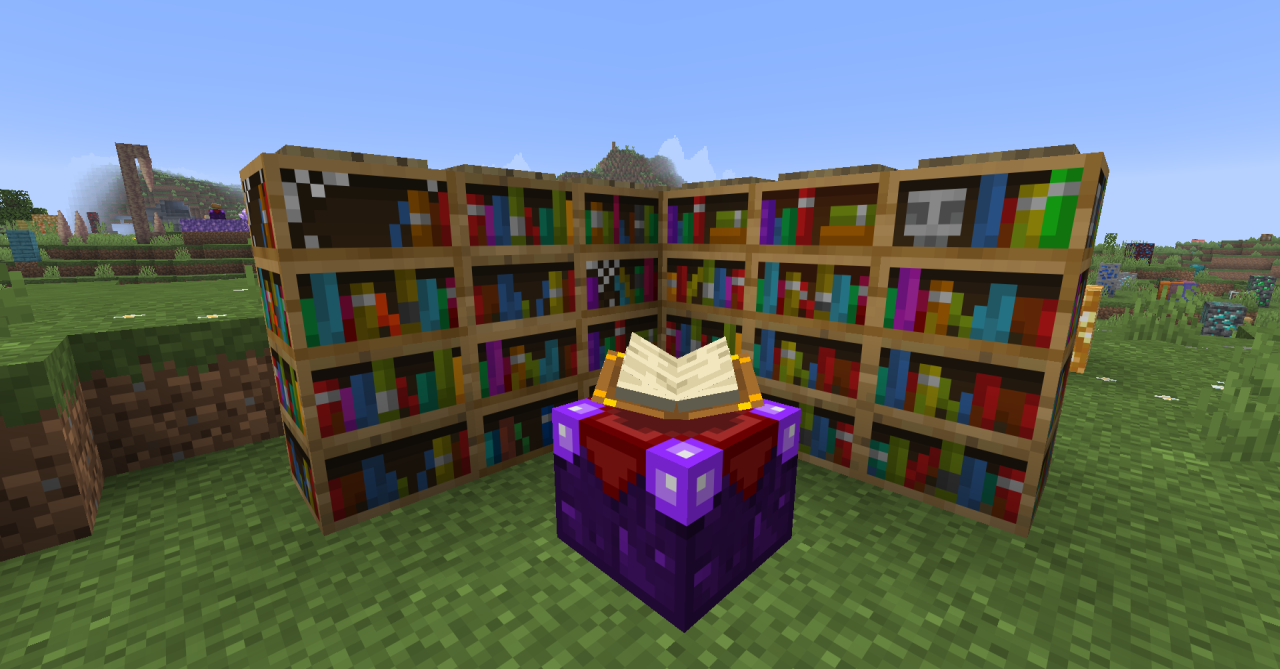
Various details are noticeably reworked: blocks, GUI elements, hotbar icons, table designs, individual netherite elements, and even glowing accents on some ores and blocks. All of this happens within the classic 16×16 resolution, so the game remains familiar in appearance and does not lose its readability. The pack does not try to completely replace Minecraft’s style—it simply polishes it.
How to install the texture pack:
First step: download and install Kenui’s Default
Second step: copy the texture pack to the C:\Users\USER_NAME\AppData\Roaming\.minecraft\resourcepacks
Third step: in game settings choose needed resource pack.
Comments (0)