



Light Levels for Minecraft 26.1.2
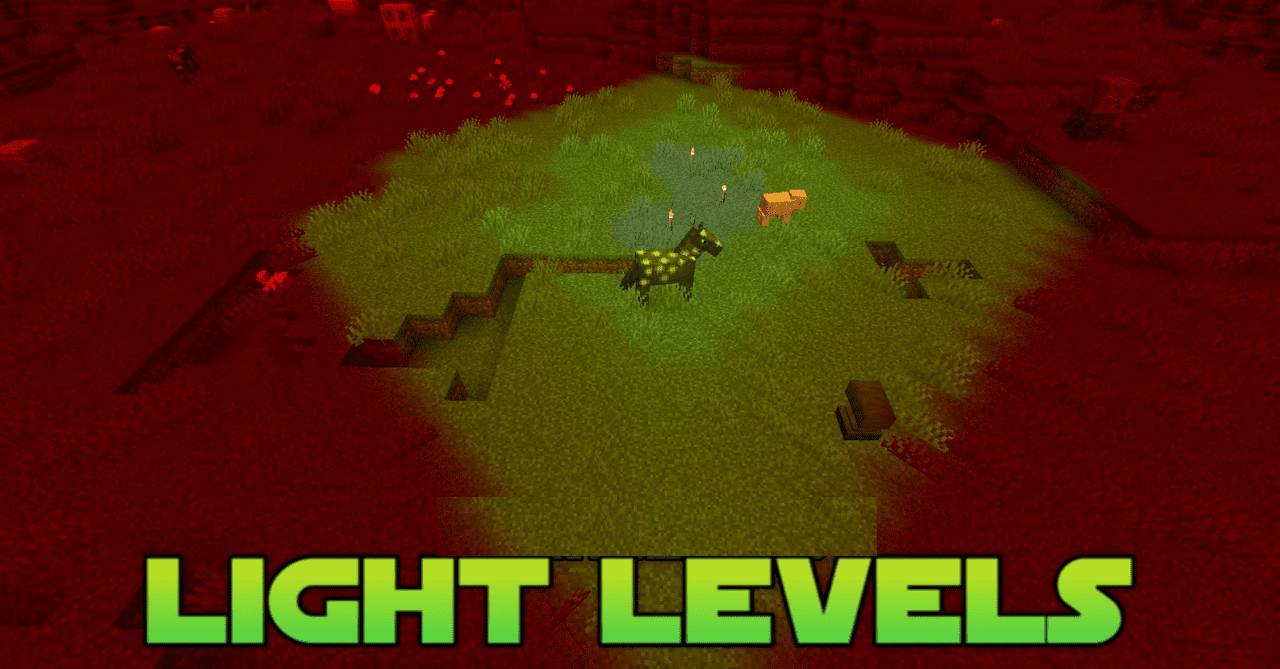
Light control is important not only in caves, but also when building bases, farms, and safe roads. Light Levels shows important lighting levels directly in the world through unobtrusive colored overlays on blocks. These marks make it easier to understand where mobs can spawn and where the area is already lit well enough.
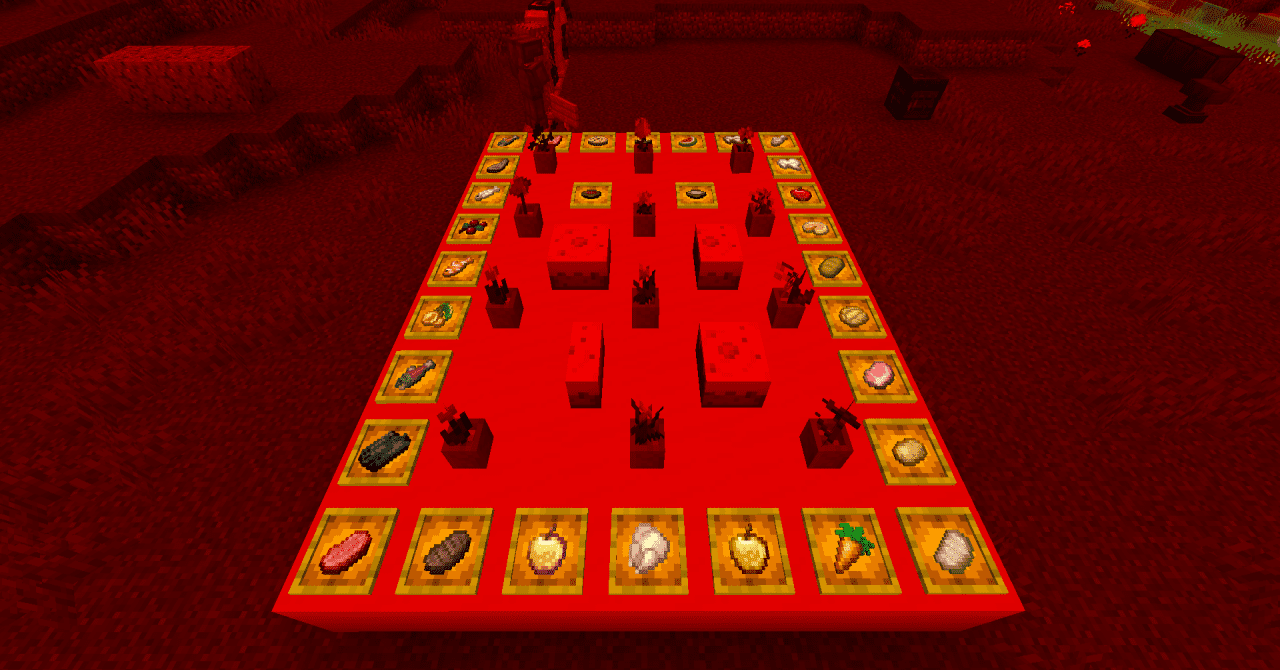
The pack does not turn the screen into a technical grid, but highlights the key thresholds needed for practical gameplay. This helps when marking large halls, underground rooms, villages, warehouses, and spawn zones. Instead of constantly counting torches and checking by eye, the player immediately sees problem spots. Lighting becomes not a guess, but a clear part of planning.
How to install the texture pack:
First step: download and install Light Levels
Second step: copy the texture pack to the C:\Users\USER_NAME\AppData\Roaming\.minecraft\resourcepacks
Third step: in game settings choose needed resource pack.
Comments (0)