



Looshy for Minecraft 26.1.2

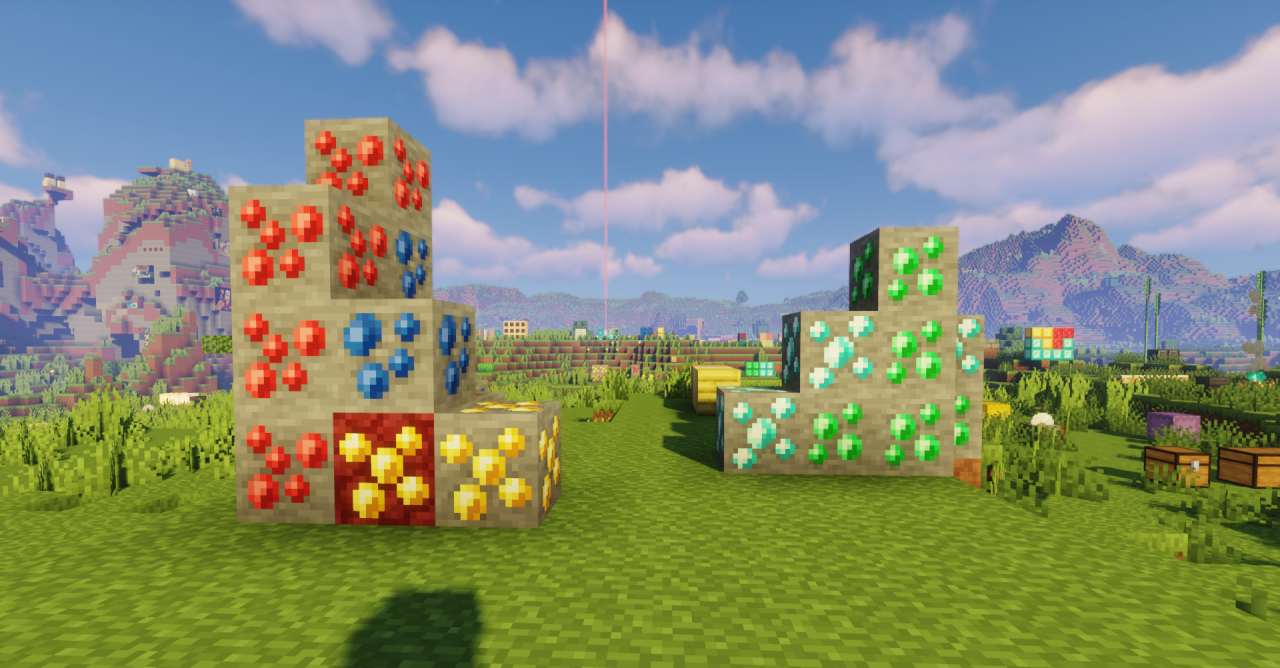
Looshy has a clear and appealing goal: to preserve the classic face of Minecraft, but make it softer, cleaner, and more pleasing to the eye. The pack does not go into radical experiments, but carefully refines the original textures, giving them a smoother and more polished look. Because of this, the world remains recognizable, but feels fresher and neater.

The resource pack is suitable for those who do not want to completely change the atmosphere of the game, but are looking specifically for a subtle visual improvement. It shows respect for the original style: the blocks still look distinctly Minecraft-like, but the overall picture becomes more cohesive and more comfortable for long gaming sessions.
How to install the texture pack:
First step: download and install Looshy
Second step: copy the texture pack to the C:\Users\USER_NAME\AppData\Roaming\.minecraft\resourcepacks
Third step: in game settings choose needed resource pack.
Comments (0)