



miles’s Enhanced Hud for Minecraft 26.1.2
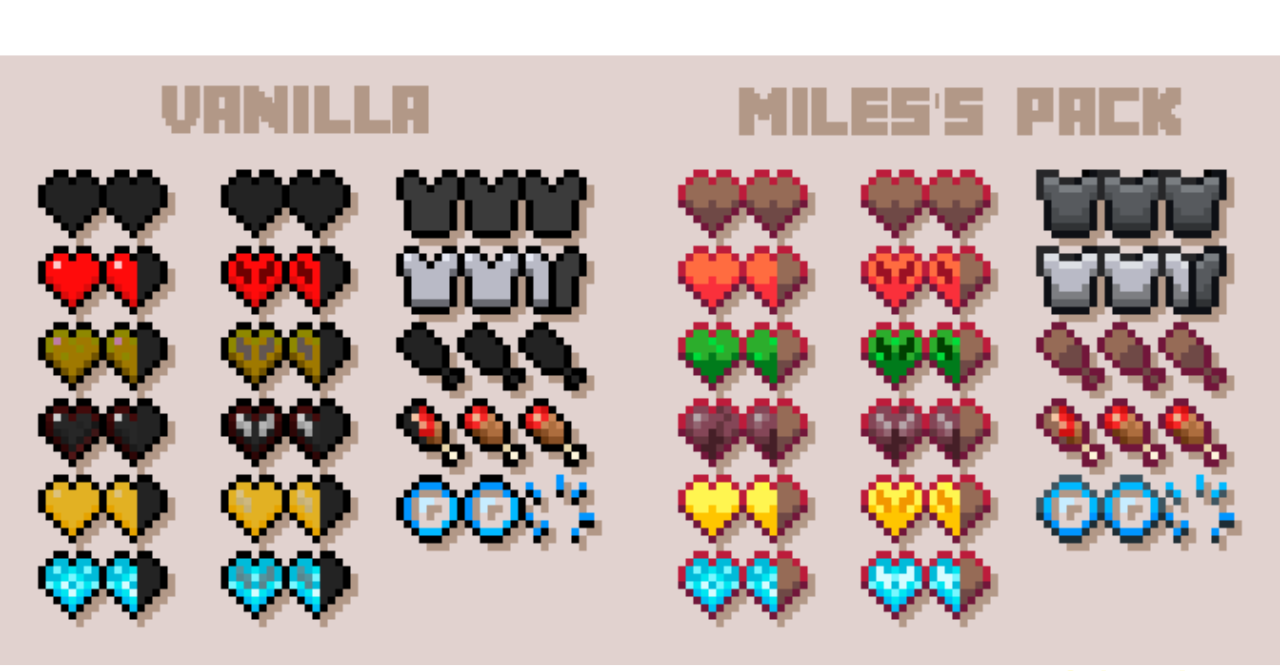
The game interface is constantly in front of the player’s eyes, yet it is often left unchanged. miles’s Enhanced Hud makes the HUD cleaner and more modern without affecting the familiar gameplay mechanics. The pack redesigns the health hearts, armor icons, and hunger bars. They look cleaner, more pleasant, and fit better with the updated visual style. At the same time, everything remains intuitive: the player does not need to get used to the interface again during combat, mining, or traveling.
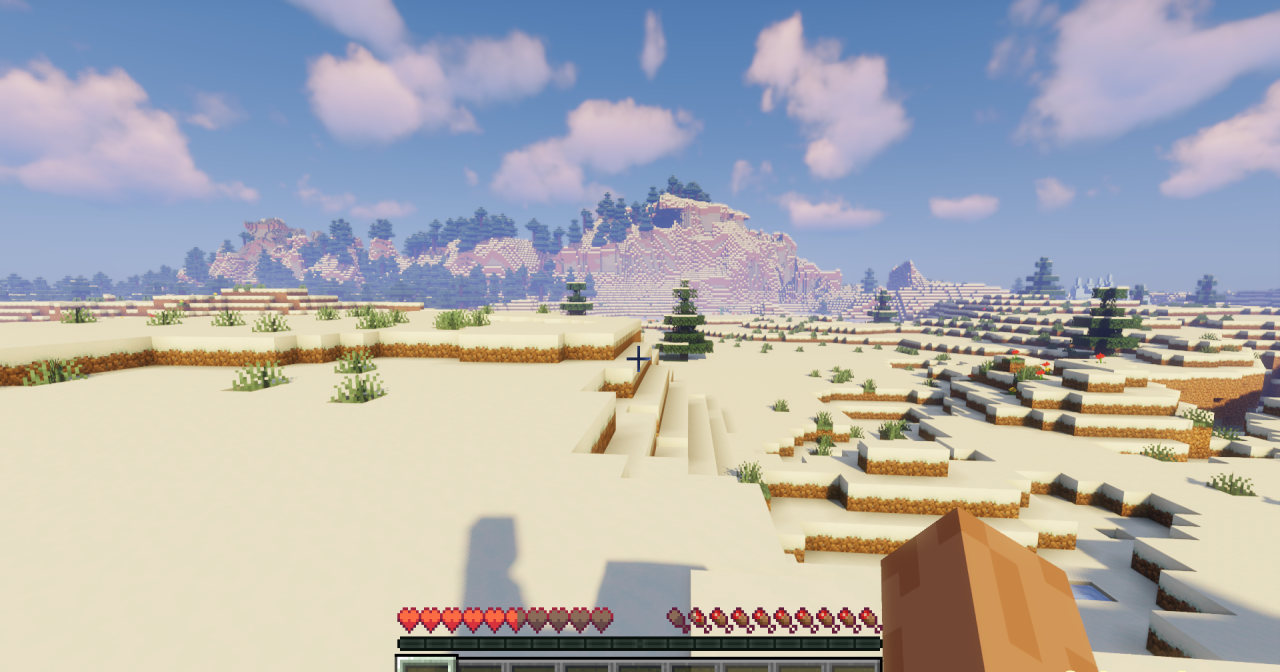
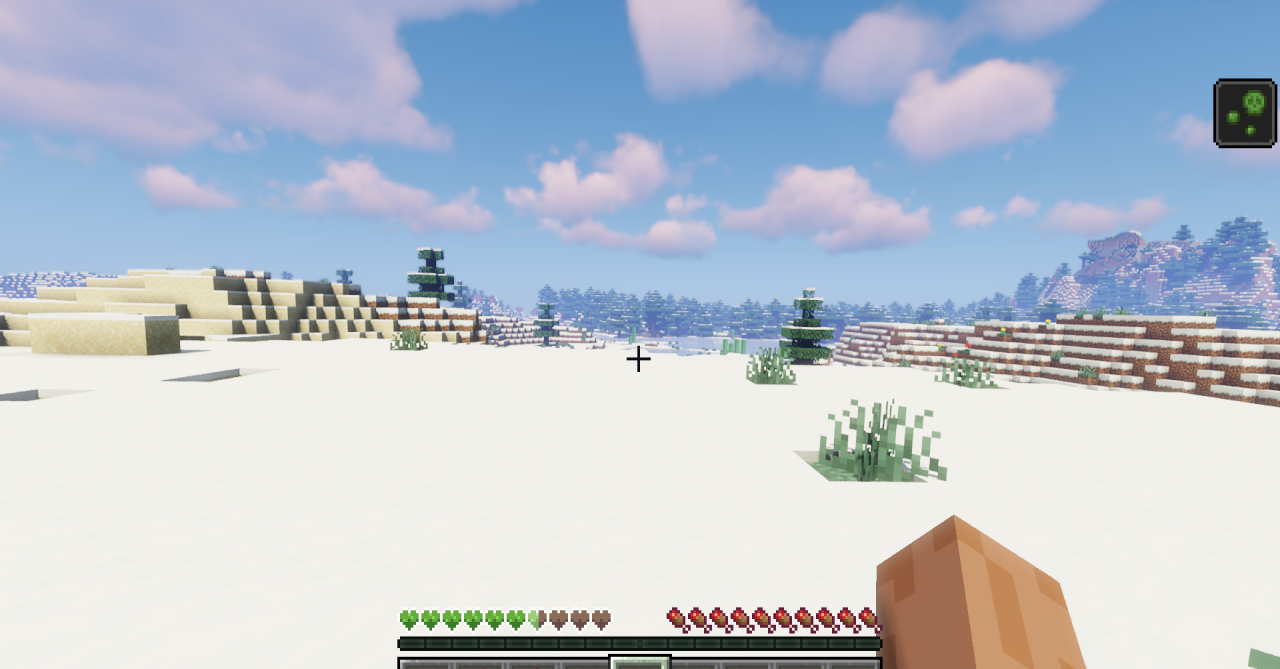
This resource pack is suitable for those who do not want to change the textures of blocks and items, but still want to make the game a bit more comfortable. Even a small HUD change noticeably affects the overall perception of Minecraft.
How to install the texture pack:
First step: download and install miles’s Enhanced Hud
Second step: copy the texture pack to the C:\Users\USER_NAME\AppData\Roaming\.minecraft\resourcepacks
Third step: in game settings choose needed resource pack.
Comments (0)