



Mizuno’s Craft for Minecraft 26.1.2
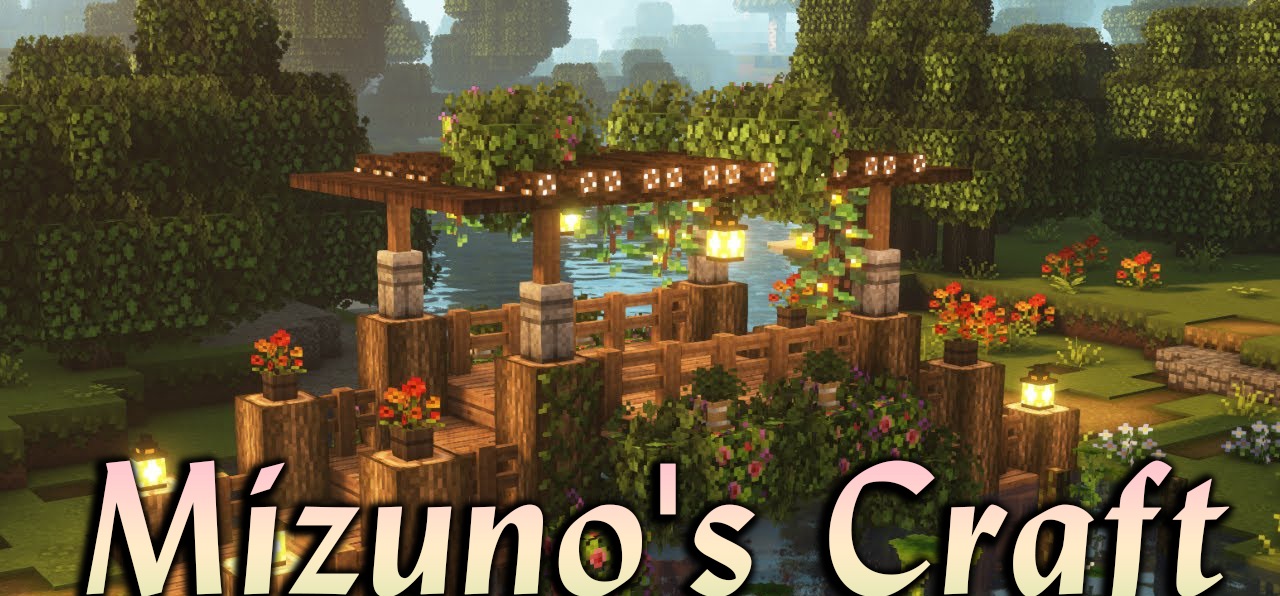
Mizuno’s Craft moves Minecraft into a soft hand-drawn style without breaking the recognizability of the blocks. The textures remain in a 16x format, but they look cleaner, warmer, and calmer. The pack changes blocks, items, tools, and weapons, while also updating villagers by adding clothes and small accessories to them.
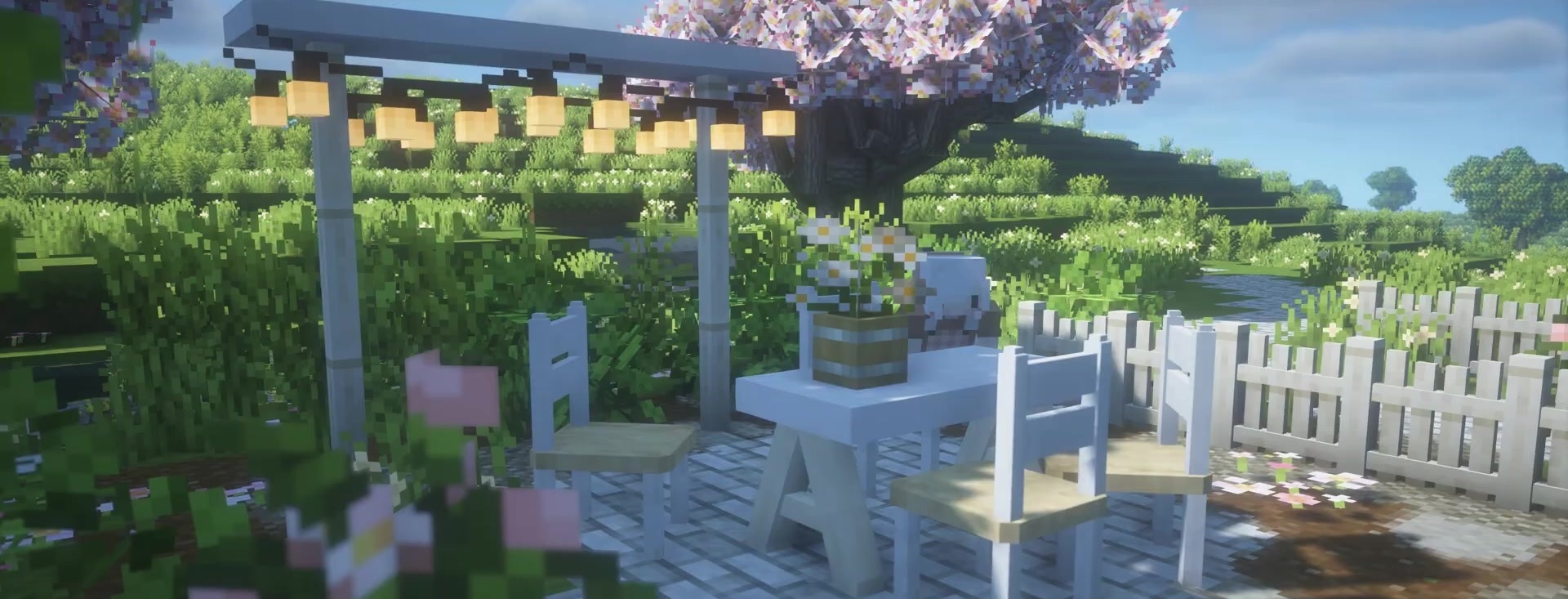
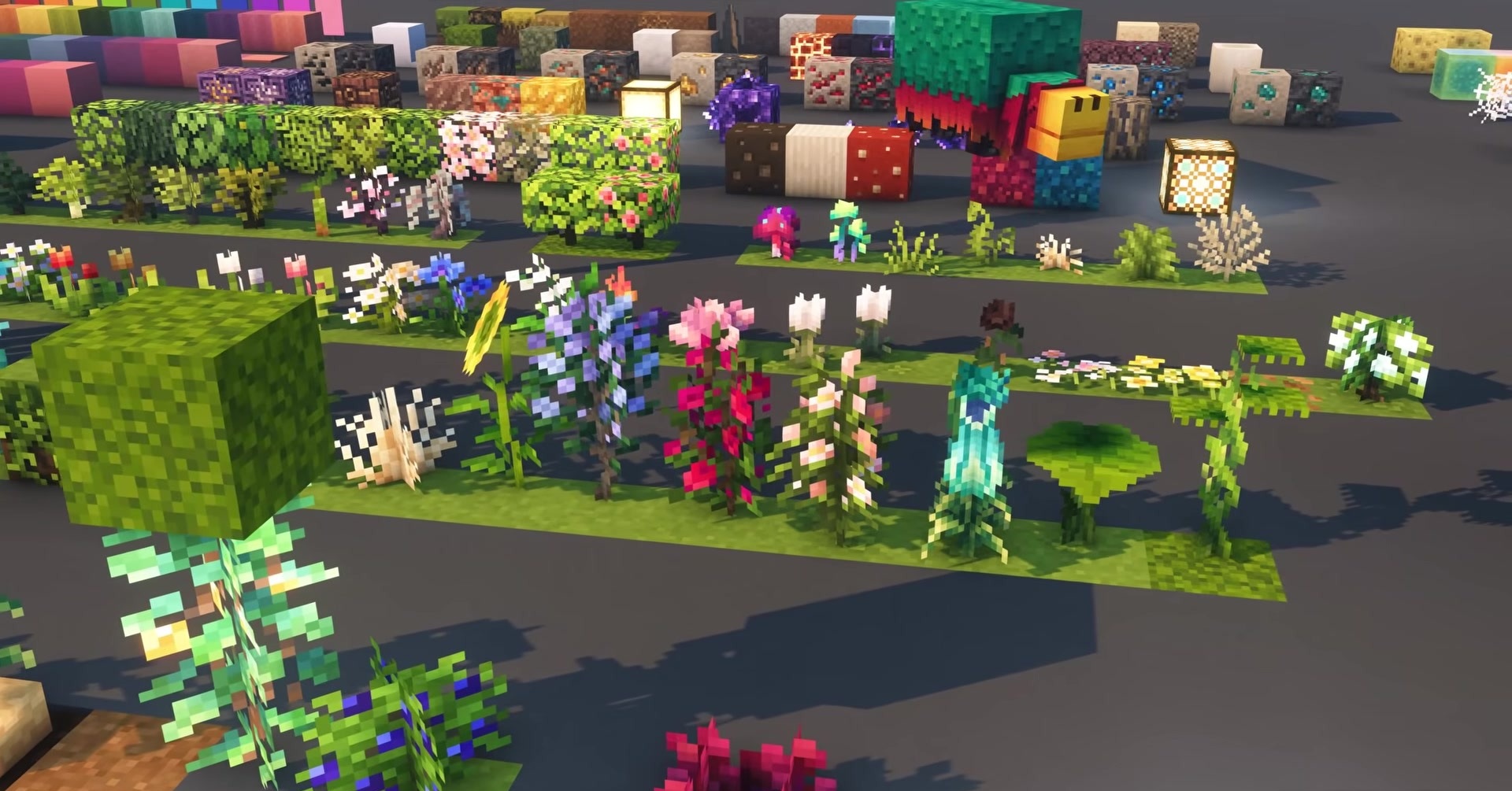
The sky becomes more pleasant, the grass becomes brighter, and more decorative plants appear in gardens and forests. The interface is also adjusted to the overall style: menus and buttons look not like a separate part of the game, but like a continuation of the world. Connected textures for glass and bookshelves remove sharp borders, so houses, farms, shops, and small settlements look more unified.
How to install the texture pack:
First step: download and install Mizuno’s Craft
Second step: copy the texture pack to the C:\Users\USER_NAME\AppData\Roaming\.minecraft\resourcepacks
Third step: in game settings choose needed resource pack.
Comments (0)