



Morning Brew GUI for Minecraft 26.1
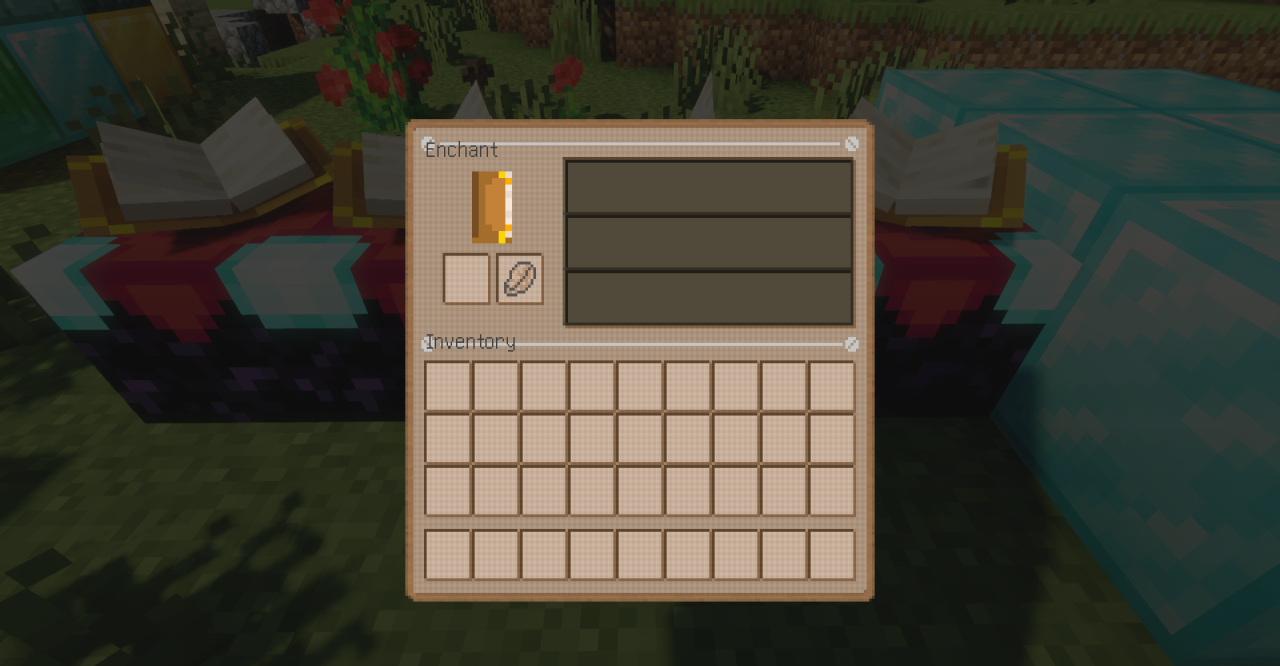
There are interface packs that simply change colors, while Morning Brew GUI creates a full mood. Its design is built on soft pastel shades and a warm palette, which makes the menus, inventory, and HUD look cozy and calm. It is well suited for long play sessions: the palette does not strain the eyes, the windows look neat, and the overall style seems to add a bit of a homey, relaxing atmosphere to Minecraft.
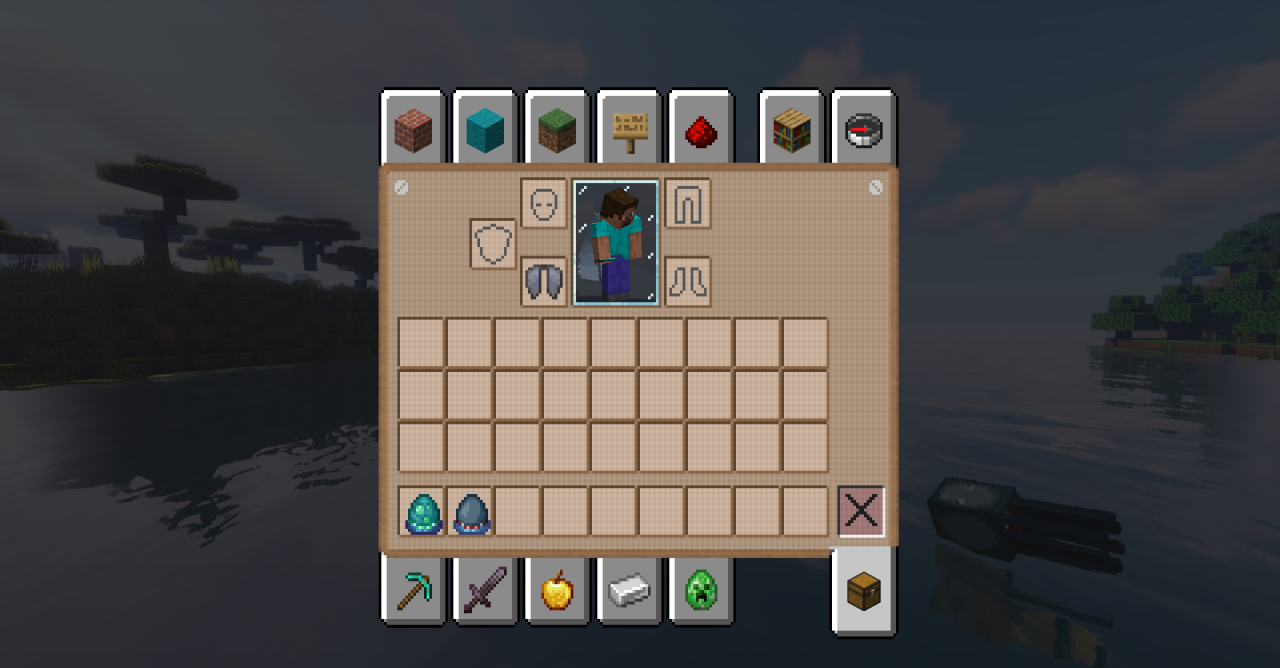
The add-on does not interfere with the mechanics or overload the interface with unnecessary effects. A separate advantage is its good compatibility with other resources and support for many popular mods, thanks to which a unified visual style is preserved even in a modded pack.
How to install the texture pack:
First step: download and install Morning Brew GUI
Second step: copy the texture pack to the C:\Users\USER_NAME\AppData\Roaming\.minecraft\resourcepacks
Third step: in game settings choose needed resource pack.
Comments (0)