



Nautilus3D for Minecraft 26.1.2
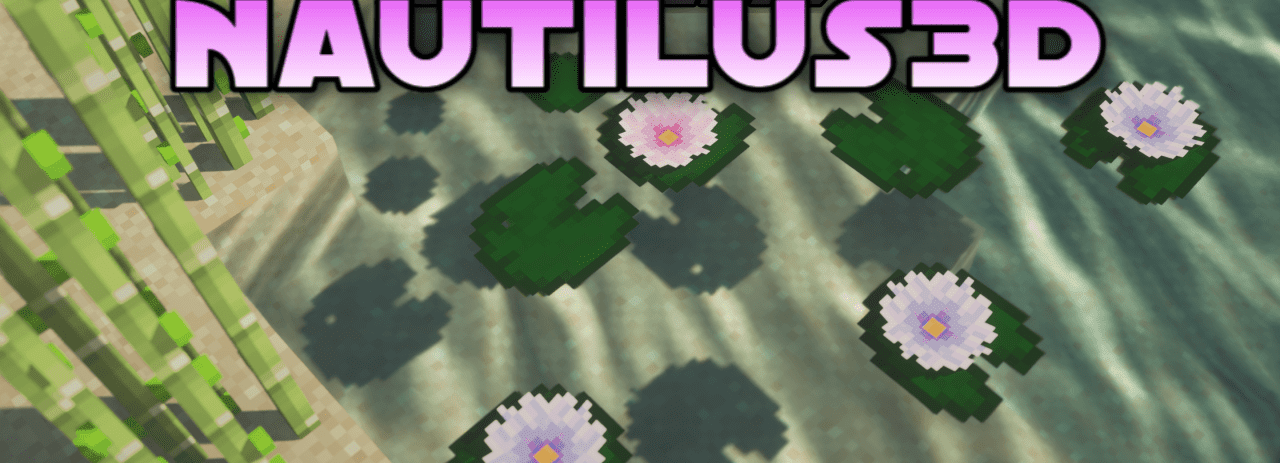
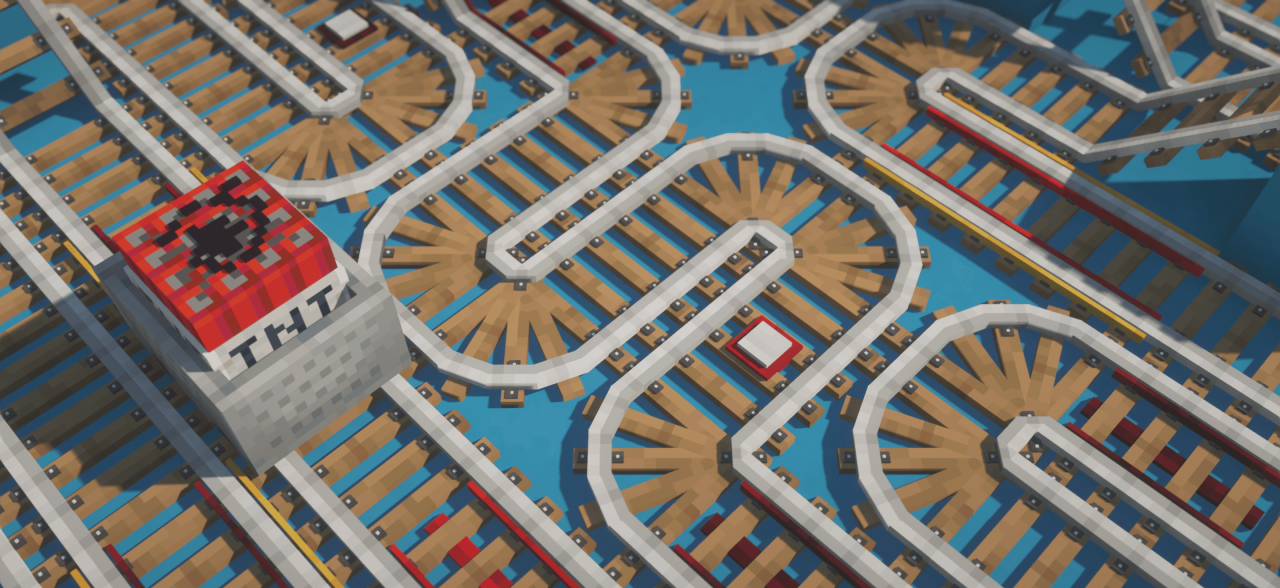
Nautilus3D adds more depth to Minecraft while trying not to disturb the vanilla atmosphere. The main focus is on 3D models, especially for decorative blocks and items that are frequently used in builds. After installation, many elements begin to look cleaner and more thoughtfully designed. Details gain shape, objects stop feeling flat, and interiors become richer without looking overloaded.
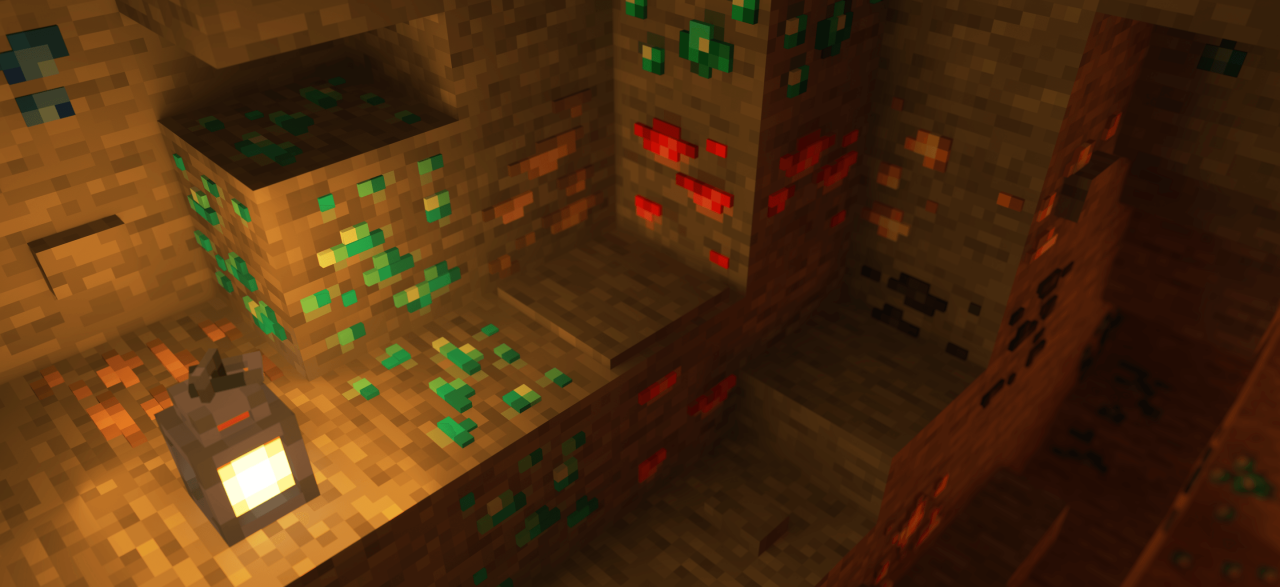
This is especially noticeable in houses, storage rooms, workshops, and any builds filled with small decorative details. The pack works subtly: it highlights the game’s existing style, adds depth, and makes the environment feel more complete.
How to install the texture pack:
First step: download and install Nautilus3D
Second step: copy the texture pack to the C:\Users\USER_NAME\AppData\Roaming\.minecraft\resourcepacks
Third step: in game settings choose needed resource pack.
Comments (0)