



Obscuria’s Tools for Minecraft 26.1
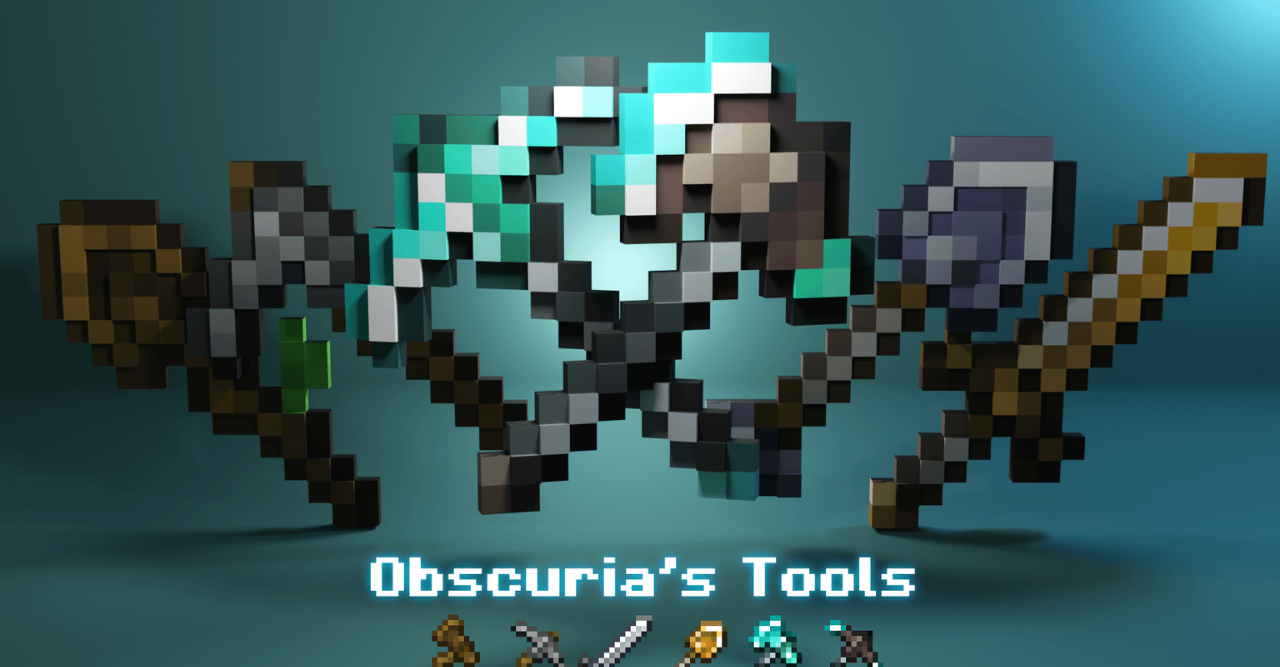
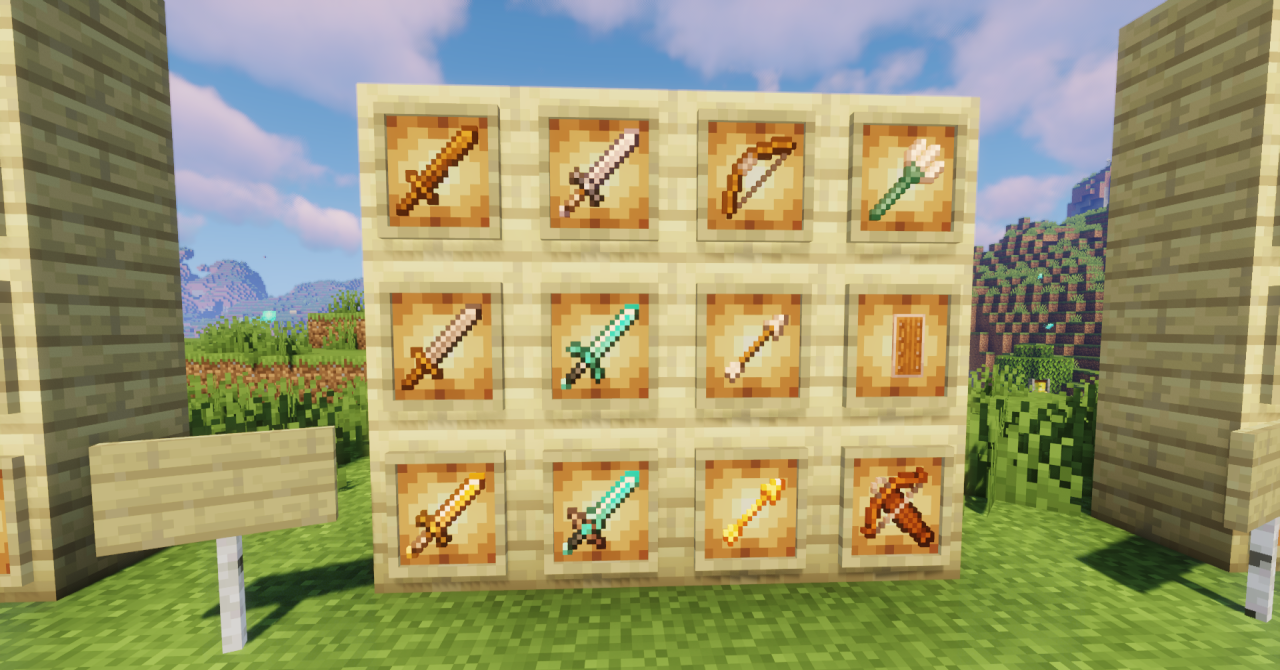
When most of your time is spent with a pickaxe, sword, or axe in your hands, you want the tools to look a little more interesting than the standard ones. That is exactly what Obscuria’s Tools is for. The pack carefully reworks the appearance of all basic weapons and tools, adding cleaner shapes, pleasant highlights, and extra texture detail. It does not break the game’s original style, but simply makes it feel more refined and polished.
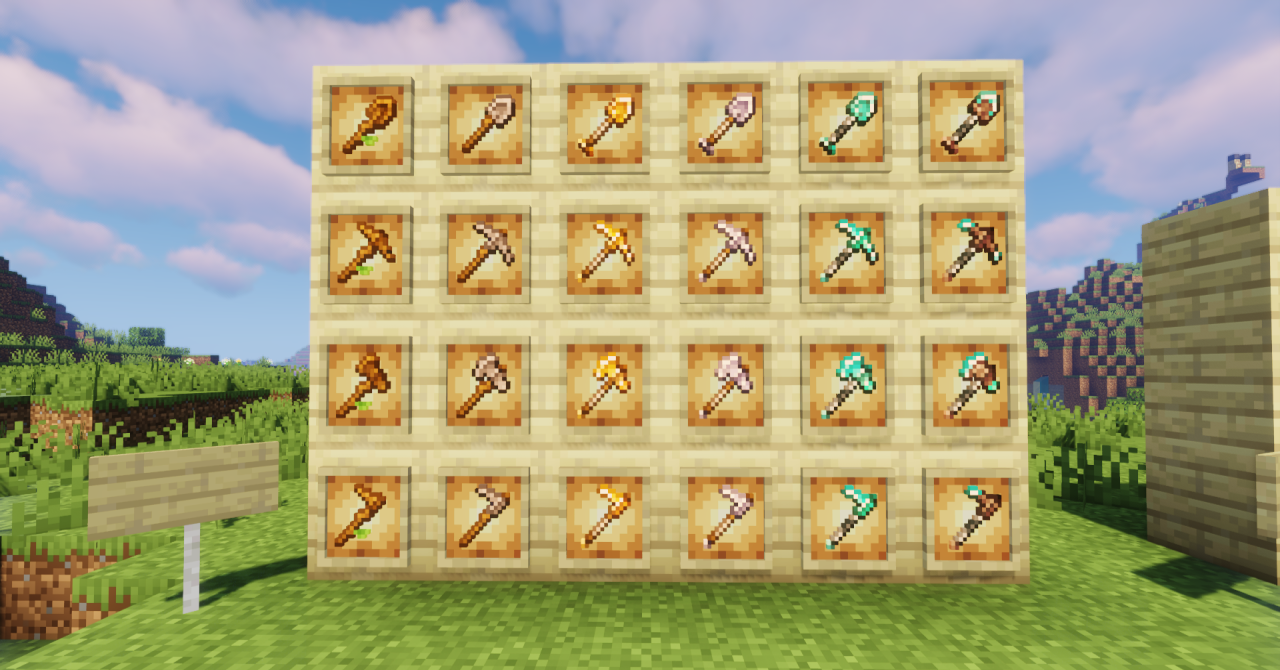
Every material—from wood to netherite—looks a little more expressive, while still remaining part of the familiar world. It is a light visual enhancement that does not change the mechanics and fits well in both survival and creative mode.
How to install the texture pack:
First step: download and install Obscuria’s Tools
Second step: copy the texture pack to the C:\Users\USER_NAME\AppData\Roaming\.minecraft\resourcepacks
Third step: in game settings choose needed resource pack.
Comments (0)