



P1kl’s 3D Items for Minecraft 26.1.2
In Minecraft, many items still feel rather flat, especially tools, weapons, and equipment that the player sees almost constantly. P1kl’s 3D Items fixes this by adding volumetric models: familiar items gain depth and begin to look much more expressive. Pickaxes, swords, armor pieces, and other items no longer look like simple inventory icons.
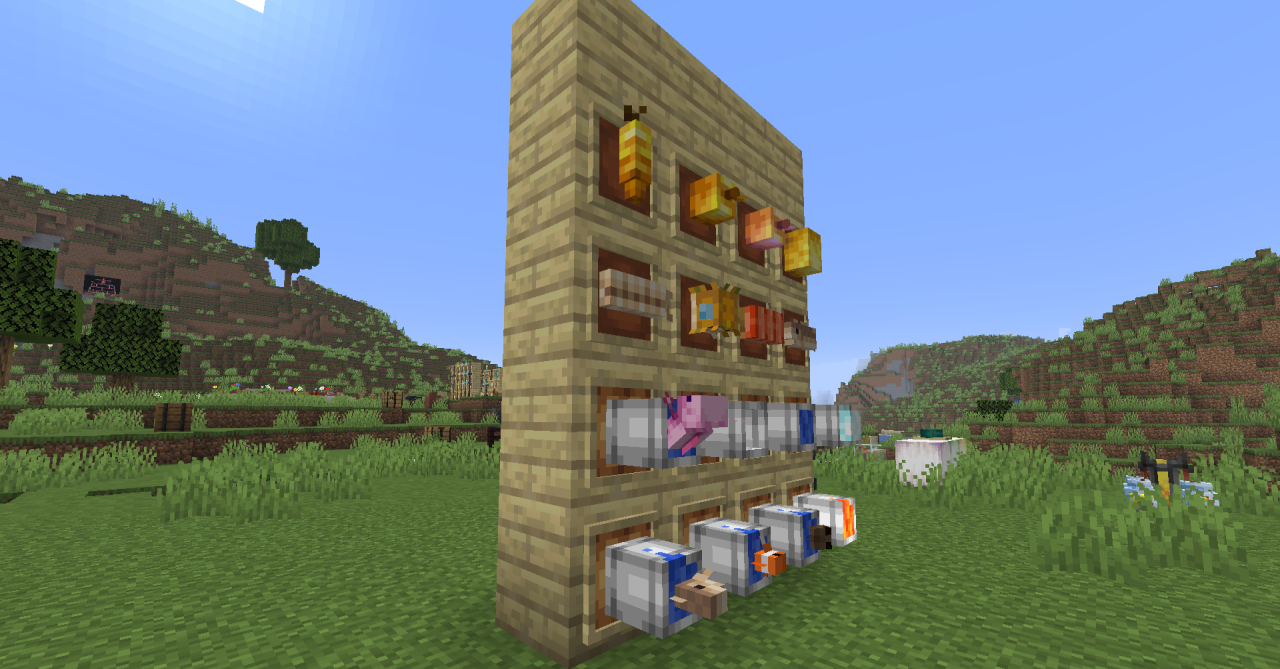
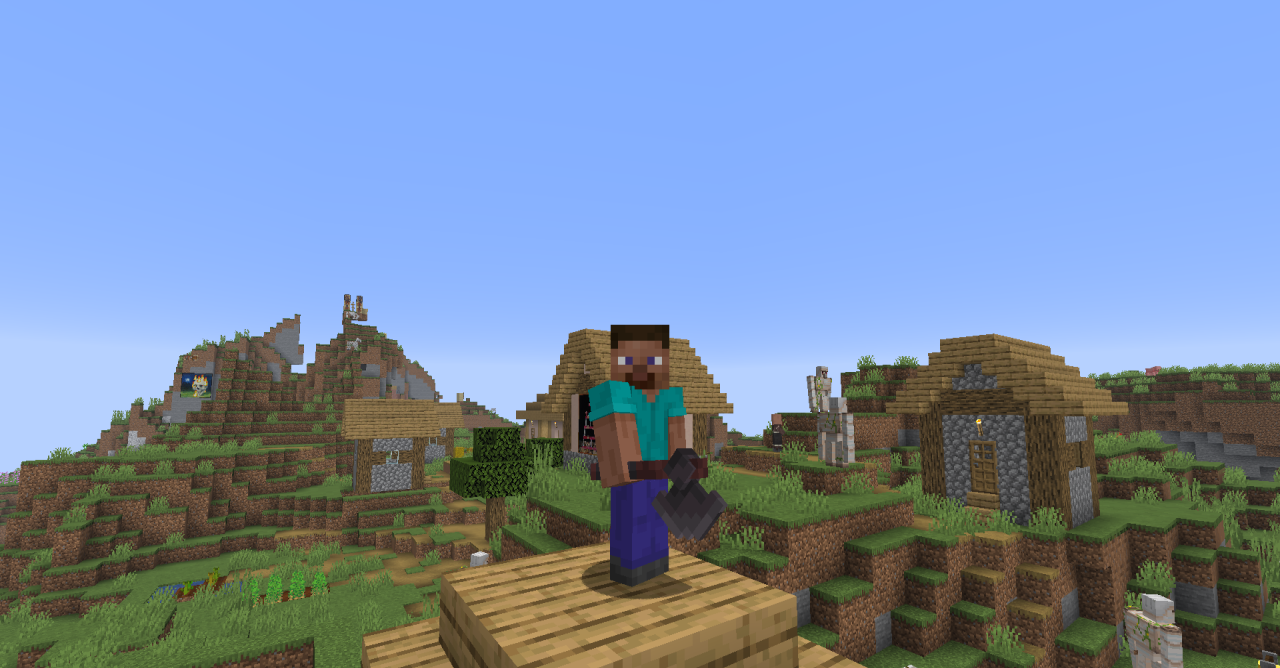
They feel like полноценные objects that truly exist in the game world. This is especially noticeable in first-person view, where the item in the player’s hand looks more convincing and visually satisfying. The pack does not change gameplay mechanics or turn the game into something overloaded with details.
How to install the texture pack:
First step: download and install P1kl’s 3D Items
Second step: copy the texture pack to the C:\Users\USER_NAME\AppData\Roaming\.minecraft\resourcepacks
Third step: in game settings choose needed resource pack.
Comments (0)