



Pixel Perfect for Minecraft 26.1.2
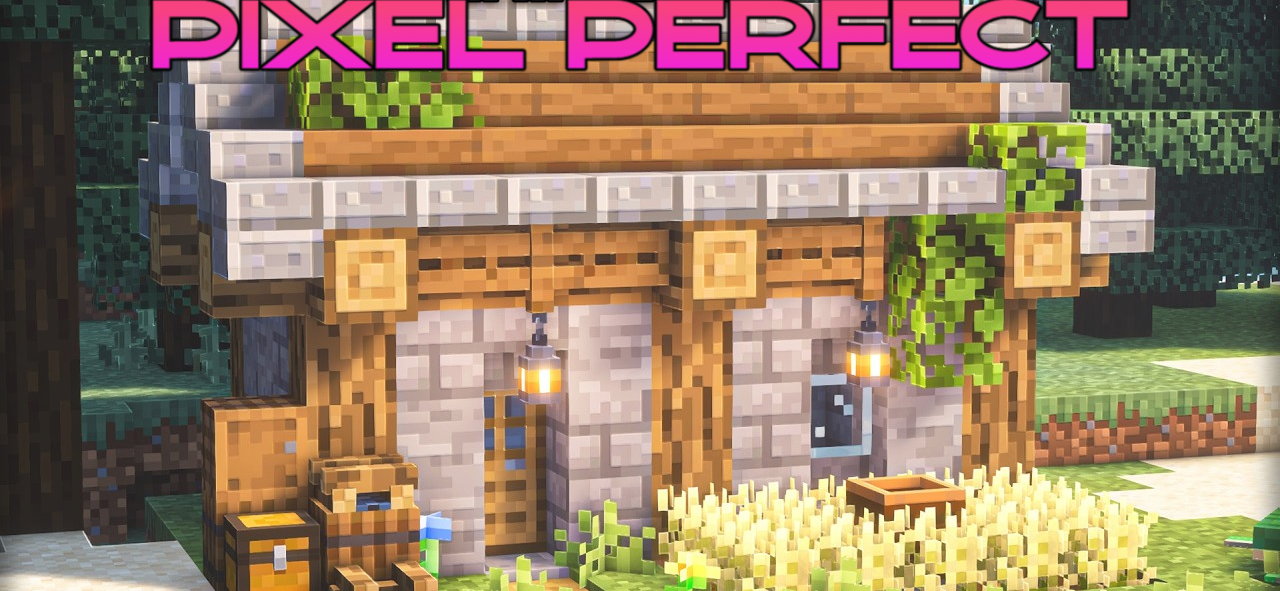
Pixel Perfect does not focus on a global graphics overhaul, but rather on more precise adjustments to individual models. Its goal is to make items match their original sprites more accurately. This is especially important for objects that can be placed in the world. In Minecraft, it is sometimes noticeable that an inventory icon and its in-world model look different from each other.
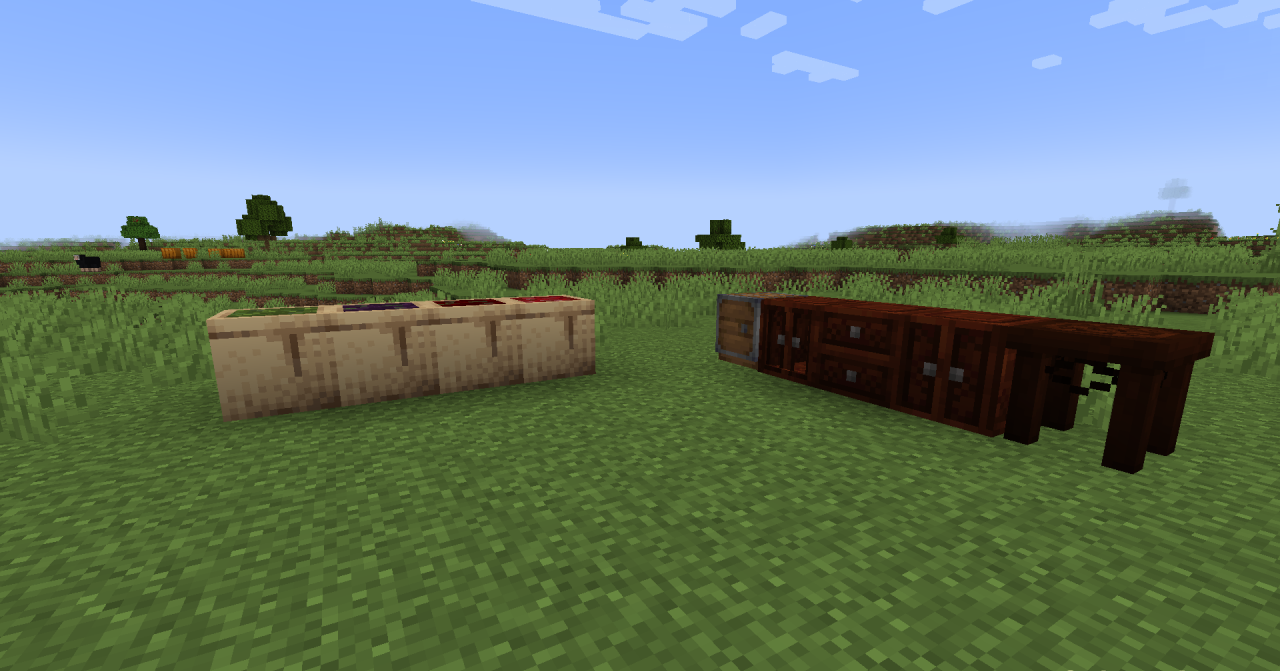
The resource pack smooths out this inconsistency: placed items look more logical and fit better into the overall style. As a result, potions and decorative elements appear cleaner and more natural on tables, shelves, and in themed interiors.
How to install the texture pack:
First step: download and install Pixel Perfect
Second step: copy the texture pack to the C:\Users\USER_NAME\AppData\Roaming\.minecraft\resourcepacks
Third step: in game settings choose needed resource pack.
Comments (0)