



Qrafty’s Capitalized Font for Minecraft 26.1.2
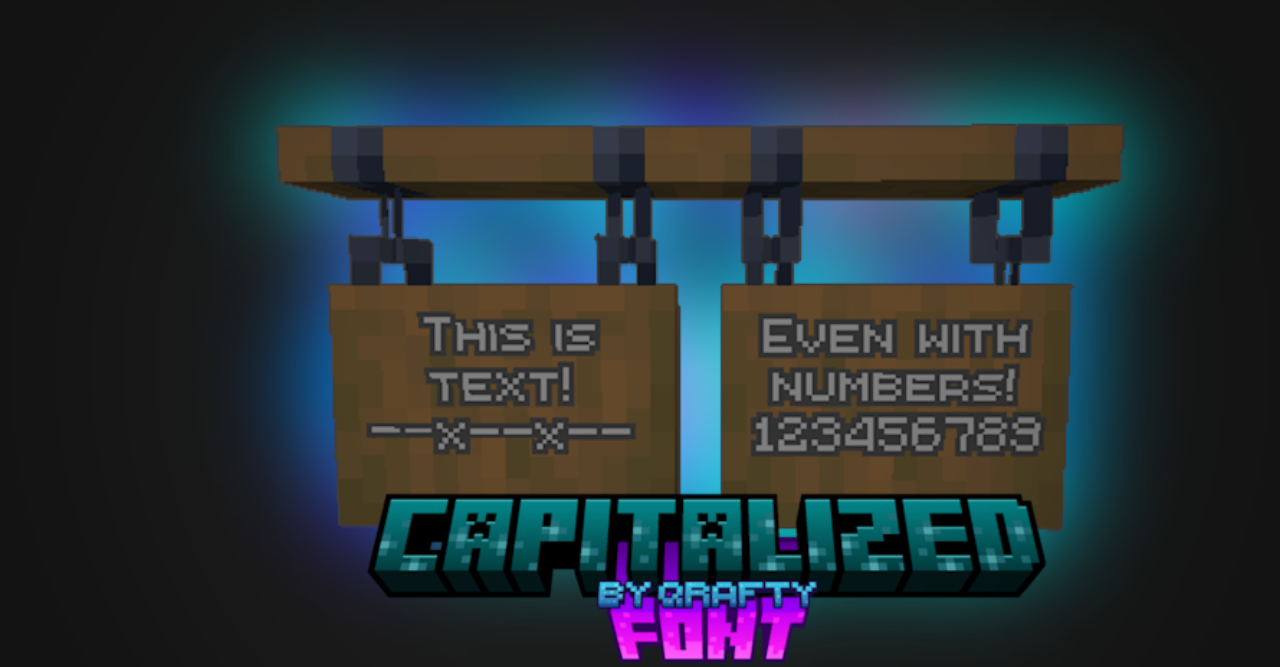
Qrafty’s Capitalized Font changes the text part through a neat font in the style of server interfaces. All lowercase letters are replaced with smaller capital letters, while numbers and special symbols are aligned by height. Because of this, chat, menus, signs, item descriptions, and in-game inscriptions look more even.
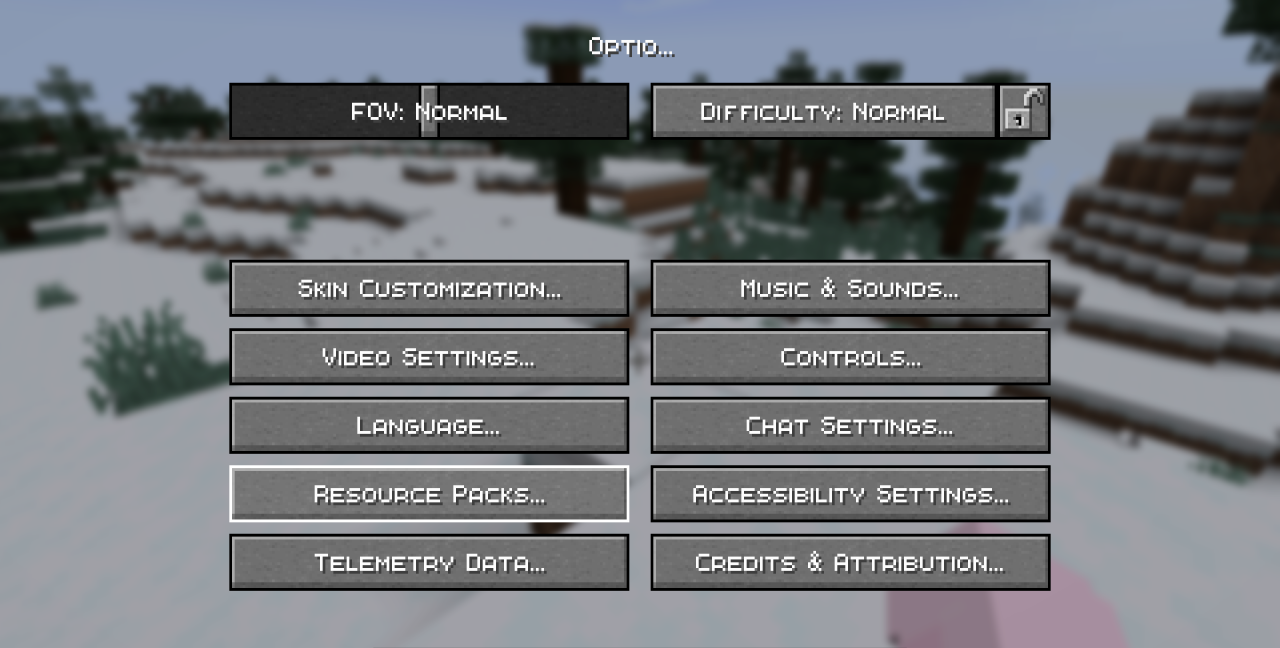
The pack does not change the language, does not touch interface windows, and does not add new icons; the work is done only with the font. This format is readable in lists, item names, commands, and short messages. Visually, the text becomes more collected, without a sharp transition between small and large letters. This is a small adjustment, but it is constantly in front of the player’s eyes.
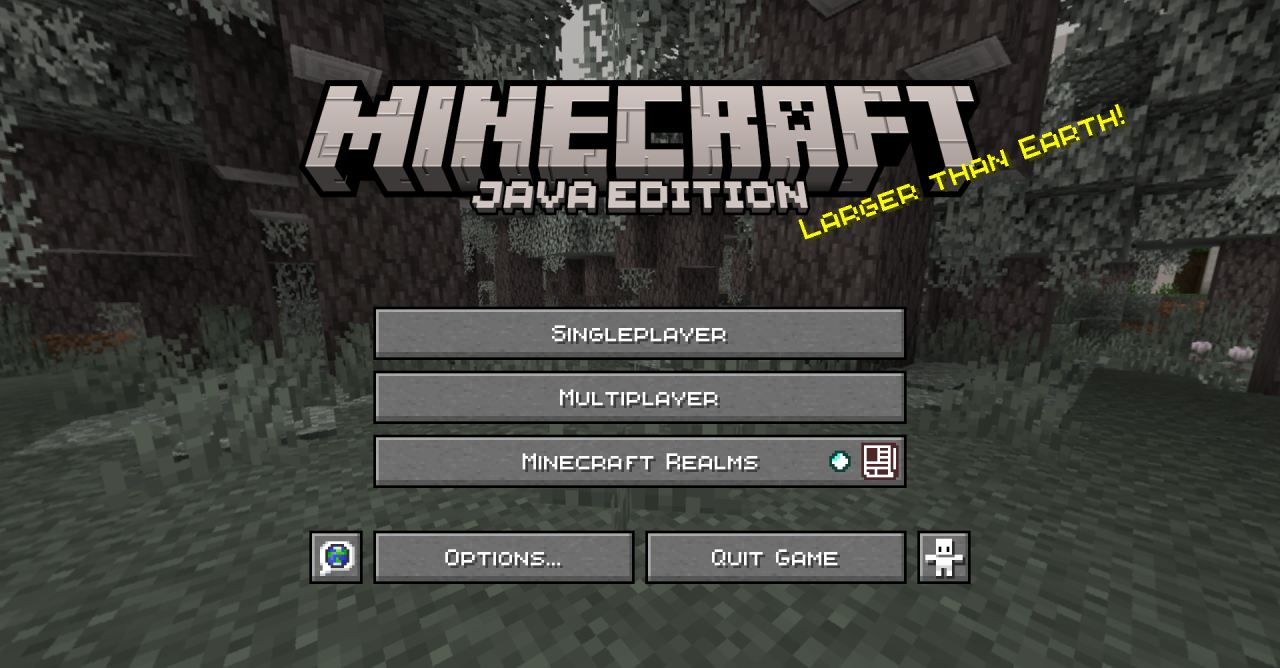
How to install the texture pack:
First step: download and install Qrafty’s Capitalized Font
Second step: copy the texture pack to the C:\Users\USER_NAME\AppData\Roaming\.minecraft\resourcepacks
Third step: in game settings choose needed resource pack.
Comments (0)