



Realistic Moon for Minecraft 26.1.2
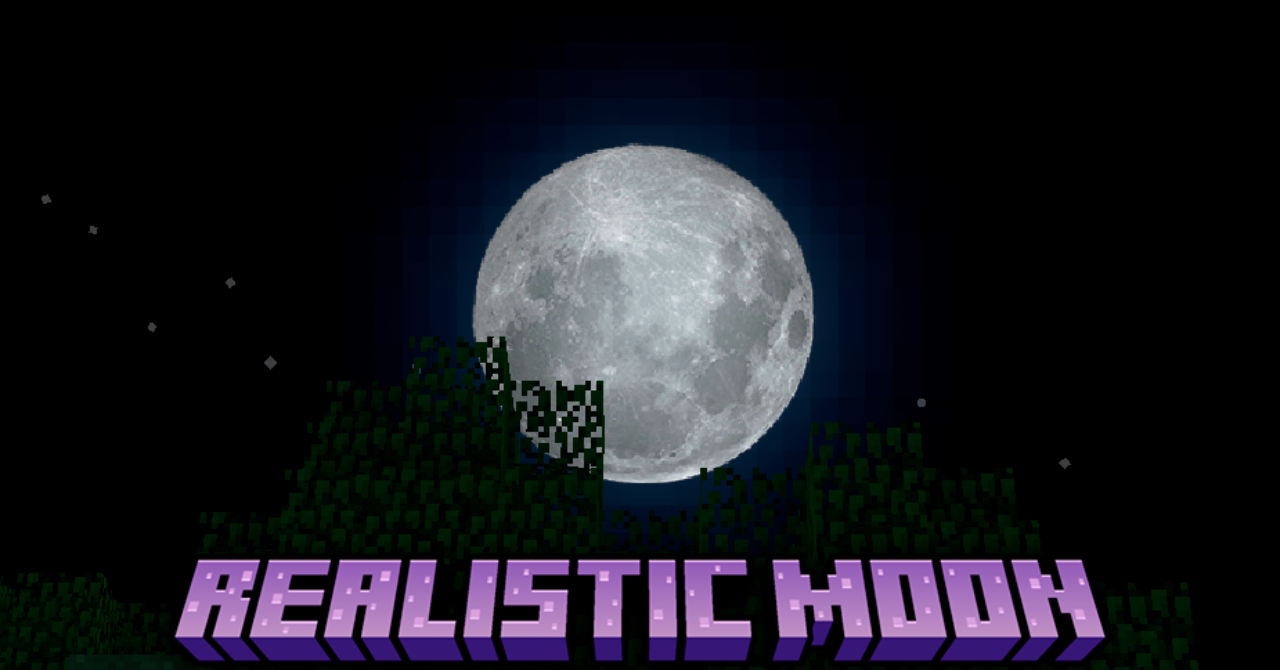
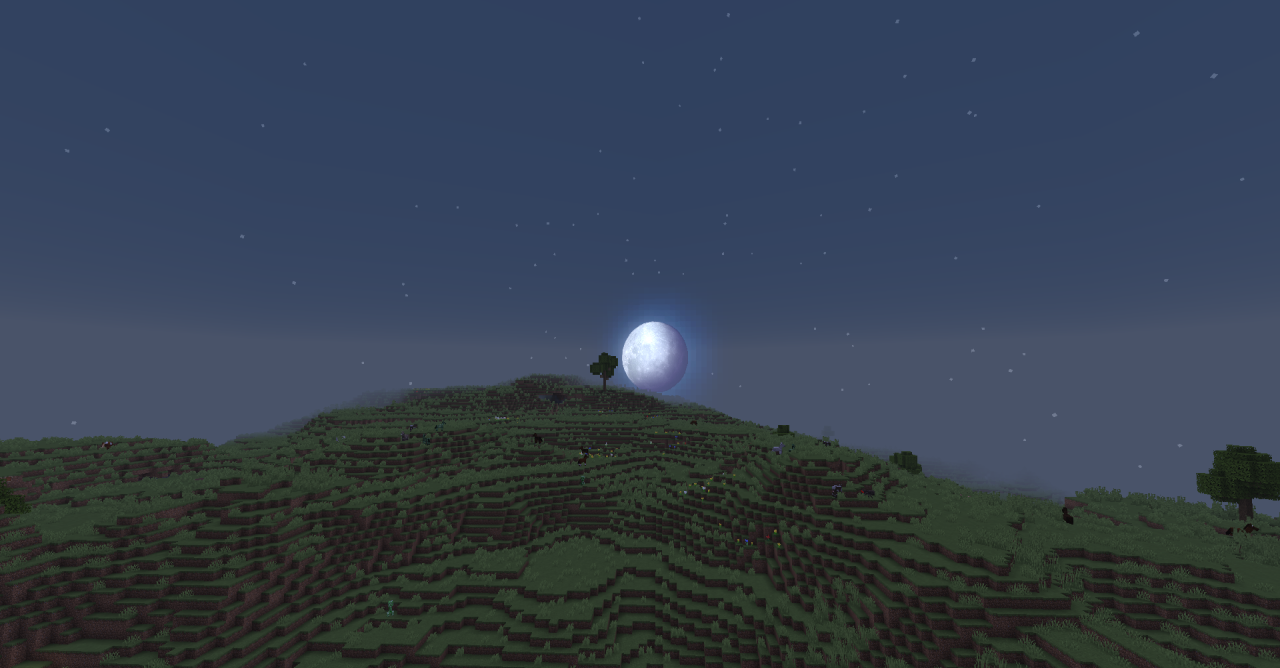
Realistic Moon replaces the standard square Moon with a more detailed version. The night sky remains familiar: phases are preserved, the general structure of the sky does not change, and the mechanics work as before. Only the texture of the celestial body changes. The Moon receives a more realistic look, so night walks, building in weak light, and views from mountains, roofs, and coastlines look calmer and more expressive.
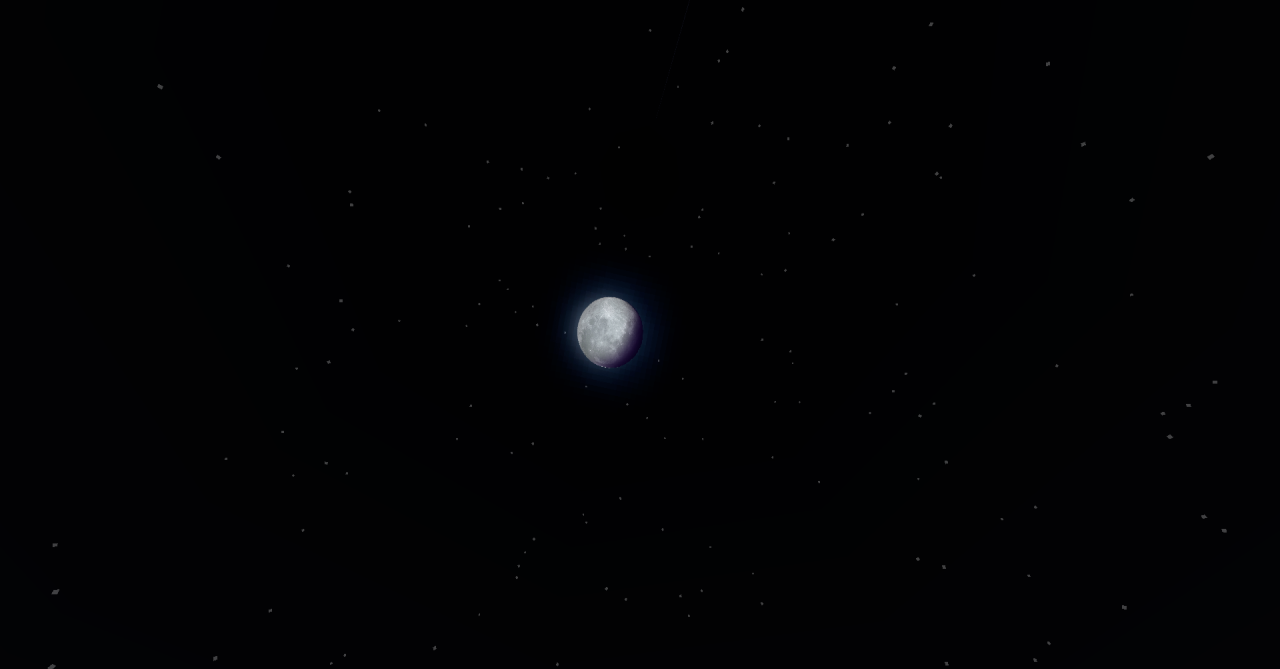
The pack does not add new clouds, stars, or weather effects, so attention is not scattered. It makes one detail more noticeable and leaves everything else in the familiar style. This approach works in worlds where screenshots, night atmosphere, and neat visuals without a full sky replacement are important.
How to install the texture pack:
First step: download and install Realistic Moon
Second step: copy the texture pack to the C:\Users\USER_NAME\AppData\Roaming\.minecraft\resourcepacks
Third step: in game settings choose needed resource pack.
Comments (0)