



Remove Vignette for Minecraft 26.1.2
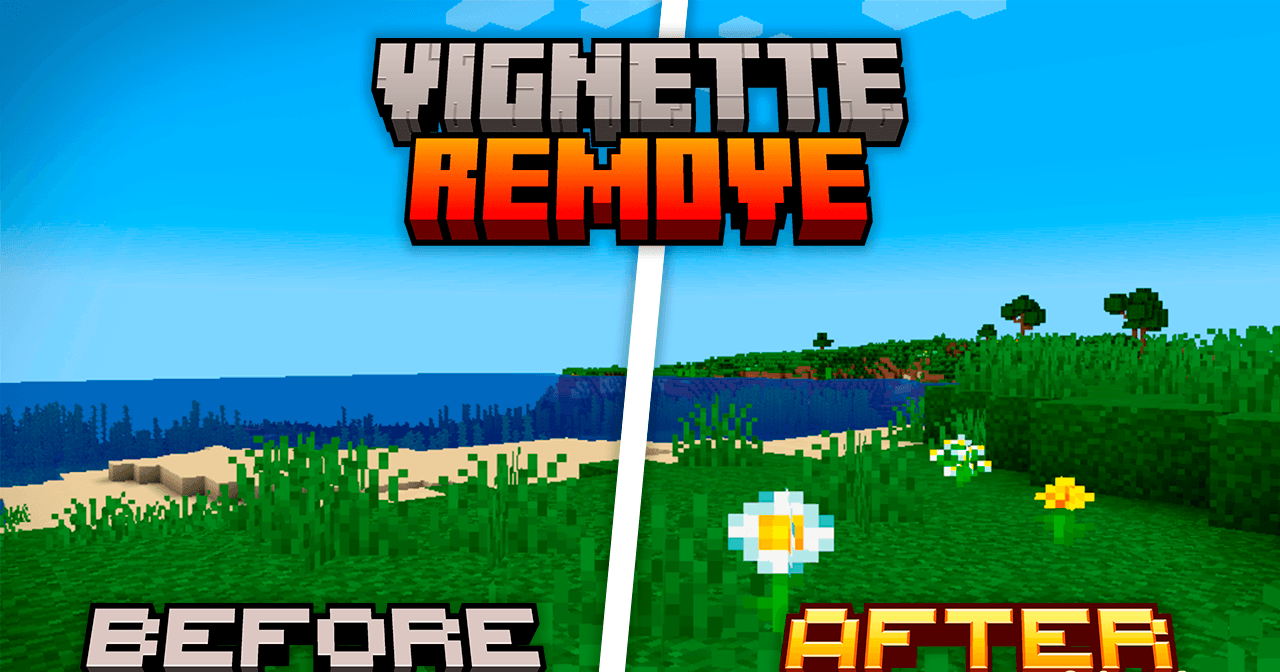
Remove Vignette removes the darkening around the edges of the screen, one of those effects that is easy not to notice until it starts getting in the way. After installing the resource pack, the image becomes cleaner, freer, and visually wider. The difference is felt most strongly in dark places: in caves, underground bases, at night, or when building in low light.
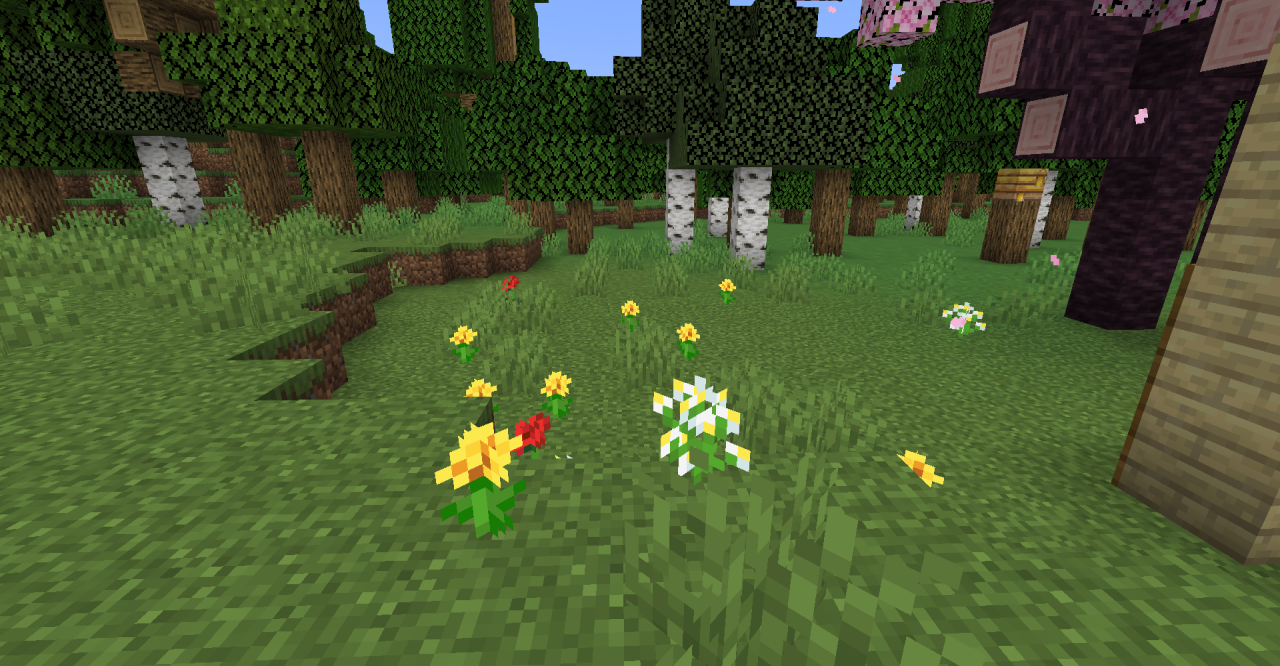
Instead of darkened corners, the player gets an even image without extra pressure on visibility. This makes exploration and building noticeably more convenient. The pumpkin-on-head effect is also softened: the frame remains recognizable, but no longer blocks the screen so aggressively.
How to install the texture pack:
First step: download and install Remove Vignette
Second step: copy the texture pack to the C:\Users\USER_NAME\AppData\Roaming\.minecraft\resourcepacks
Third step: in game settings choose needed resource pack.
Comments (0)