



Resprited for Minecraft 26.1.2
Resprited can be called a good compromise between freshness and loyalty to the classics. The pack updates various visual elements of Minecraft — blocks, items, and objects — but does it calmly and without a desire to completely rewrite the original style. Because of this, the world looks cleaner, clearer, and more modern, while not losing its recognizable foundation.
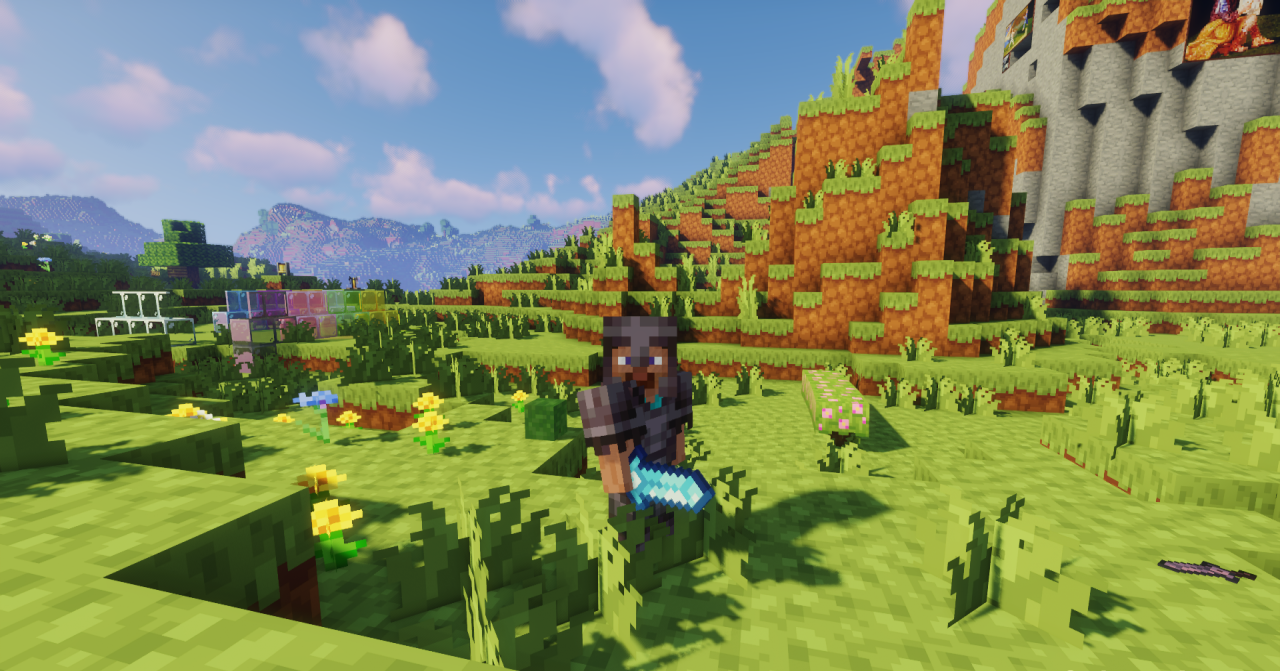
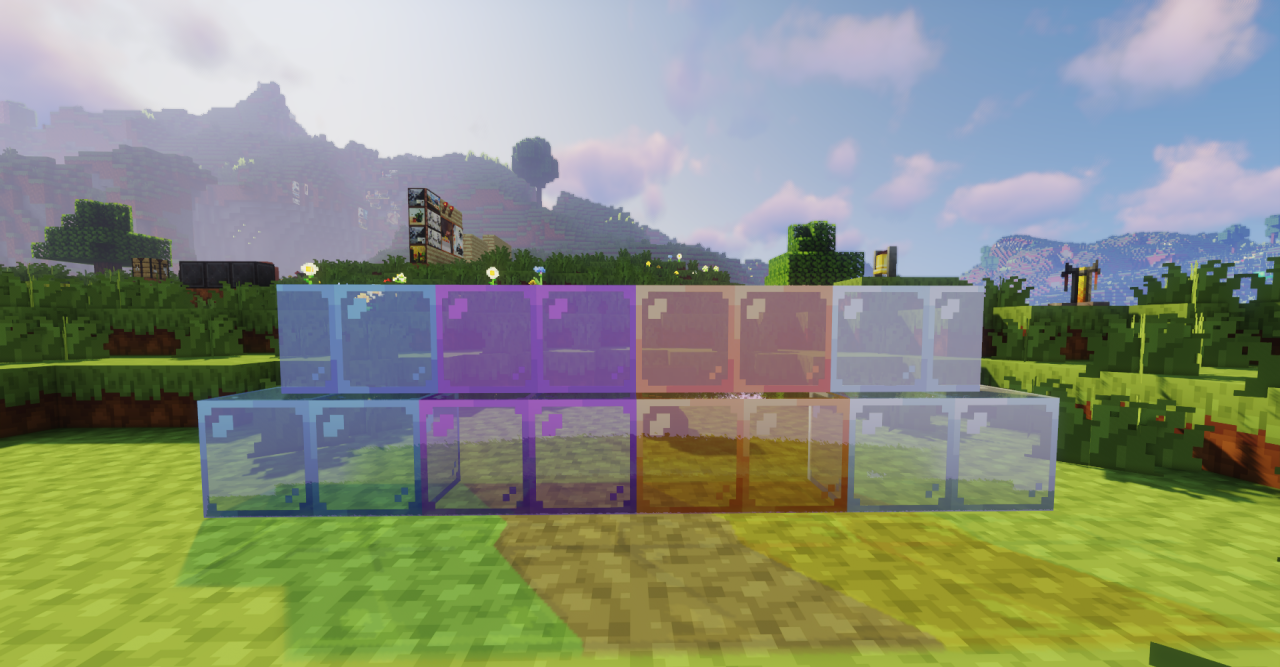
Here, the focus on readability is noticeable: the image becomes neater, details are perceived more easily, and the overall visual experience becomes more comfortable in everyday gameplay. The pack does not shout about itself too loudly, but it consistently makes the game more pleasant to look at and leaves the feeling of a restrained but successful update.
How to install the texture pack:
First step: download and install Resprited
Second step: copy the texture pack to the C:\Users\USER_NAME\AppData\Roaming\.minecraft\resourcepacks
Third step: in game settings choose needed resource pack.
Comments (0)