



Re:Zero Custom GUI for Minecraft 26.1.2
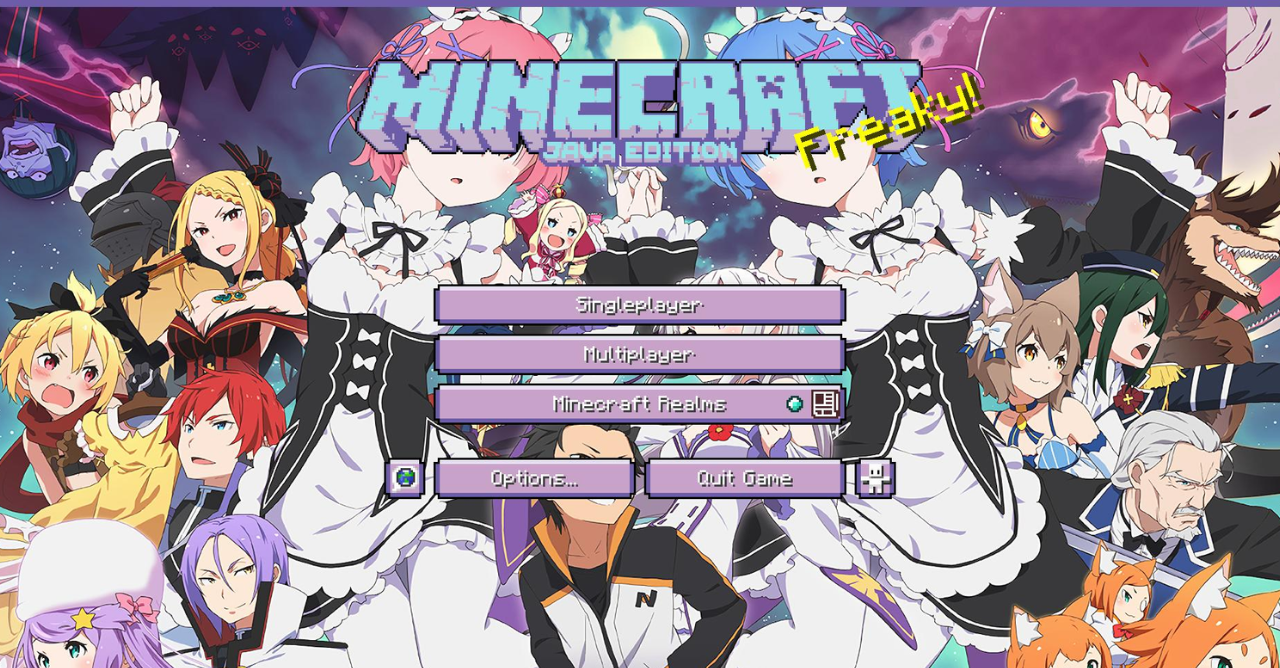
Re:Zero Custom GUI is a pack fully focused on the interface and its atmosphere. It changes containers, menus, and the hotbar, designing them in an expressive palette of purple, pink, and blue shades. Thanks to this combination, the Minecraft interface begins to look much fresher, richer, and more visually unified.
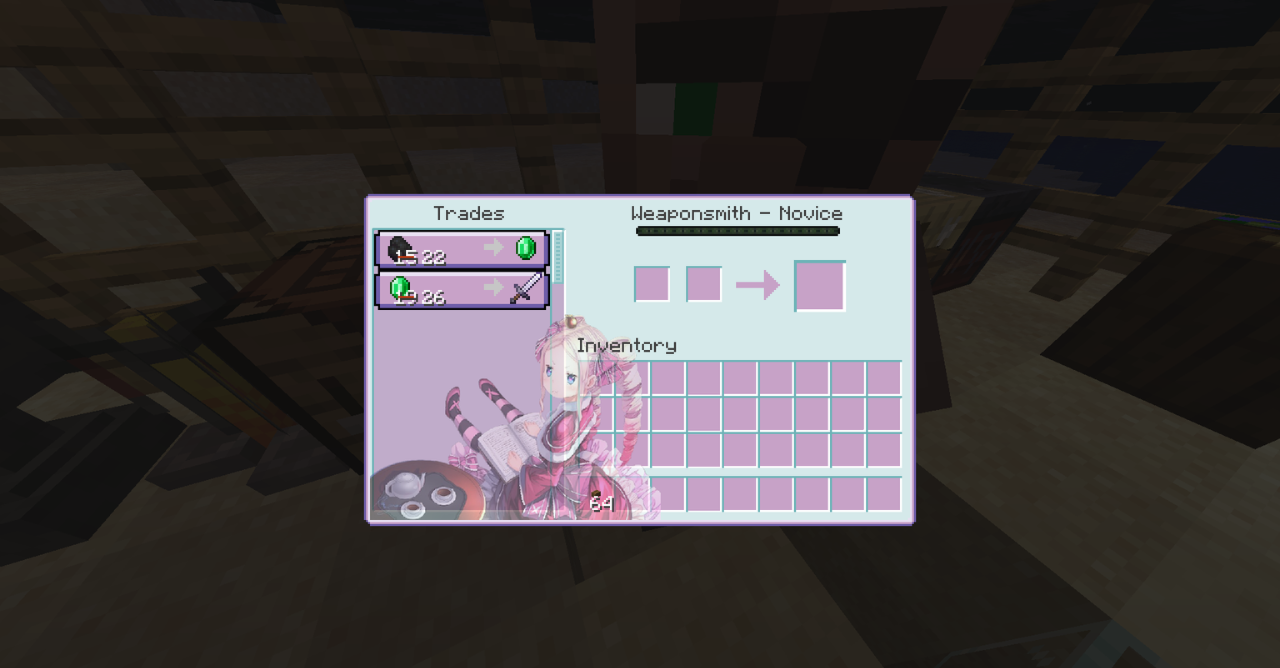
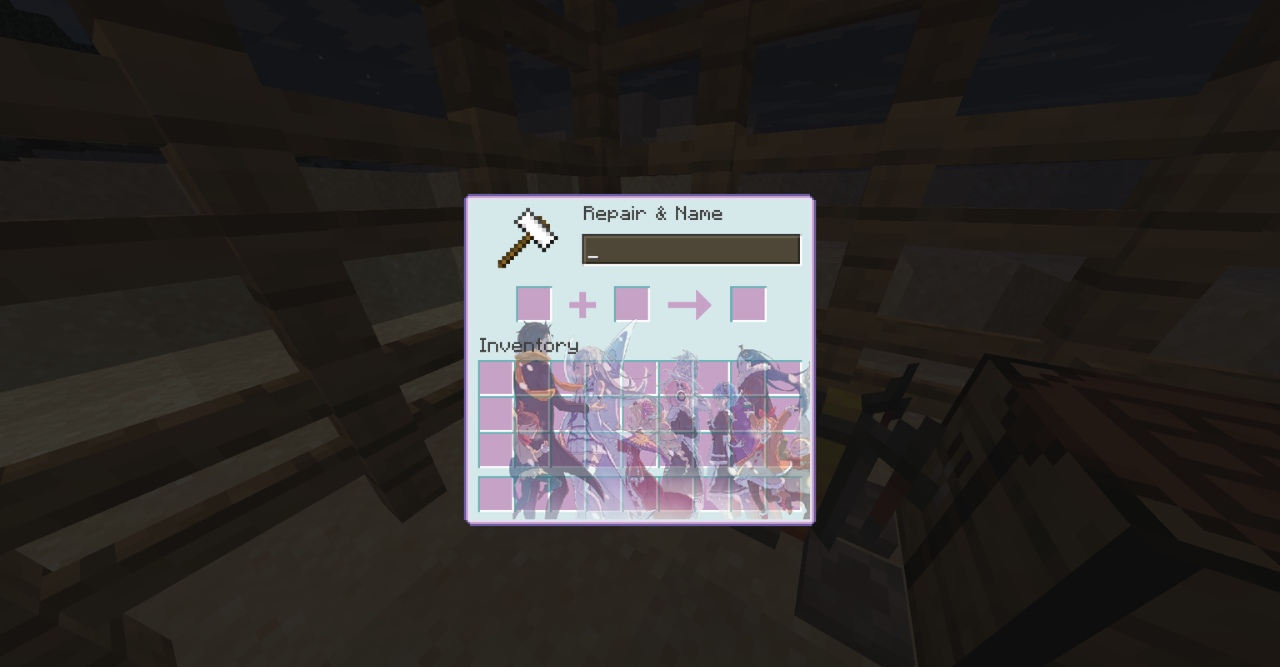
The reworking of the inventory, crafting screens, trading screens, and other containers is noticeable: they are not simply recolored, but carefully reimagined in terms of composition and visual balance. Because of this, using them is pleasant not only because of the new style, but also because of the more collected appearance.
How to install the texture pack:
First step: download and install Re:Zero Custom GUI
Second step: copy the texture pack to the C:\Users\USER_NAME\AppData\Roaming\.minecraft\resourcepacks
Third step: in game settings choose needed resource pack.
Comments (2)