



Sapixcraft for Minecraft 26.1.2
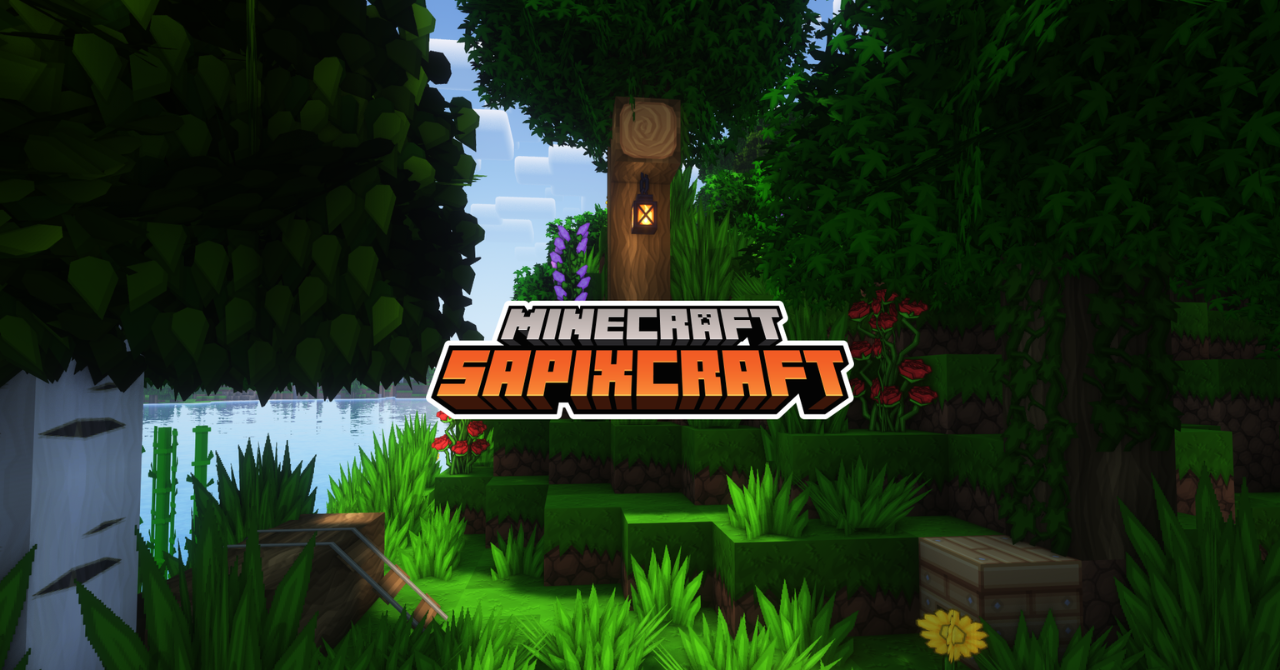
Sapixcraft makes the game brighter, cleaner, and more cartoon-like. Instead of realism, the pack focuses on smooth HD textures, rich colors, and soft shapes. After installation, the world looks fresher: blocks become cleaner, items receive sharper outlines, and even ordinary biomes begin to feel more lively. At the same time, Minecraft does not lose its recognizable style.
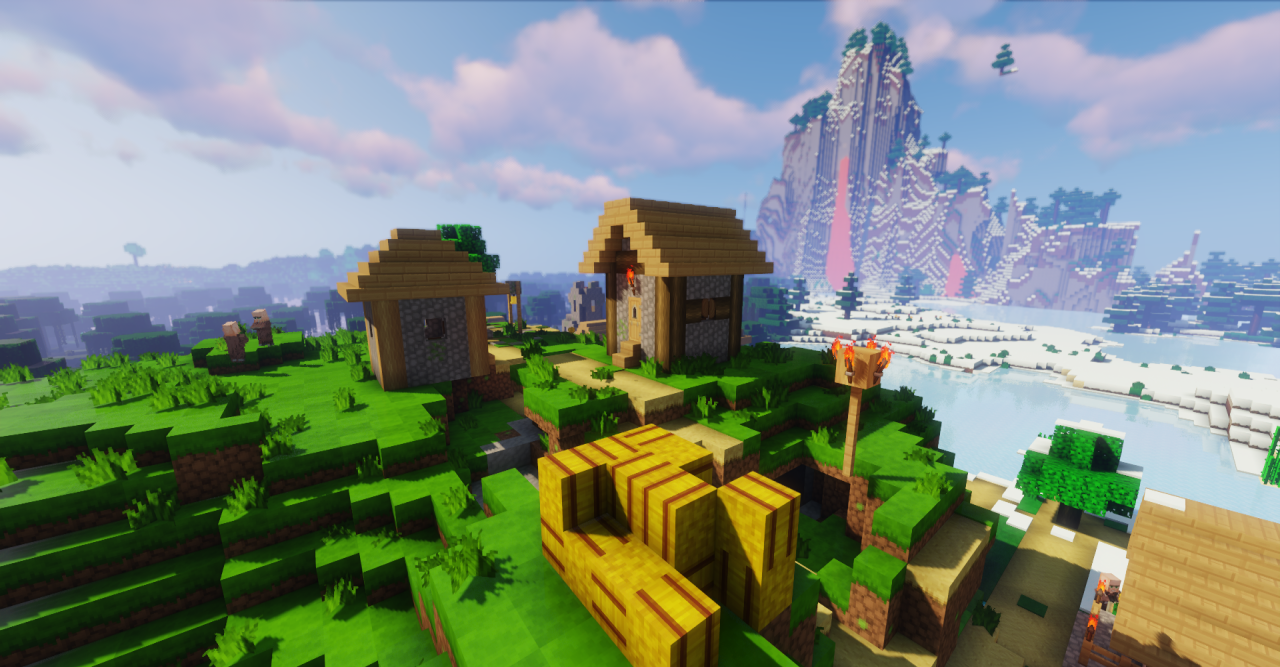
The blocky foundation remains the same — it simply looks more polished and decorative. Forests become more vibrant, buildings look brighter, and small details no longer feel so rough. It is still Minecraft, just more colorful, cleaner, and more pleasant to look at.
How to install the texture pack:
First step: download and install Sapixcraft
Second step: copy the texture pack to the C:\Users\USER_NAME\AppData\Roaming\.minecraft\resourcepacks
Third step: in game settings choose needed resource pack.
Comments (0)