



Shrimp’s Immersive Interfaces for Minecraft 26.1.2
Shrimp’s Immersive Interfaces changes what the player looks at constantly — the interface. And it does so with noticeable attention to atmosphere. Instead of simple and monotonous windows, menus, and HUD elements, this pack offers a more expressive design, thanks to which interacting with the game becomes not only convenient, but also visually pleasant.
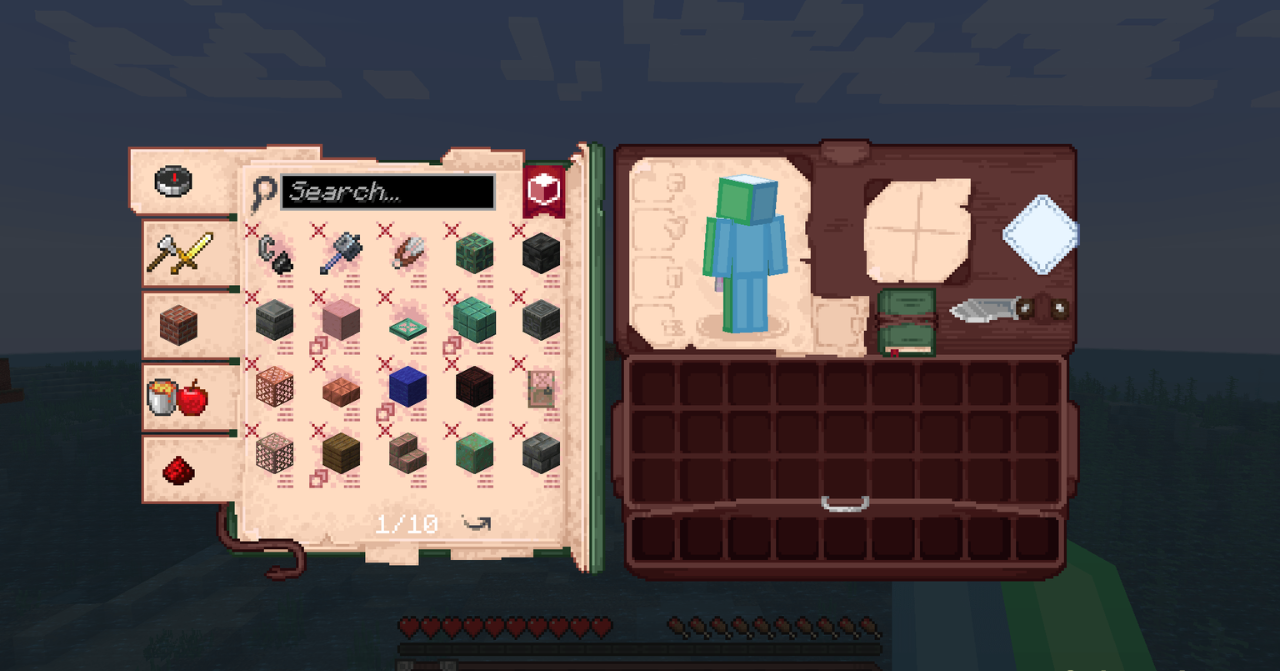
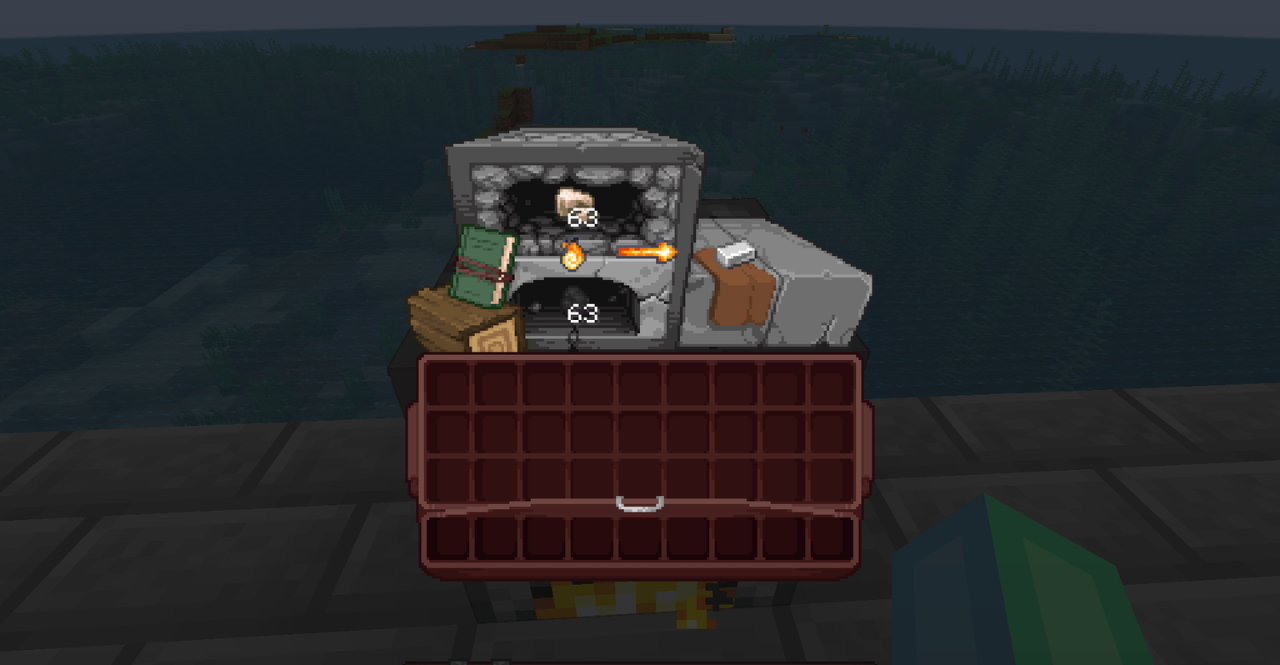
What stands out in this texture pack is the sense of coherence: different menus are perceived not as abstract gray panels, but as part of the game world itself. This adds immersion and makes even familiar actions like crafting, sorting items, or opening the inventory more interesting.
How to install the texture pack:
First step: download and install Shrimp’s Immersive Interfaces
Second step: copy the texture pack to the C:\Users\USER_NAME\AppData\Roaming\.minecraft\resourcepacks
Third step: in game settings choose needed resource pack.
Comments (0)