



Sky Scape HD for Minecraft 26.1
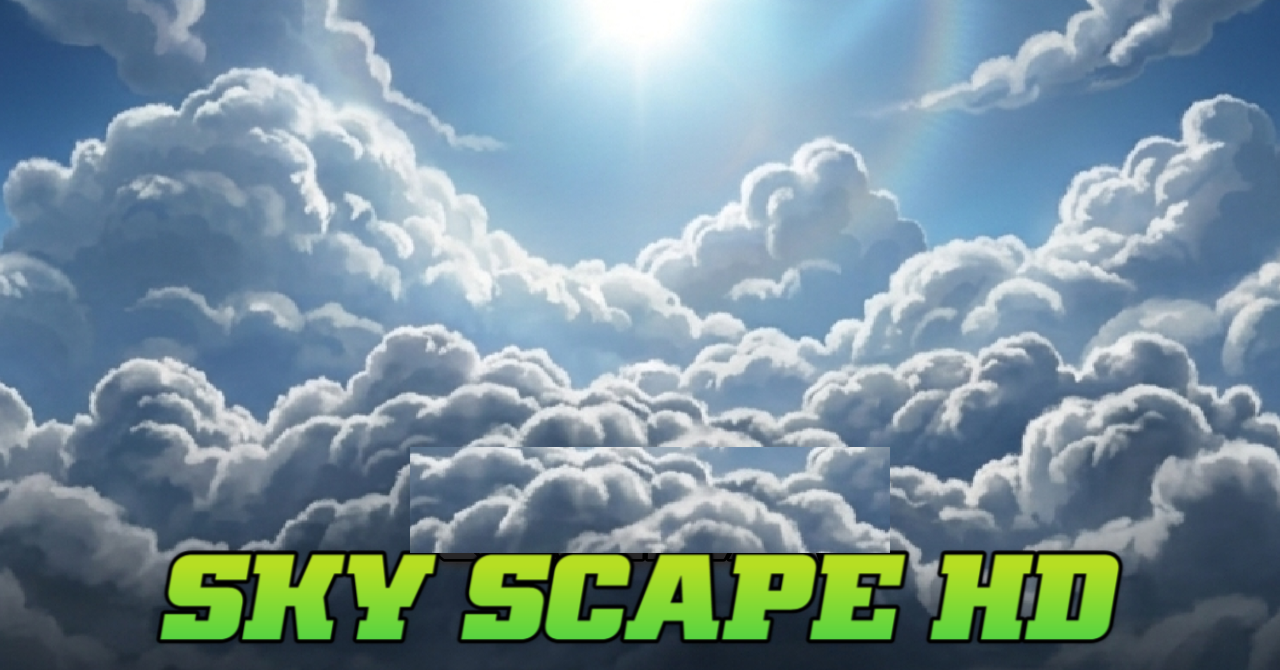
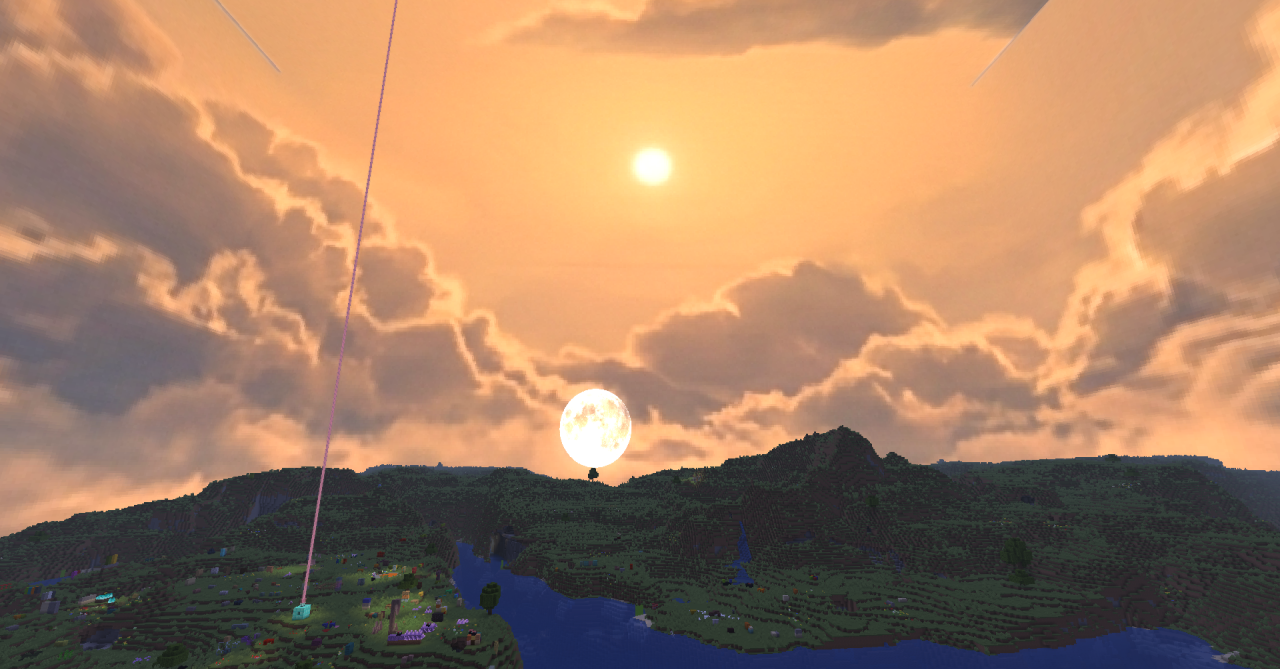
The sky is often perceived as a background, but Sky Scape HD changes exactly that feeling. The pack completely reworks the sky portion of the game, adding high-resolution clouds, improved lighting, and more expressive atmospheric effects. The world begins to look noticeably more cinematic, especially during travel, building in open areas, or simply admiring sunsets.
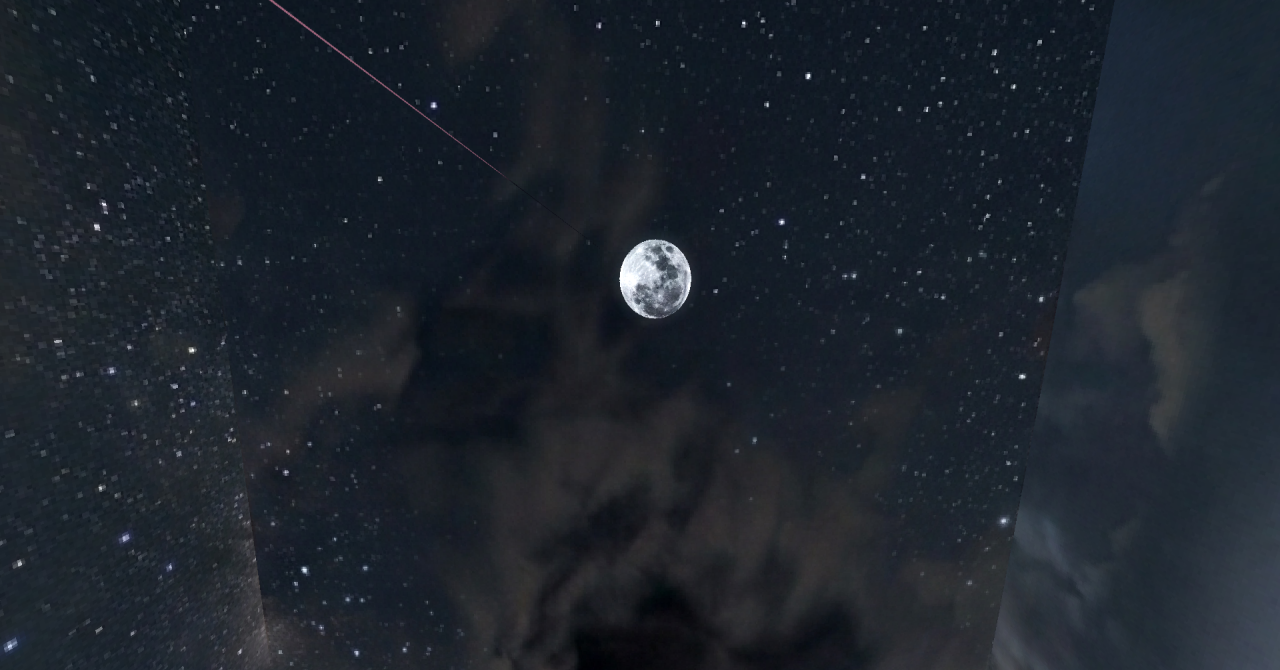
One of its strong points is the variation of the sky depending on the biome: different zones receive their own mood, tint, and character, which makes exploration visually richer. The pack remains fairly lightweight and does not require a powerful system to deliver a pleasing image.
How to install the texture pack:
First step: download and install Sky Scape HD
Second step: copy the texture pack to the C:\Users\USER_NAME\AppData\Roaming\.minecraft\resourcepacks
Third step: in game settings choose needed resource pack.
Comments (0)