



Snowy Mountains Sky for Minecraft 26.1.2
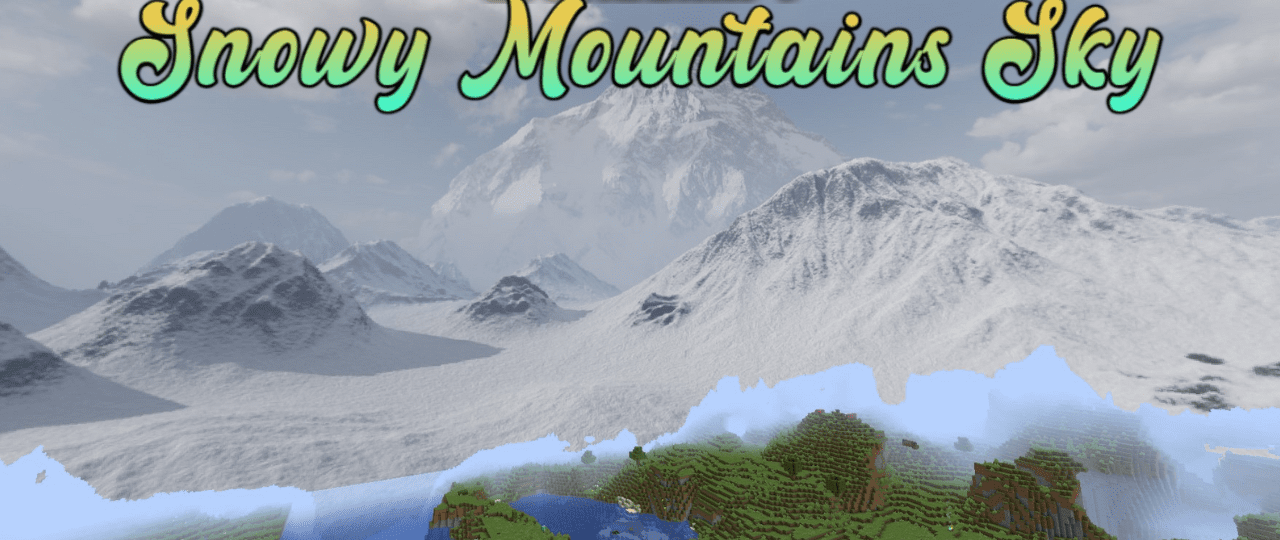
The sky sets the mood of the whole location, and Snowy Mountains Sky changes it through a background of snowy mountains. Instead of the usual sky space, the player sees a high-mountain landscape that works well with snowy biomes, northern bases, and buildings among cliffs. The pack works specifically with the sky, so it does not touch blocks, mobs, tools, or the interface.
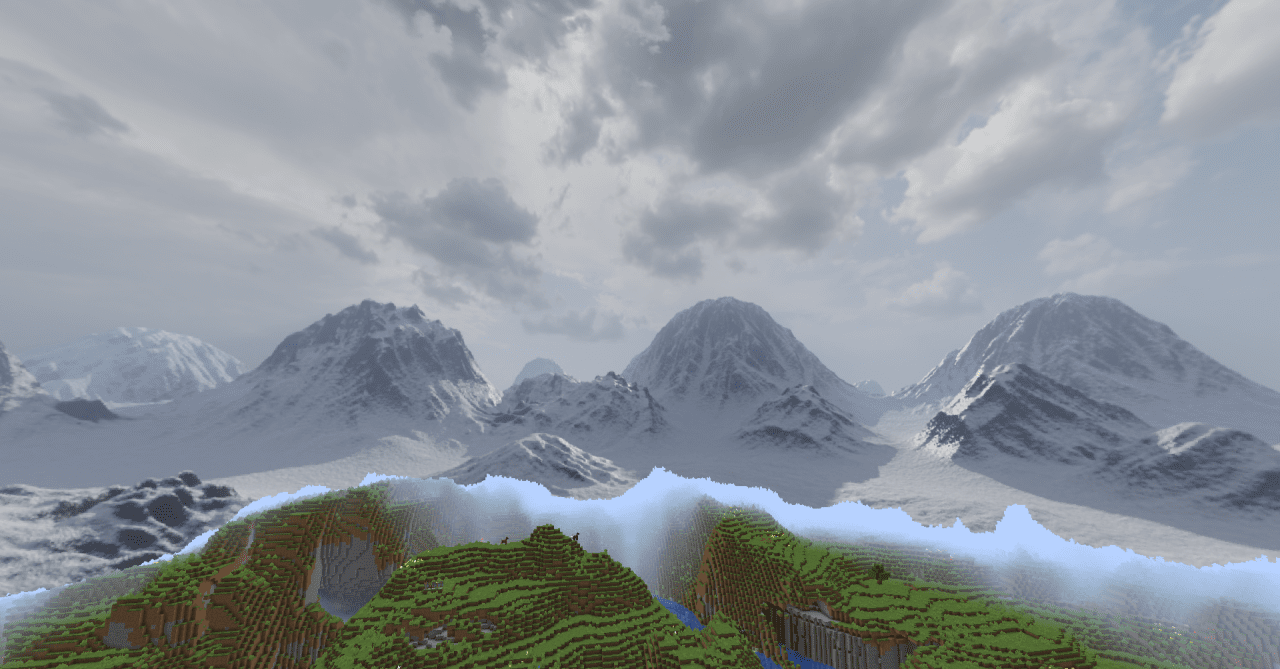
Its effect is revealed during walks through mountains, castle construction on peaks, the creation of winter villages, and travel through cold regions. The mountain background makes the horizon expressive and helps locations look more unified. Even an ordinary base in the snow begins to feel like part of a large alpine world.
How to install the texture pack:
First step: download and install Snowy Mountains Sky
Second step: copy the texture pack to the C:\Users\USER_NAME\AppData\Roaming\.minecraft\resourcepacks
Third step: in game settings choose needed resource pack.
Comments (0)