



Spectral 16x for Minecraft 26.1.2
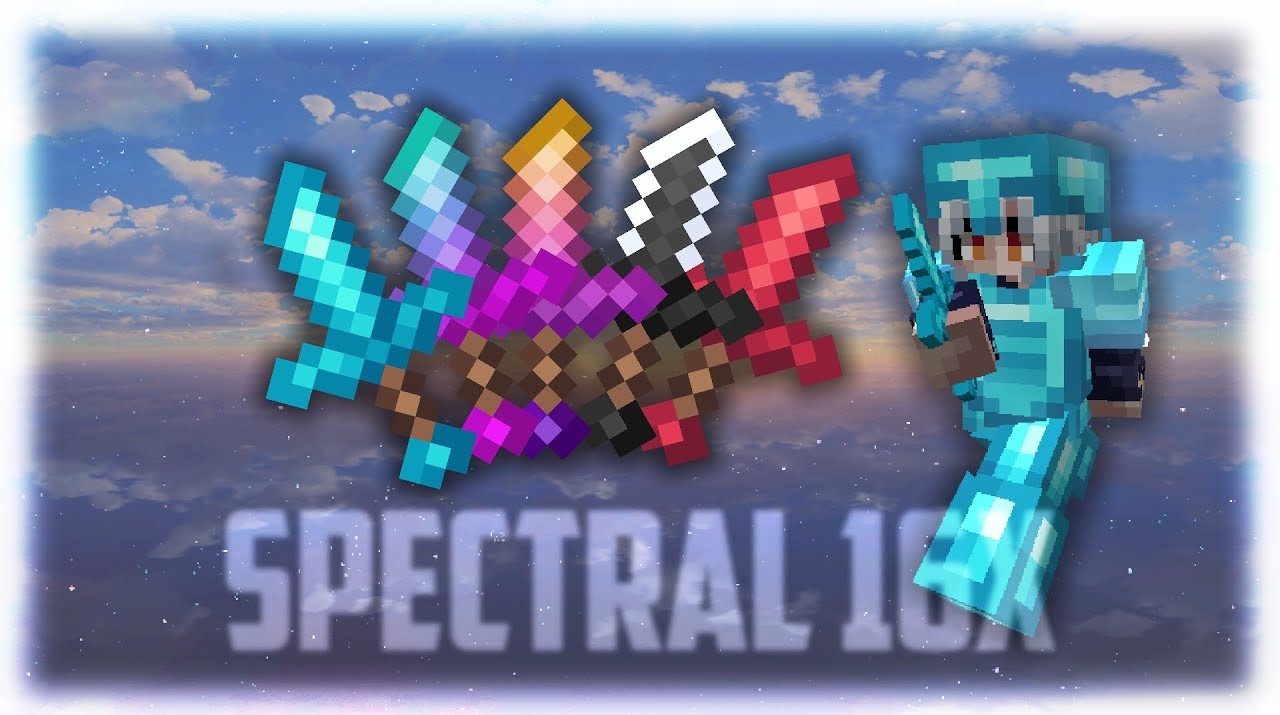
Spectral 16x keeps the familiar 16x resolution, but noticeably updates the appearance of Minecraft. The resource pack reworks blocks, items, and interface elements, making the picture cleaner, brighter, and more cohesive. The pack does not move into heavy realism; instead, it focuses on stylization, neat readability, and different color moods.

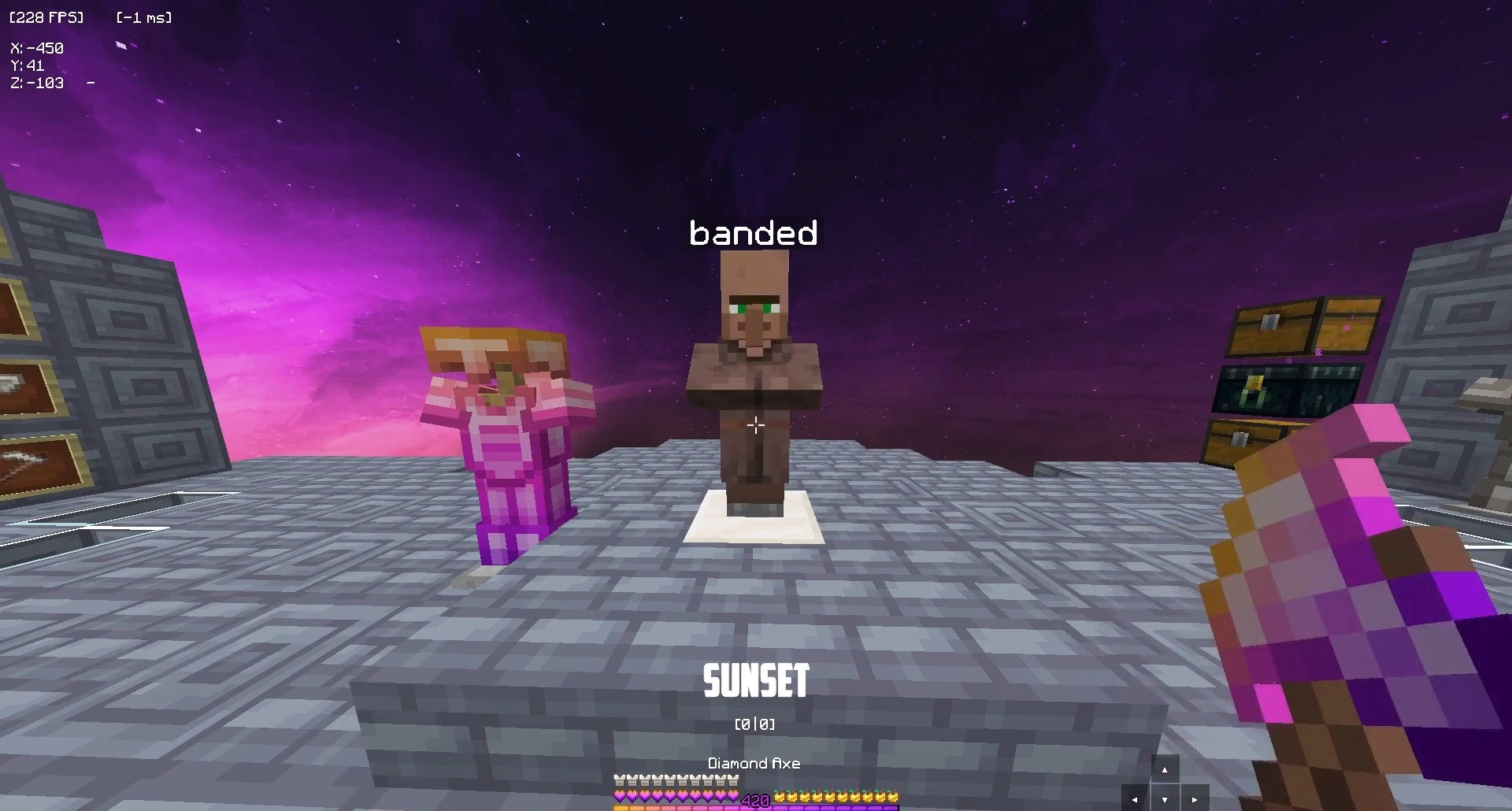
One of its main features is a large number of palettes: standard, icy, sunset, autumn, rose gold, strawberry, black-and-white, and other variants. Thanks to this, the same world can feel different without changing the base resolution.
How to install the texture pack:
First step: download and install Spectral 16x
Second step: copy the texture pack to the C:\Users\USER_NAME\AppData\Roaming\.minecraft\resourcepacks
Third step: in game settings choose needed resource pack.
Comments (0)