



STEAMPUNK for Minecraft 26.1.2
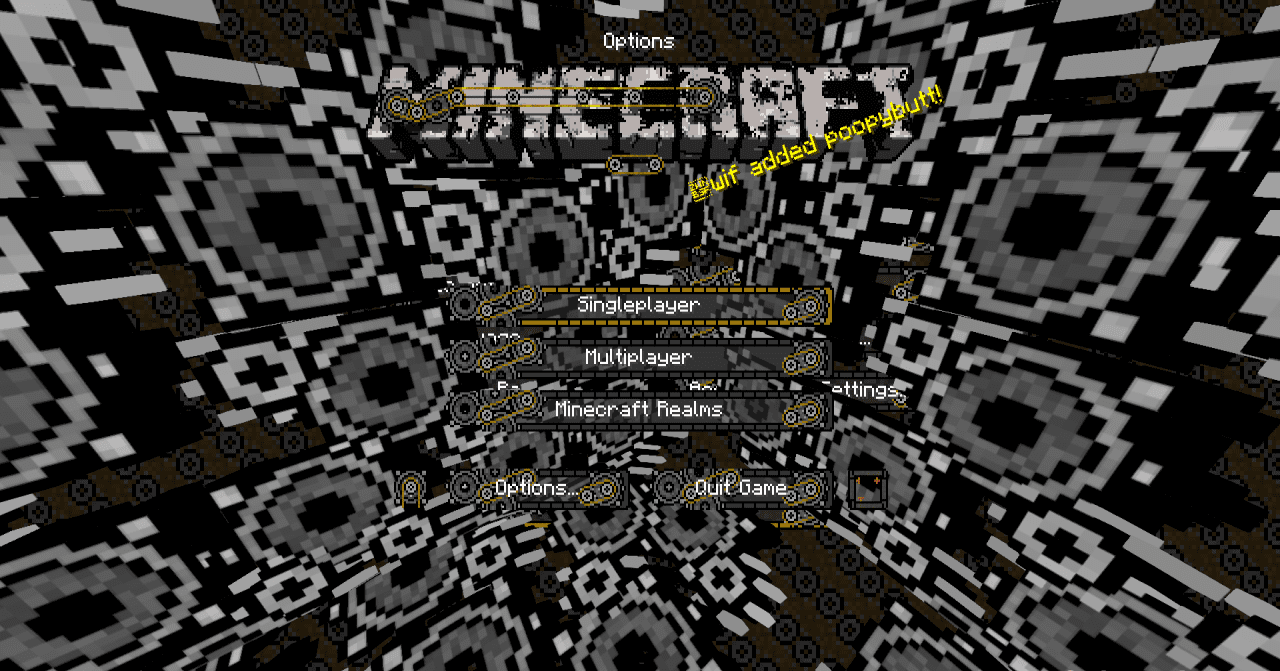
STEAMPUNK changes not blocks and mobs, but the interface, so the effect is noticeable almost immediately after launching Minecraft. The main menu, start screen, and hotbar receive a design in the style of mechanisms, metal, gears, and old technical devices. This approach changes the mood of the game but does not touch the world itself.
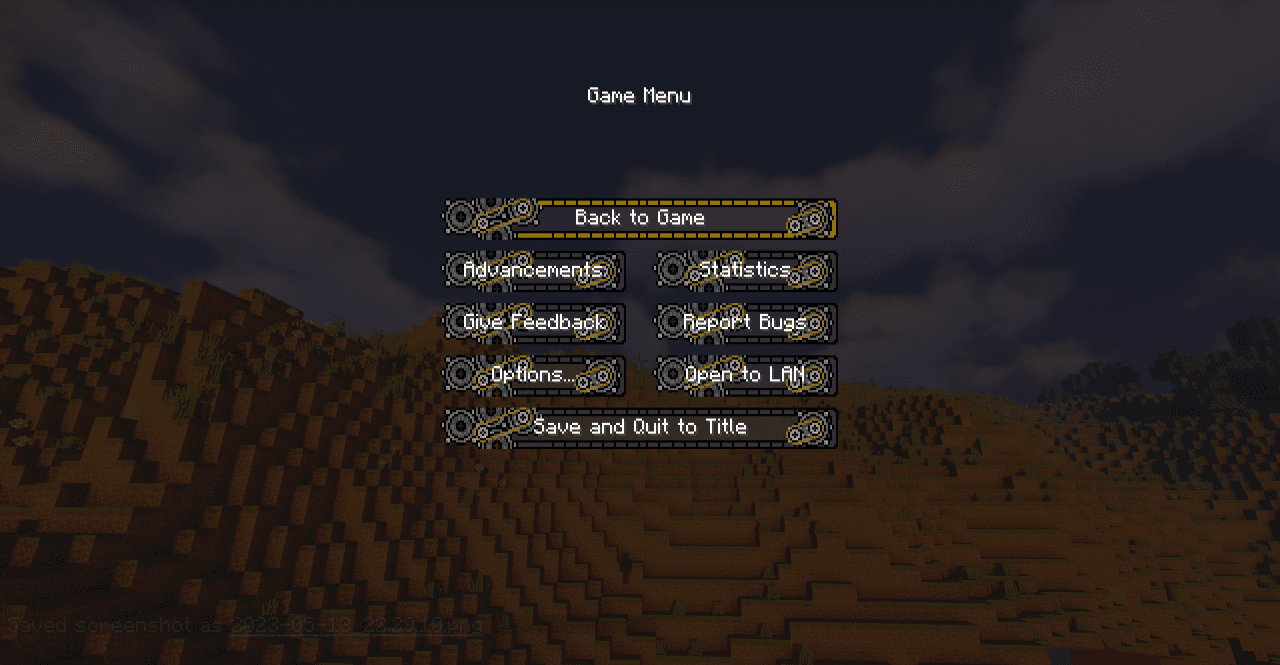
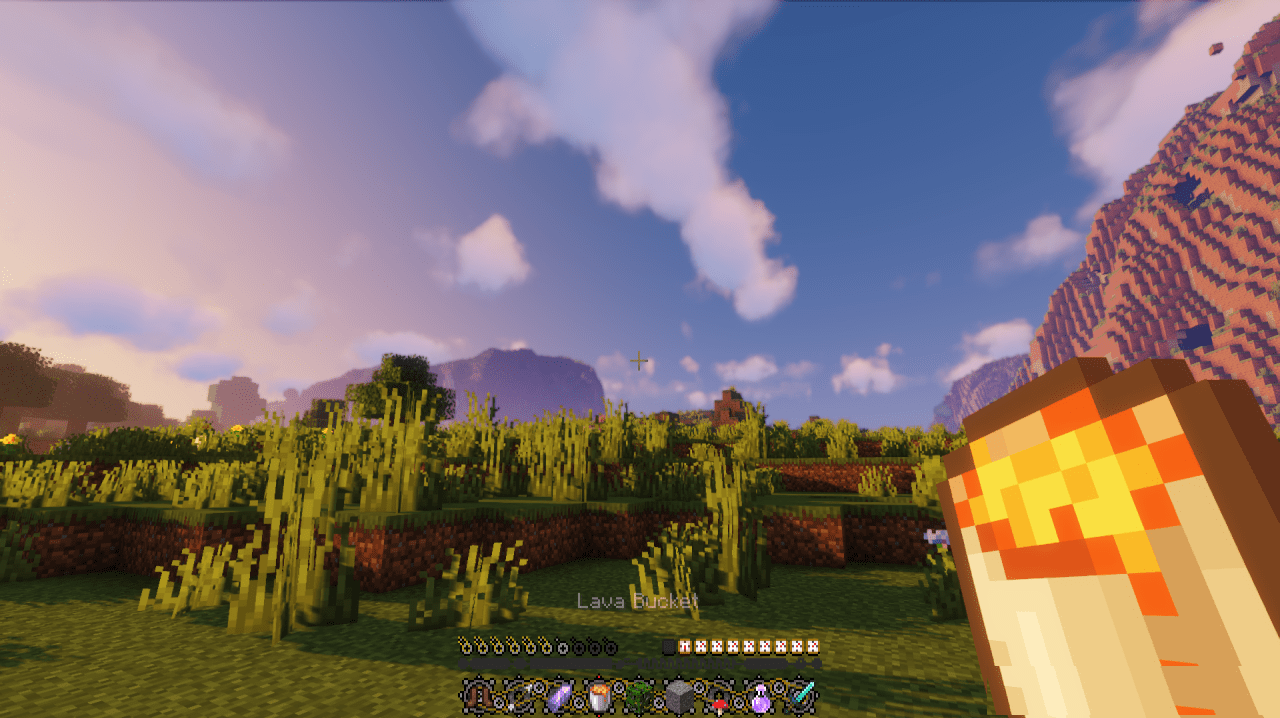
Biomes, buildings, and items remain familiar; interaction with them simply happens through a new visual layer. This is noticeable in the inventory and the lower panel, where the player constantly looks during the game. The resource pack makes the interface more collected and decorative, but does not overload the screen with unnecessary details.
How to install the texture pack:
First step: download and install STEAMPUNK
Second step: copy the texture pack to the C:\Users\USER_NAME\AppData\Roaming\.minecraft\resourcepacks
Third step: in game settings choose needed resource pack.
Comments (0)