



Stellar 3D for Minecraft 26.1.2
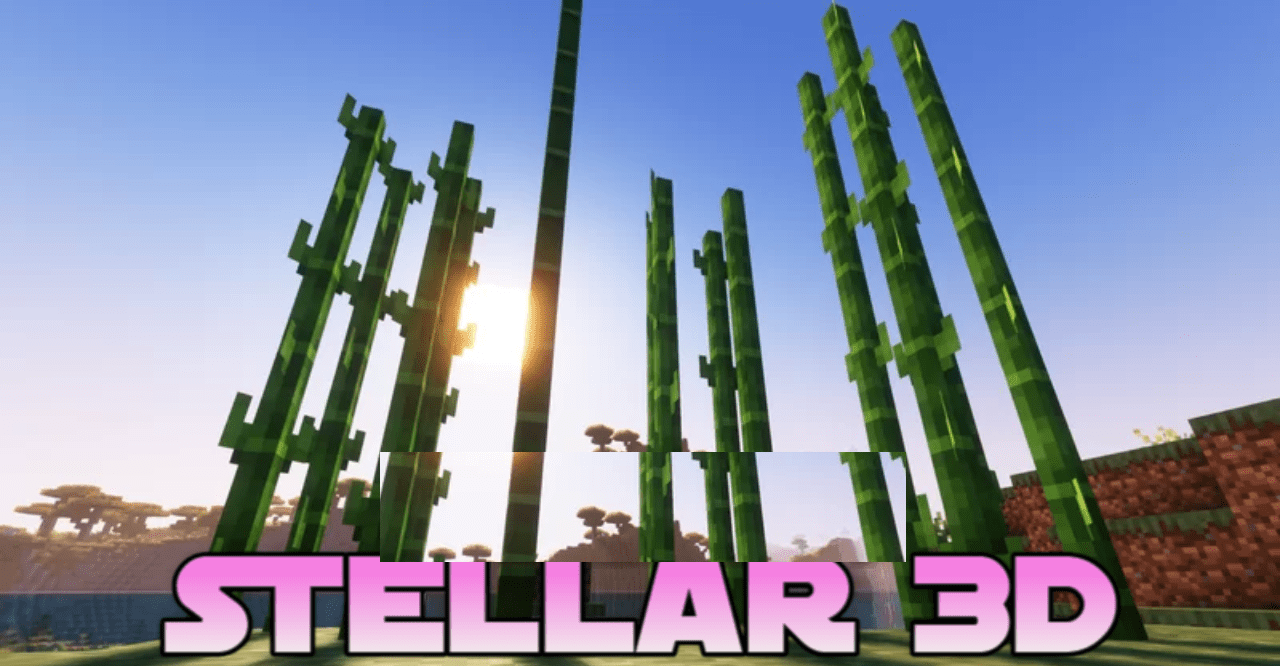
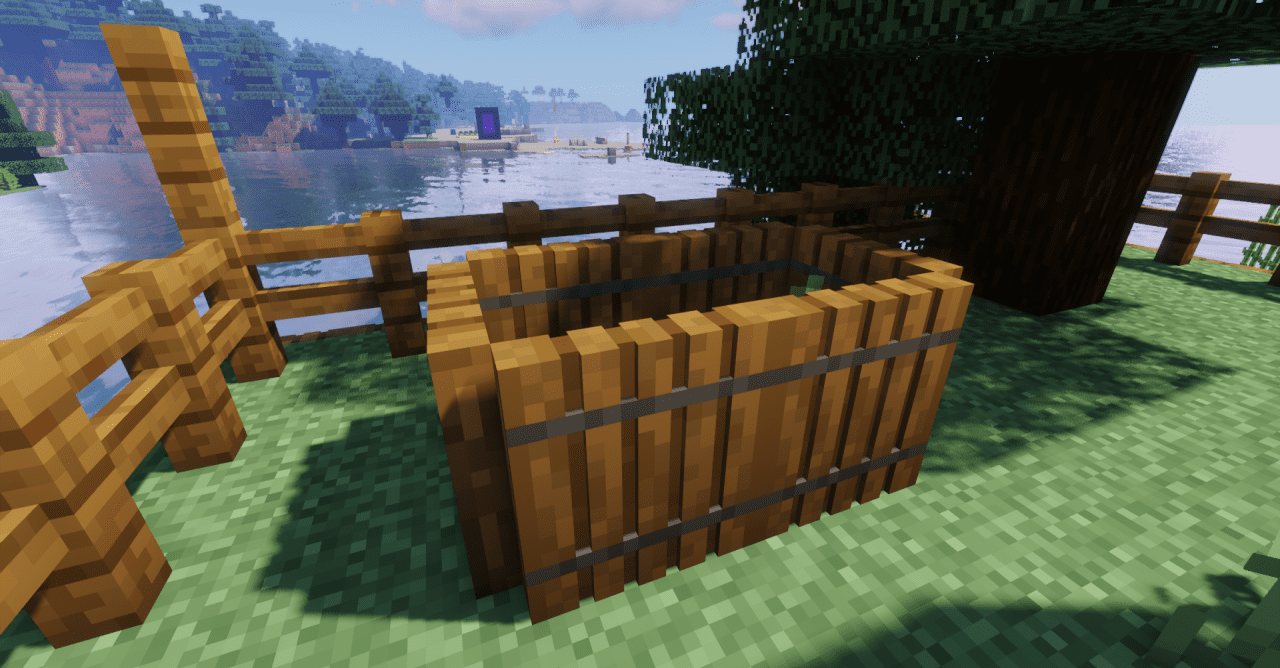
Stellar 3D fixes one of the noticeable features of vanilla Minecraft: the flat look of many items. The texture pack adds volume to objects that usually look like simple 2D icons or thin sprites. Thanks to 3D shapes, items look better in the hands, on the ground, in item frames, and when interacting with the environment.
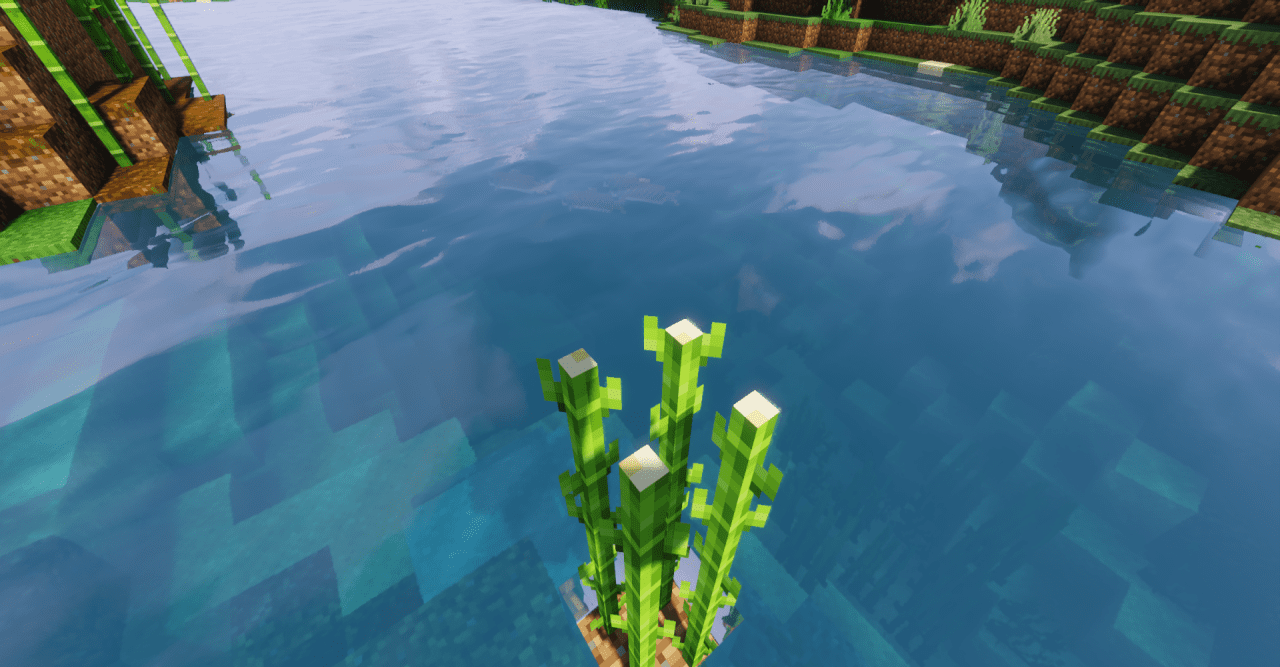
This is noticeable on frequently used things: they stop seeming “paper-like” and gain a more physical presence in the world. At the same time, the pack does not turn the game into a heavy graphical build; the world remains recognizable, and dimensionality is added carefully, without visual overload.
How to install the texture pack:
First step: download and install Stellar 3D
Second step: copy the texture pack to the C:\Users\USER_NAME\AppData\Roaming\.minecraft\resourcepacks
Third step: in game settings choose needed resource pack.
Comments (0)