



Trailers Vision for Minecraft 26.1.2
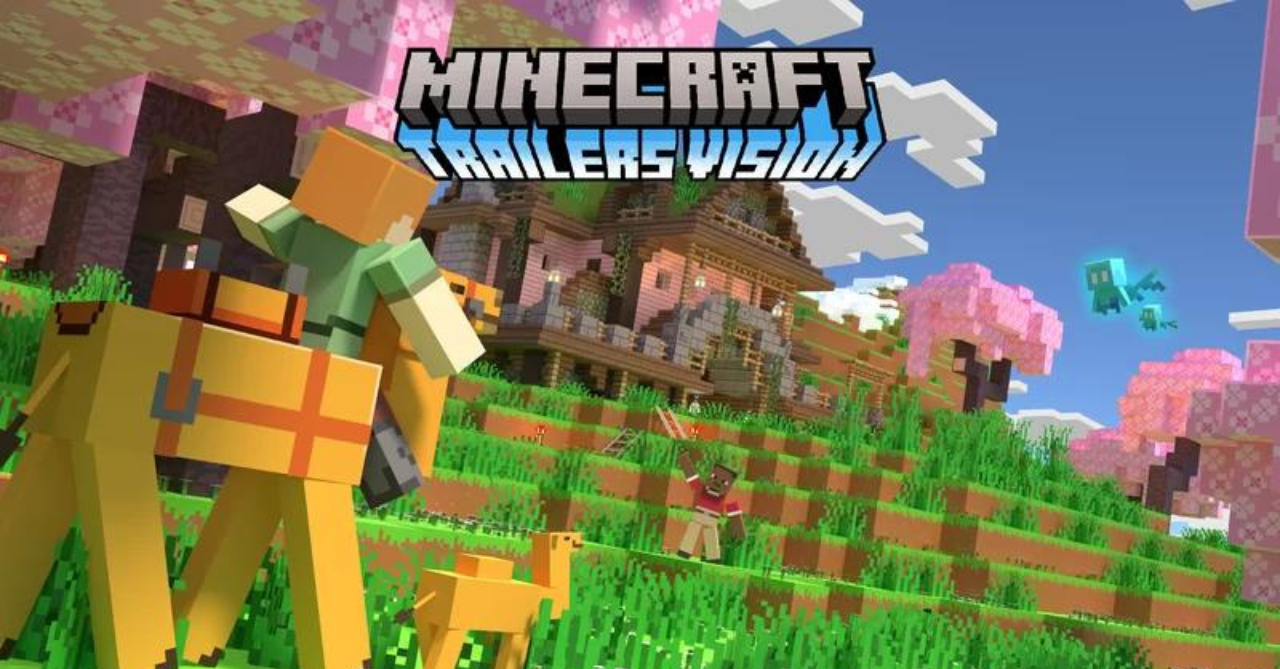
Trailers Vision is aimed at giving the game an impressive and cinematic look. The pack is inspired by a spectacular presentation of the world, where every landscape, every build, and every gameplay moment looks as if it is ready to become a shot from a beautifully directed trailer. It makes the environment more expressive and rich, strengthening the impression from traveling, building, and ordinary world exploration.
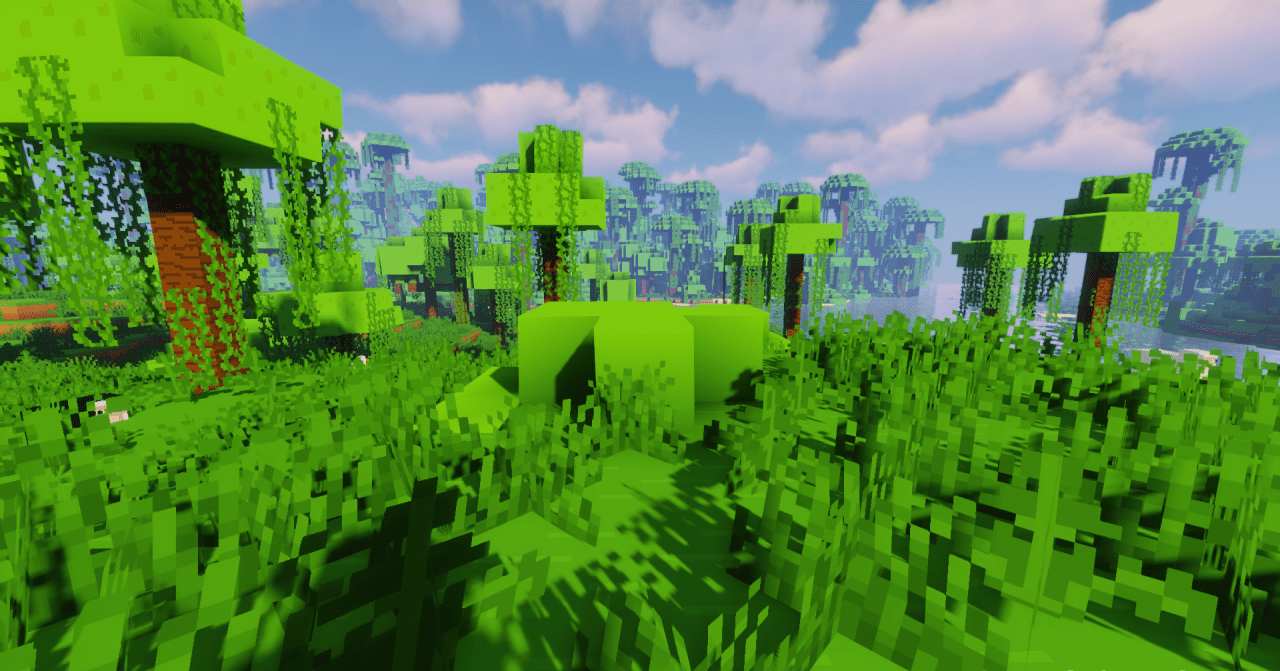
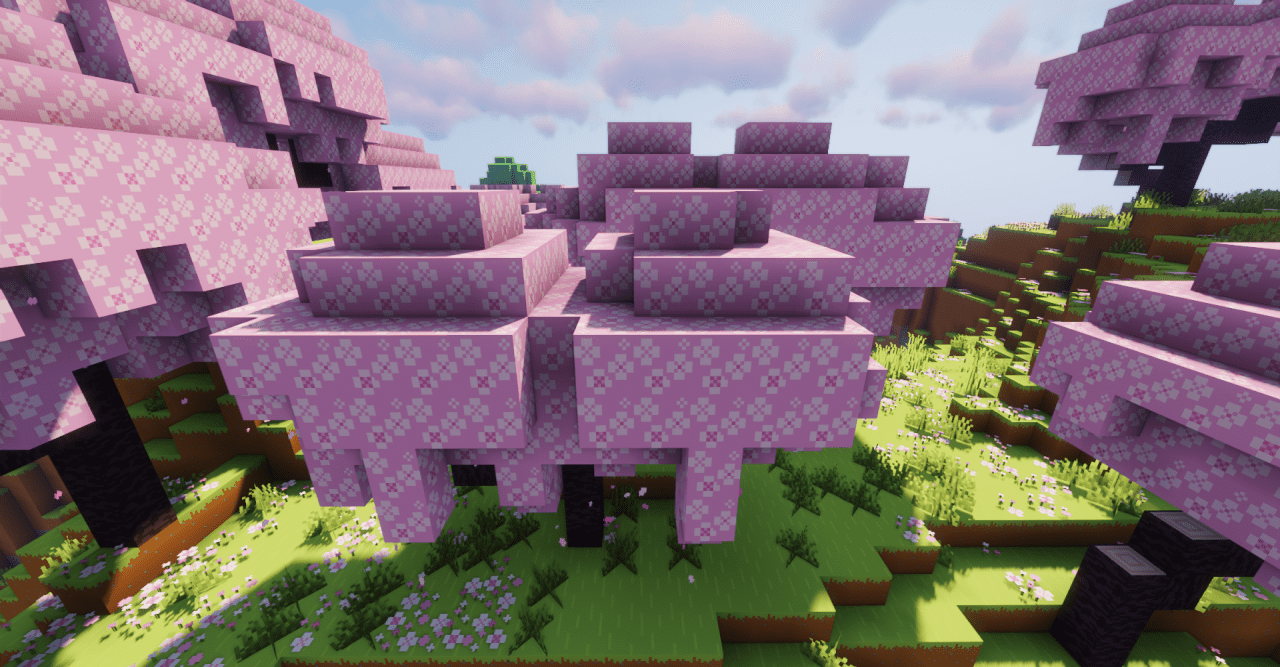
The resource pack will appeal to players who like admiring views, taking screenshots, or simply want the game to look more spectacular without losing its recognizability. The visual style of the pack feels cohesive and confident, and with it, the world is perceived as more picturesque.
How to install the texture pack:
First step: download and install Trailers Vision
Second step: copy the texture pack to the C:\Users\USER_NAME\AppData\Roaming\.minecraft\resourcepacks
Third step: in game settings choose needed resource pack.
Comments (1)