



Unique Dark for Minecraft 26.1.2
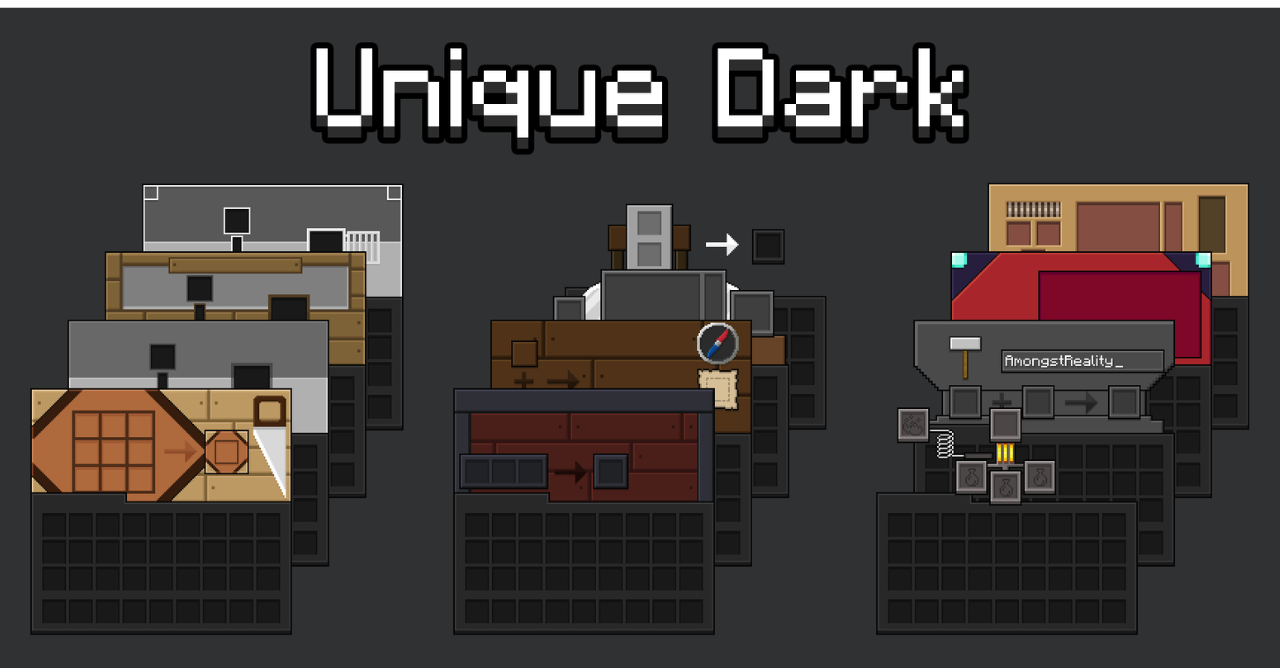
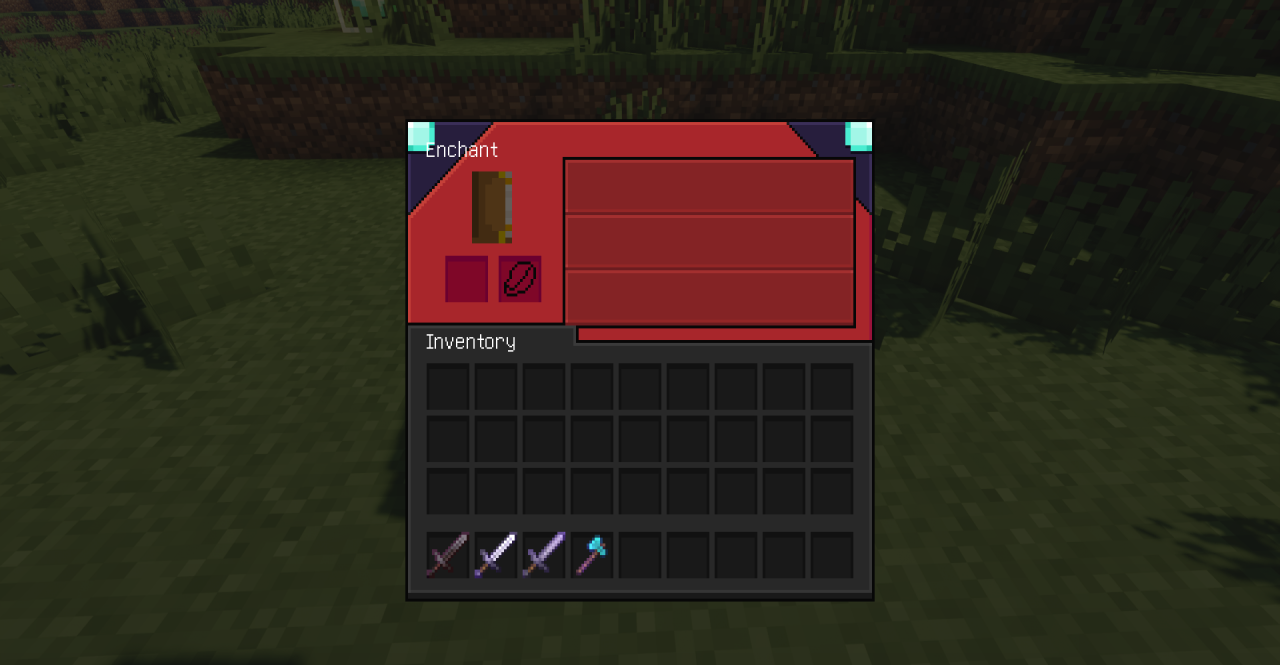
Unique Dark is an excellent choice for players who want to make the Minecraft interface darker, more restrained, and more comfortable for the eyes. The pack reworks the appearance of key screens and elements: the inventory, chests, crafting table, furnace, enchanting table, anvil, shulker boxes, recipe book, buttons, and hotbar.
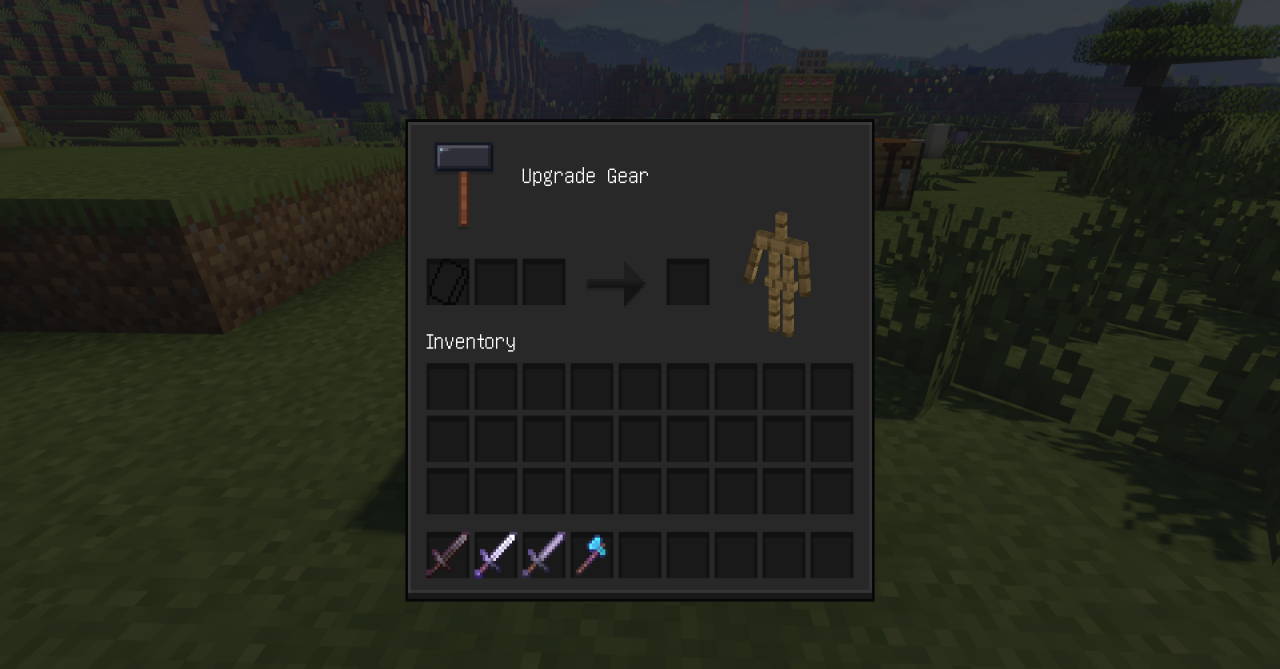
Instead of the usual light base, it uses a minimalist dark palette, thanks to which the interface begins to look more modern and neater. This is especially noticeable during long gaming sessions, in the evening or at night, when bright elements can tire the eyes.
How to install the texture pack:
First step: download and install Unique Dark
Second step: copy the texture pack to the C:\Users\USER_NAME\AppData\Roaming\.minecraft\resourcepacks
Third step: in game settings choose needed resource pack.
Comments (0)