



Urban for Minecraft 26.1
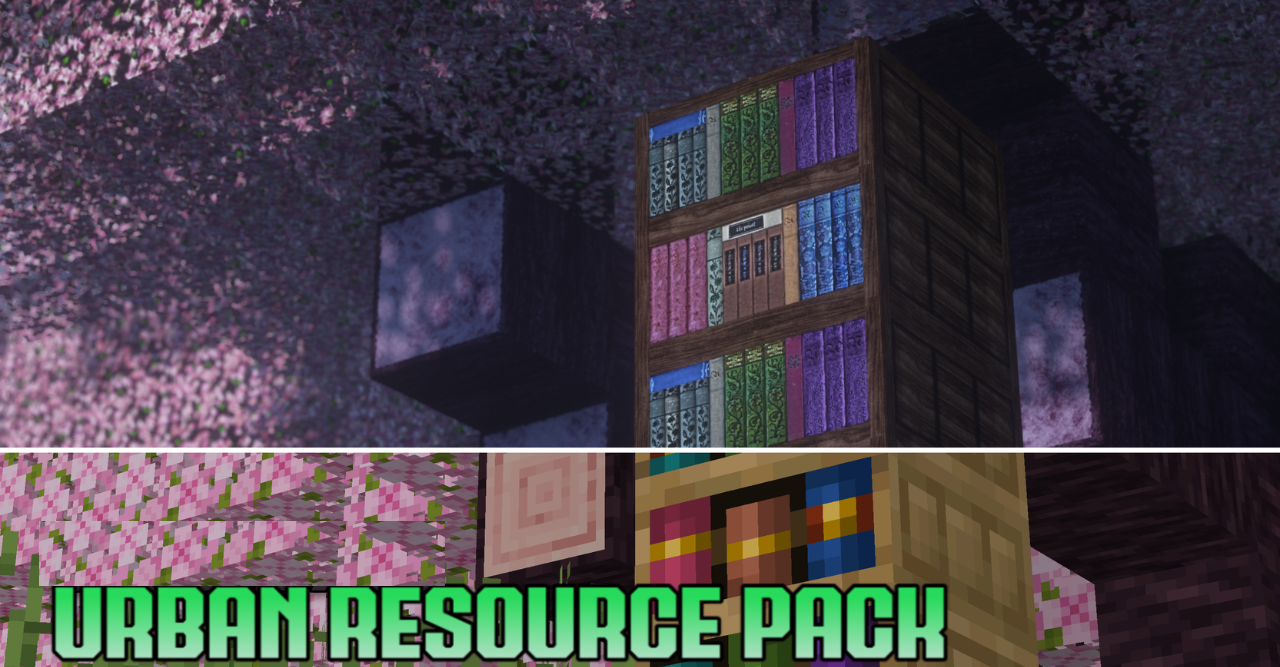
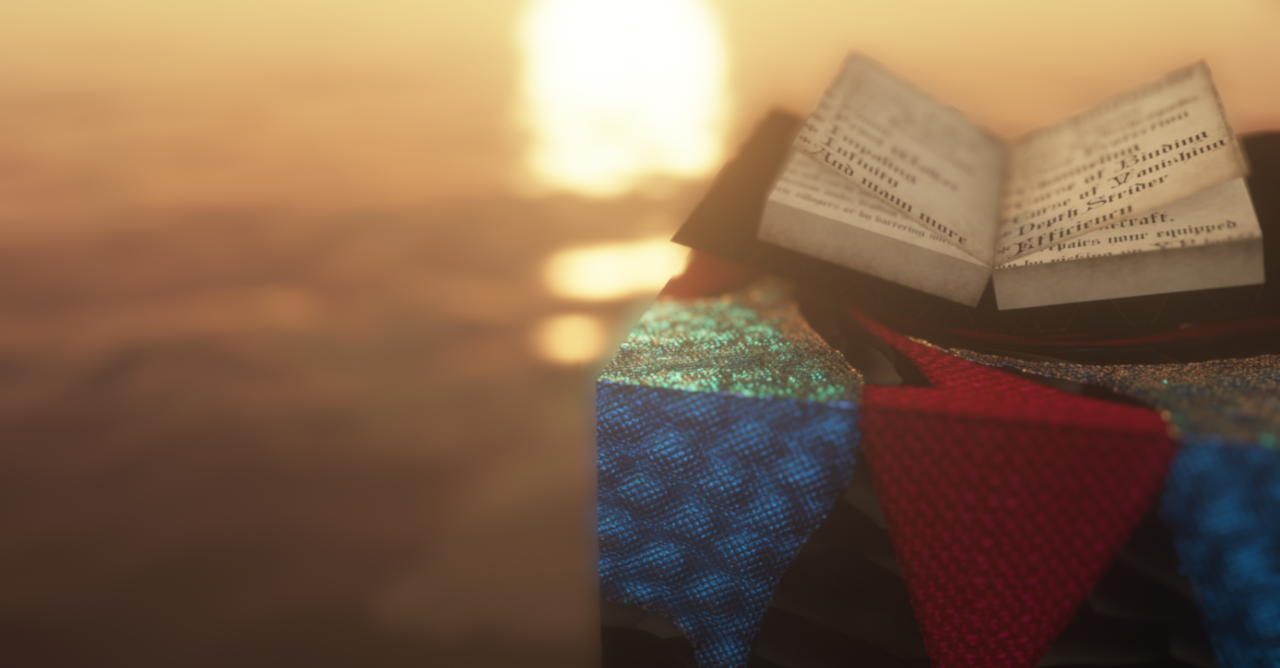
Urban is designed for those who want to see Minecraft in a more modern and detailed form, but without losing the world’s recognizability. The pack uses 128× textures, PBR materials, and 3D models, making familiar blocks and items look much richer and more realistic. At the same time, it does not break the game’s original appearance, but rather brings it to a more cinematic state.
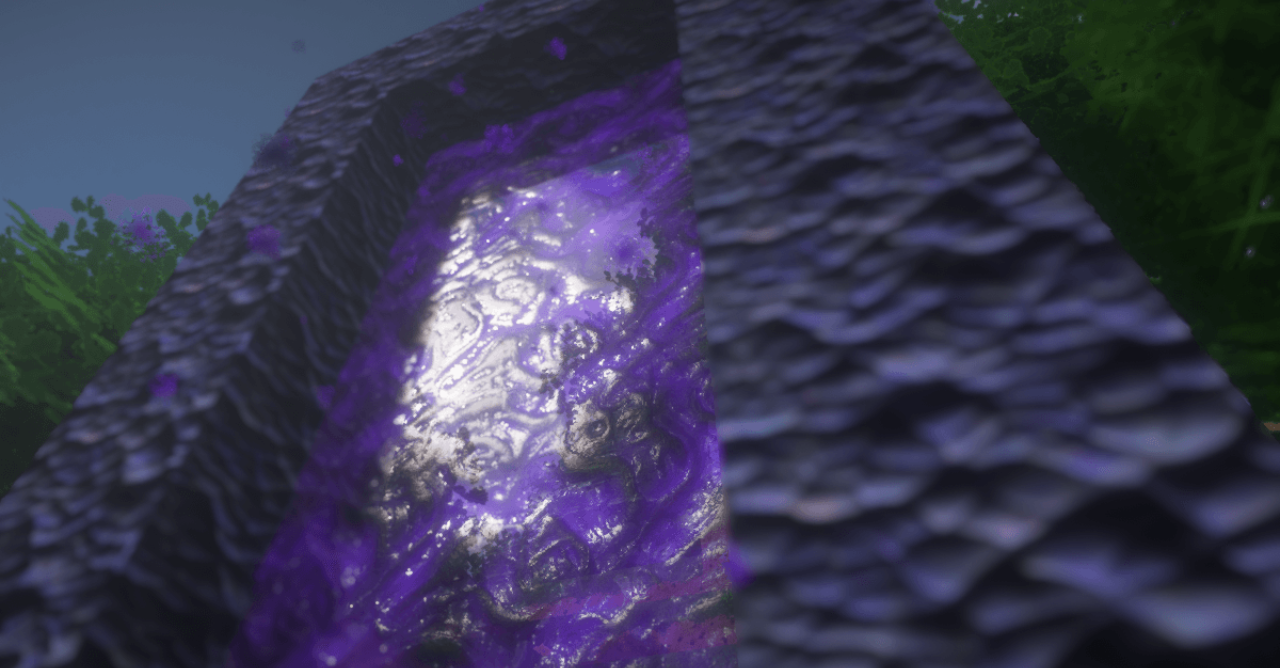
This is especially noticeable in the environment: surfaces look deeper, materials feel more convincing, and scenes gain more volume. With shaders, the effect becomes even more pronounced—lighting, reflections, and atmosphere become noticeably more expressive. But even without them, the pack leaves a strong impression.
How to install the texture pack:
First step: download and install Urban
Second step: copy the texture pack to the C:\Users\USER_NAME\AppData\Roaming\.minecraft\resourcepacks
Third step: in game settings choose needed resource pack.
Comments (0)