



Vanilla Pixels for Minecraft 26.1

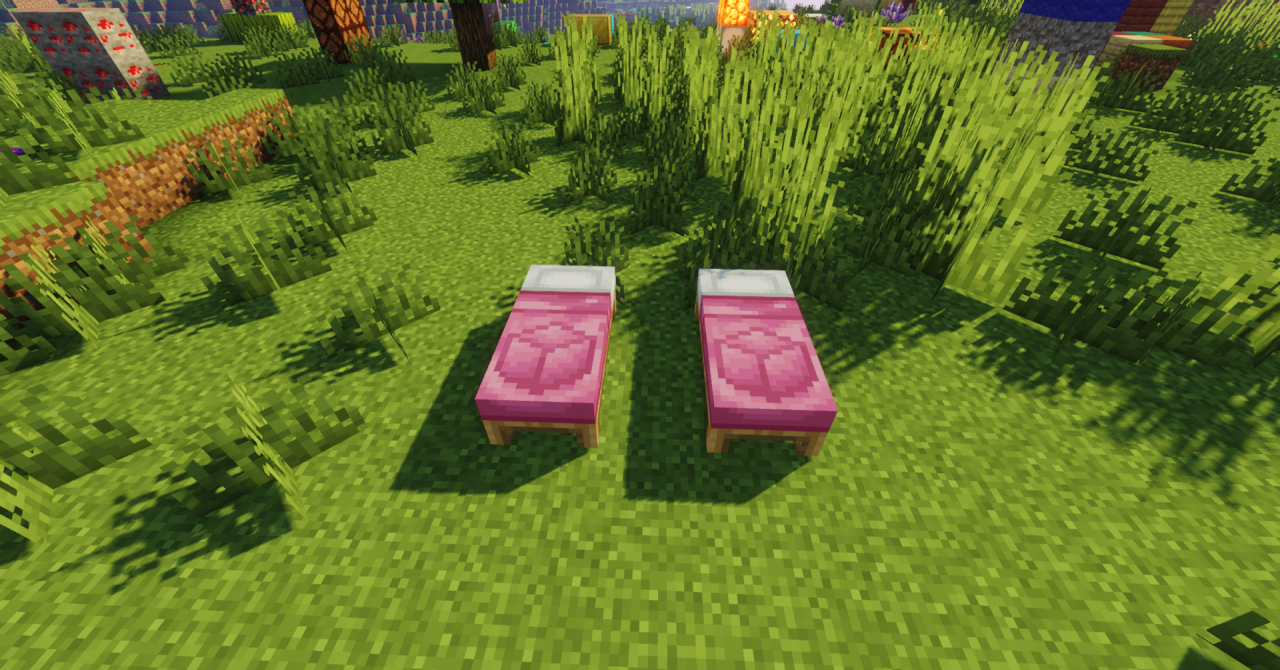
Sometimes the best visual upgrade is the one that does not stand out immediately, but gradually makes the entire game more pleasant. That is exactly how Vanilla Pixels works. This resource pack improves the standard graphics without radical experiments: the textures become a little cleaner, neater, and more expressive, while the world still feels unmistakably like Minecraft.
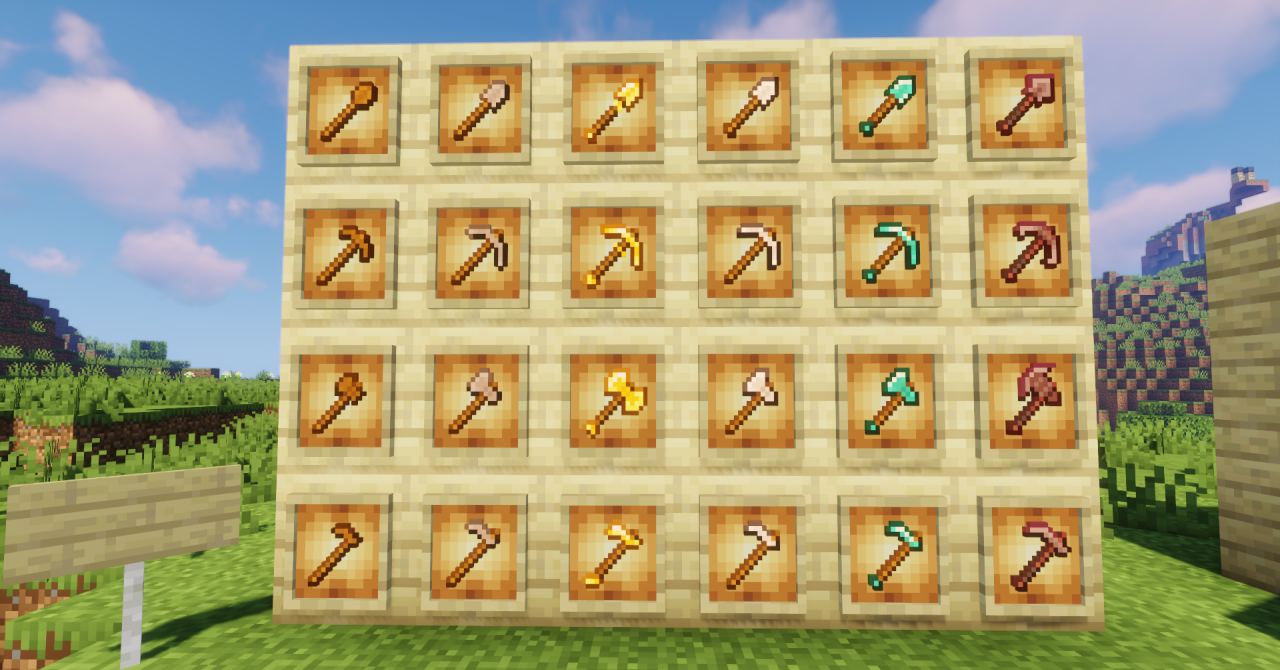
That is its main strength—it does not argue with the original style, but reinforces its strong points. Blocks and environments look fresher, the image becomes more cohesive, and the overall impression of the game feels more polished. The pack is a good choice for those looking for a calm and restrained improvement of the vanilla foundation.
How to install the texture pack:
First step: download and install Vanilla Pixels
Second step: copy the texture pack to the C:\Users\USER_NAME\AppData\Roaming\.minecraft\resourcepacks
Third step: in game settings choose needed resource pack.
Comments (0)