



Volcanic Dark for Minecraft 26.1
Volcanic Dark is an excellent choice for those who have long wanted to shift the Minecraft interface into a stricter and more comfortable format. This resource pack completely reworks the menus, inventory, and HUD in a dark palette inspired by obsidian, making the game look more modern and easier on the eyes. The pack does not slip into excessive gloominess—the interface remains clear, and navigation through windows and slots stays convenient.
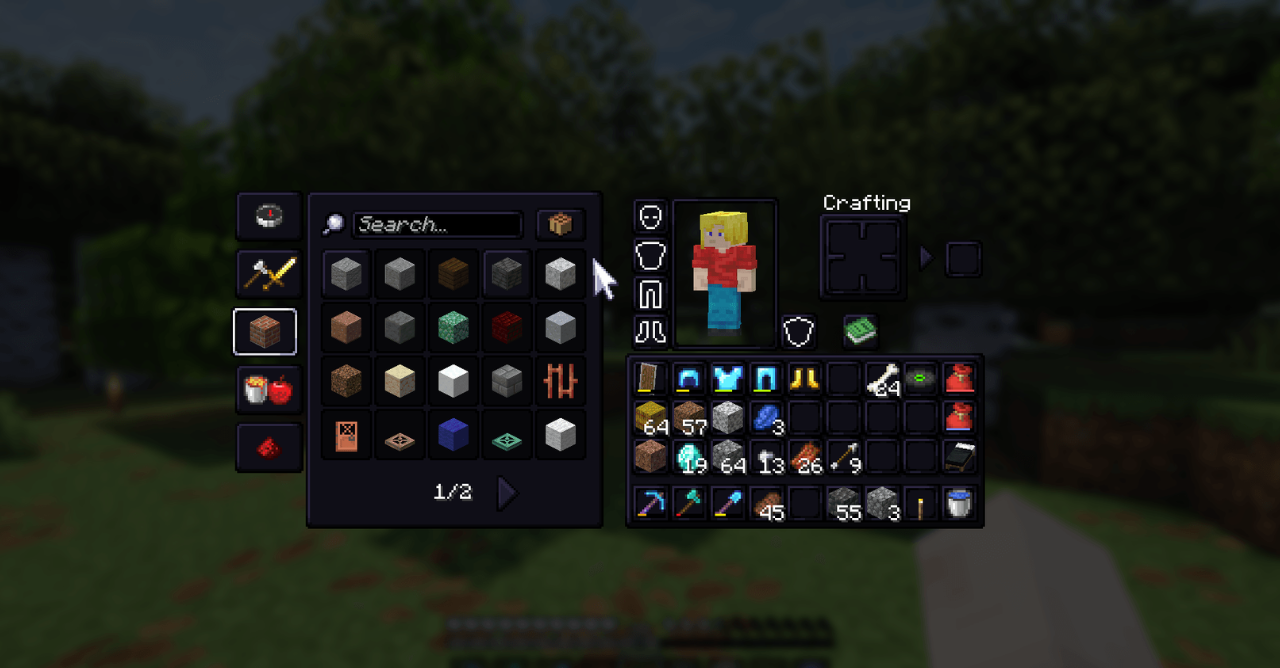
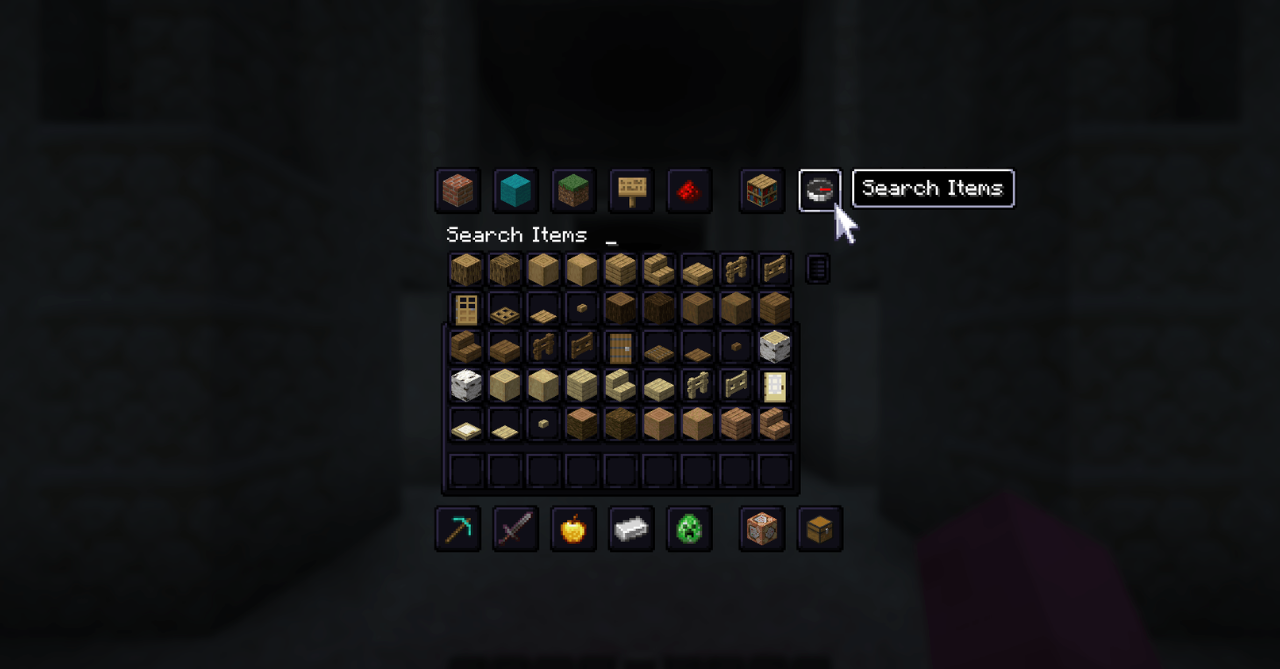
The improved item outlines and the option for precise customization of individual interface elements are especially pleasing, which makes this pack not just beautiful, but a truly flexible solution for everyday play.
How to install the texture pack:
First step: download and install Volcanic Dark
Second step: copy the texture pack to the C:\Users\USER_NAME\AppData\Roaming\.minecraft\resourcepacks
Third step: in game settings choose needed resource pack.
Comments (0)