



3D Items Vanillaism for Minecraft 26.2
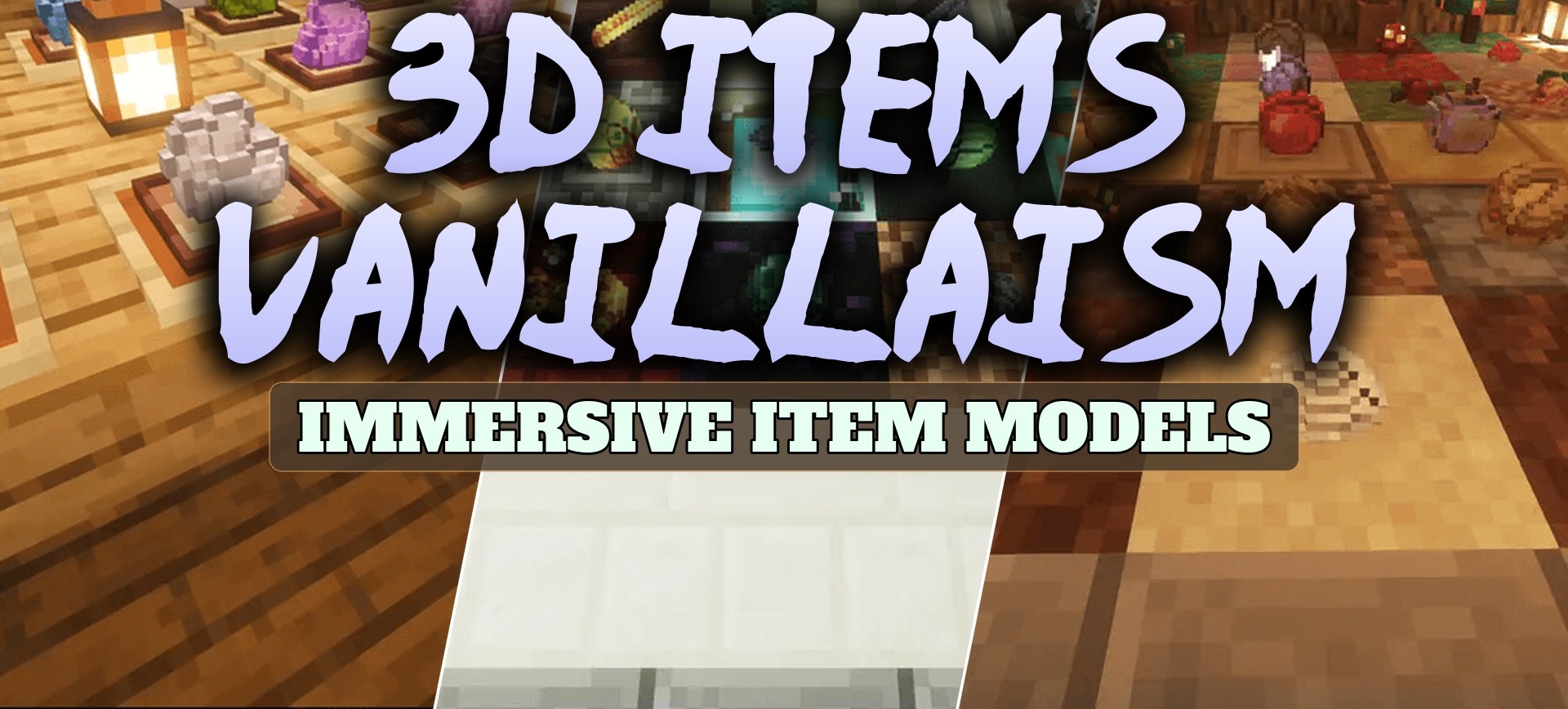
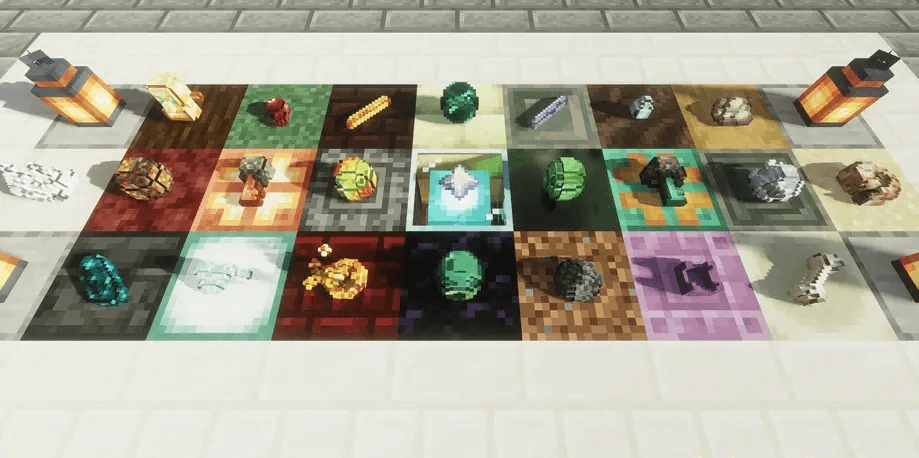
3D Items Vanillaism adds physical thickness to most items that normally look like flat images. Items dropped on the ground and objects held in the hands turn into small three-dimensional models with visible side faces.
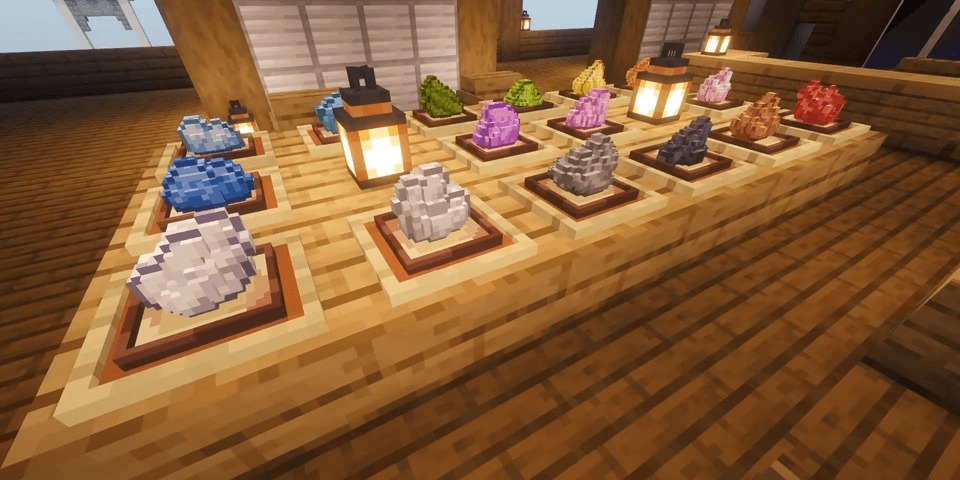
At the same time, their standard colors, pixel outlines, and overall design do not change, so the added volume does not clash with the vanilla style. In the inventory, items are still displayed as ordinary two-dimensional icons, keeping the menu clean and easy to read. The main change becomes visible directly in the world, especially when placing items on surfaces or dropping them.
How to install the texture pack:
First step: download and install 3D Items Vanillaism
Second step: copy the texture pack to the C:\Users\USER_NAME\AppData\Roaming\.minecraft\resourcepacks
Third step: in game settings choose needed resource pack.
Comments (0)