



A7MD’s 3D Potions for Minecraft 26.2
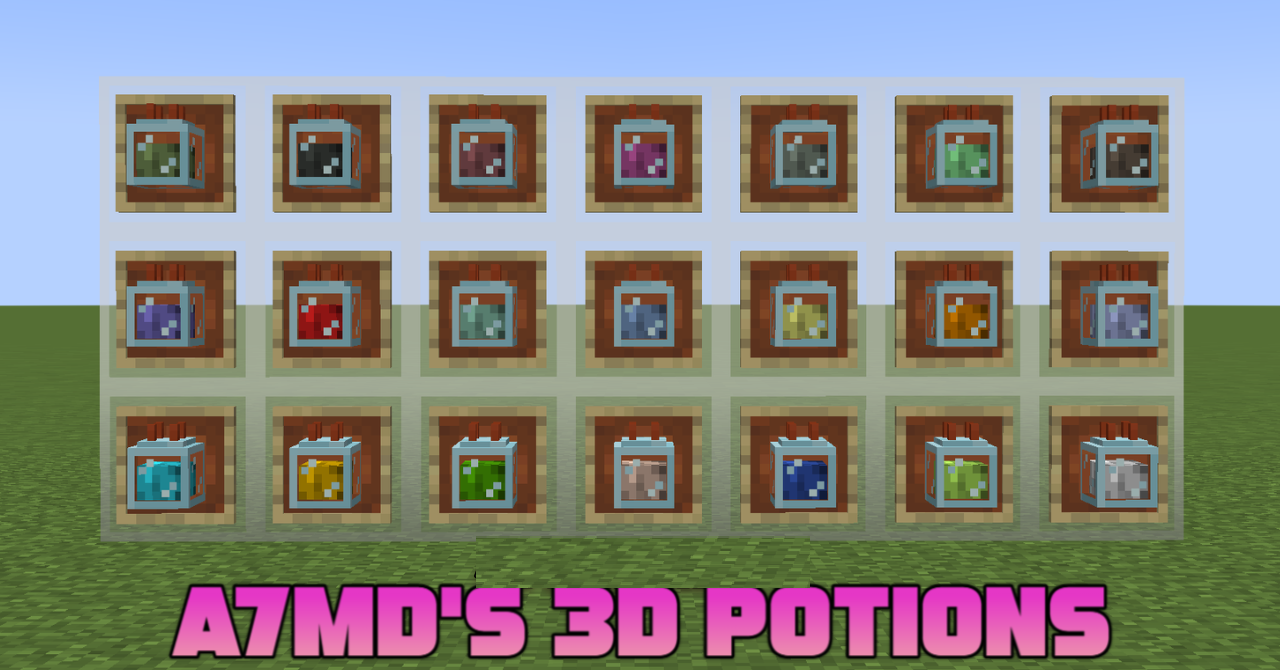
Flat potion icons turn into small three-dimensional bottles after installing A7MD’s 3D Potions. Each model receives a distinct shape, a neat stopper, and details of the glass container. Regular, splash, and lingering potions differ in construction, making them easier to recognize by more than just the color of their contents.
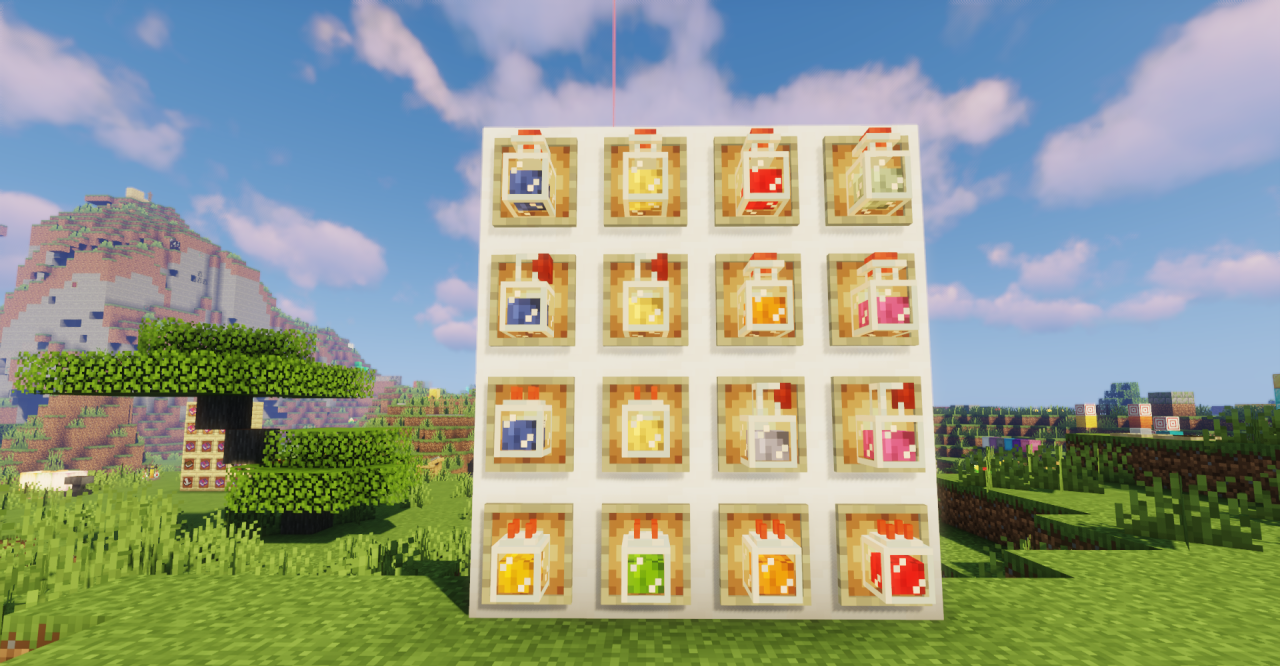
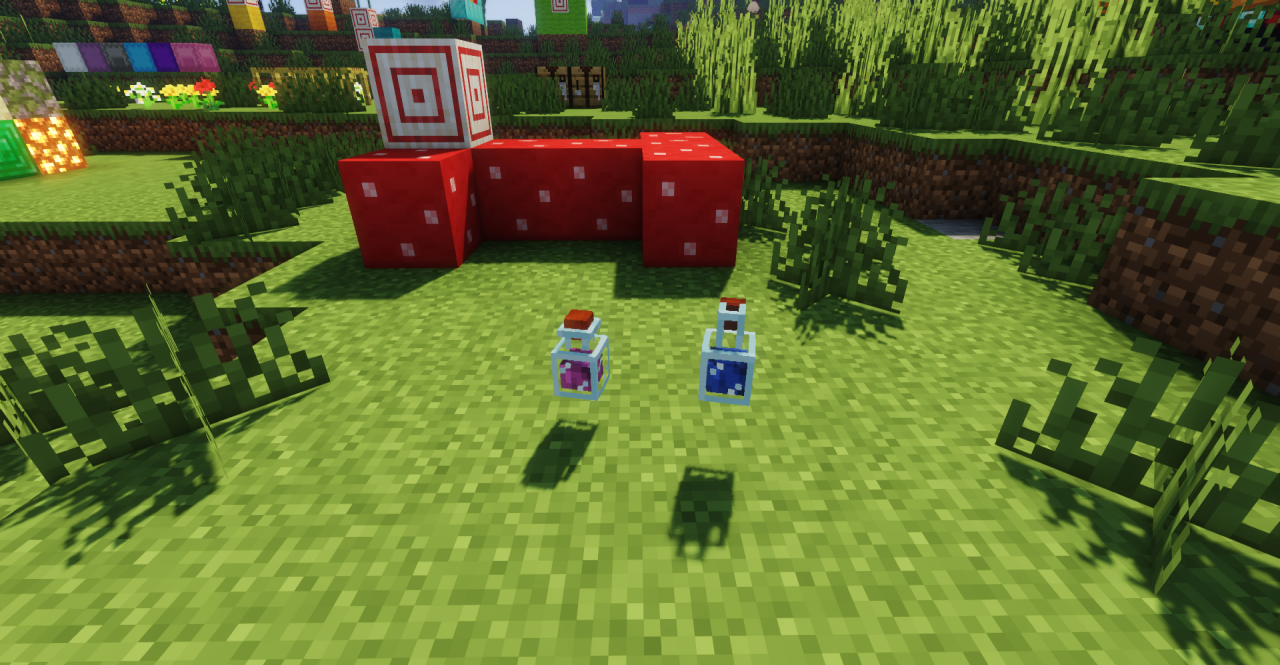
The three-dimensional design is noticeable both in the character’s hand and when viewing items in the inventory or on decorative surfaces. The pack does not change recipes, effect durations, or brewing rules. It makes alchemy rooms and bottle collections more expressive while preserving the bright colors and recognizable style of Minecraft’s standard items.
How to install the texture pack:
First step: download and install A7MD’s 3D Potions
Second step: copy the texture pack to the C:\Users\USER_NAME\AppData\Roaming\.minecraft\resourcepacks
Third step: in game settings choose needed resource pack.
Comments (0)