



All-White Textures for Minecraft 26.2
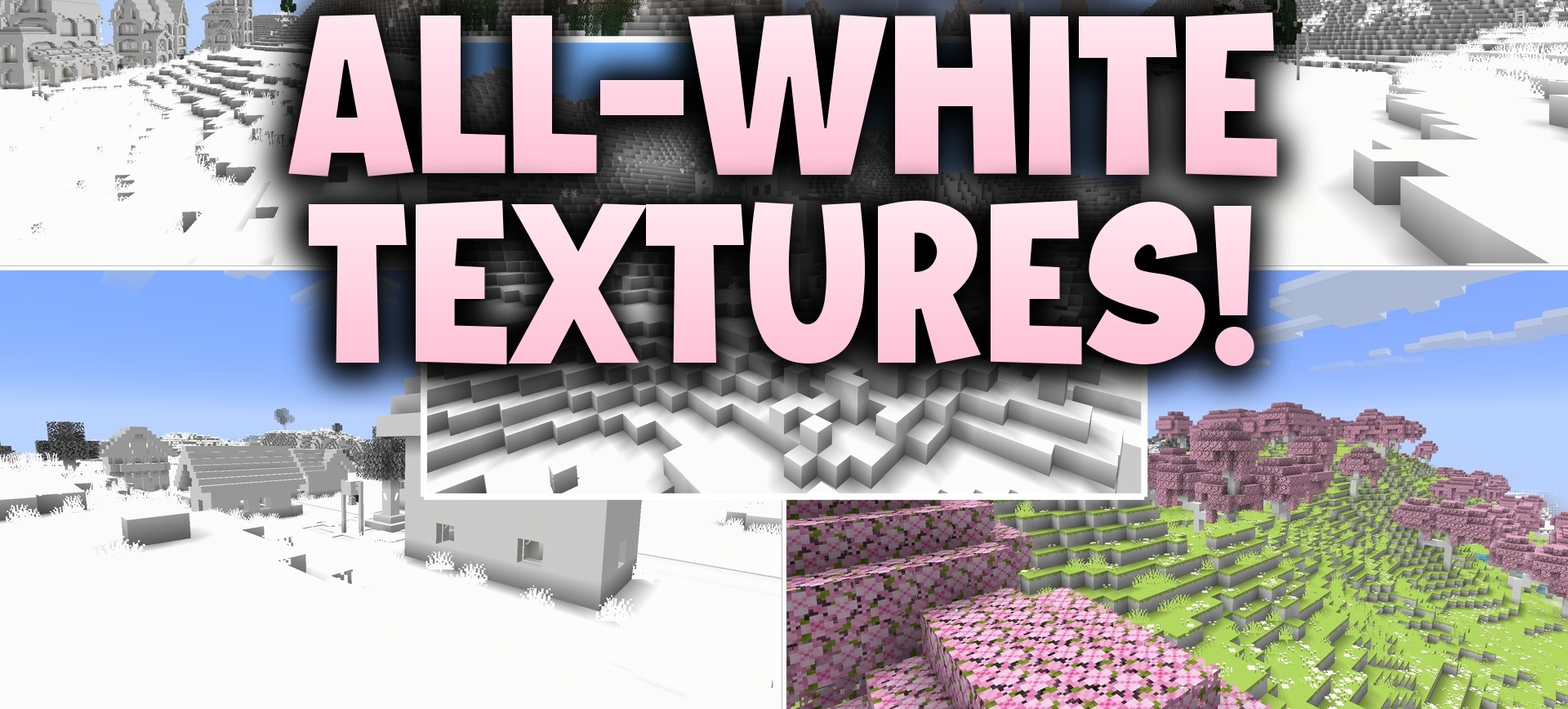
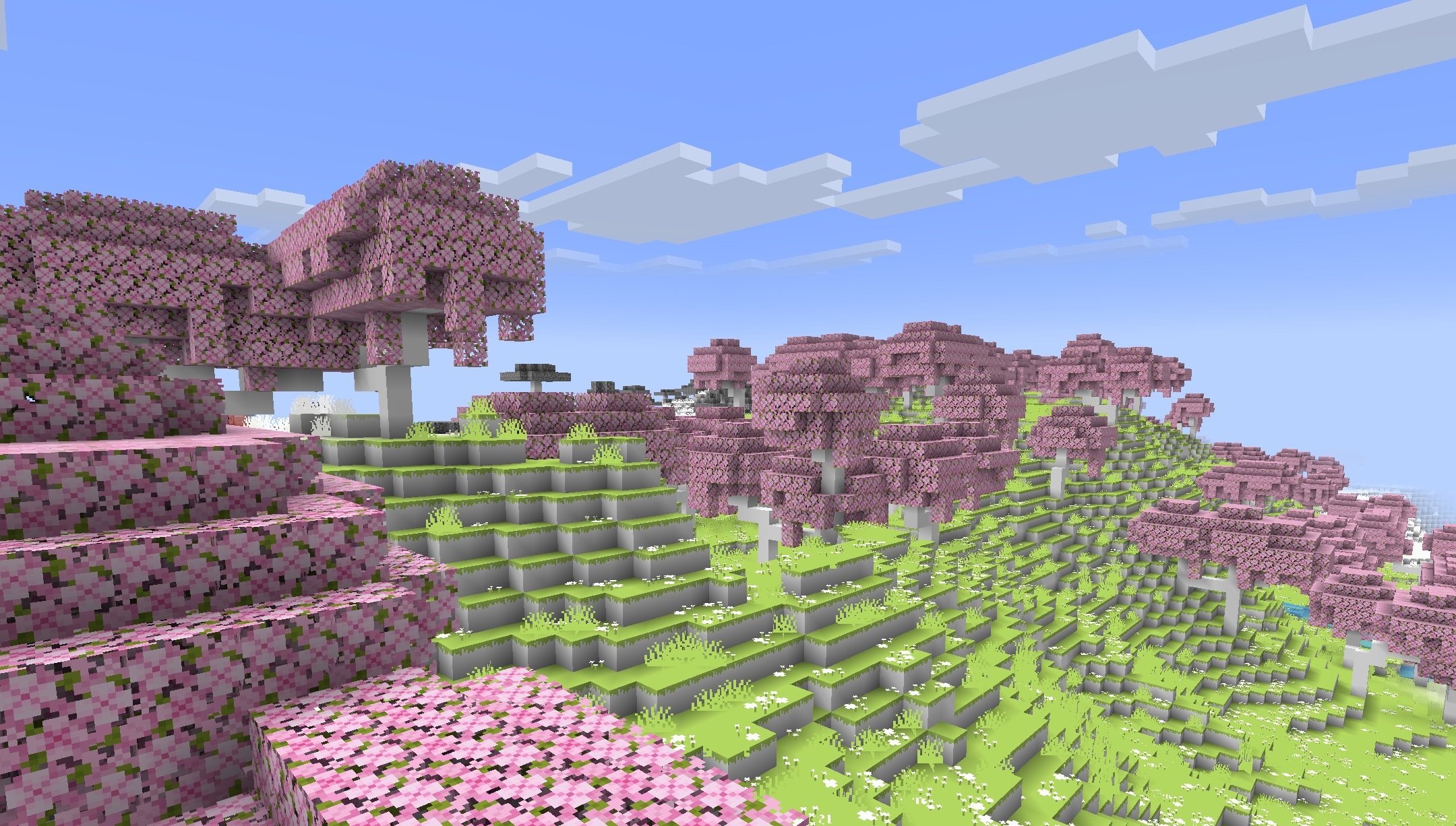
All-White Textures resource pack allows you to check how well you really know Minecraft. Almost all blocks, items, and creatures are colored the same white, so familiar materials have to be identified by their shape and model. Finding the required ore, quickly spotting a dangerous mob, or figuring out the contents of the inventory becomes significantly more difficult.
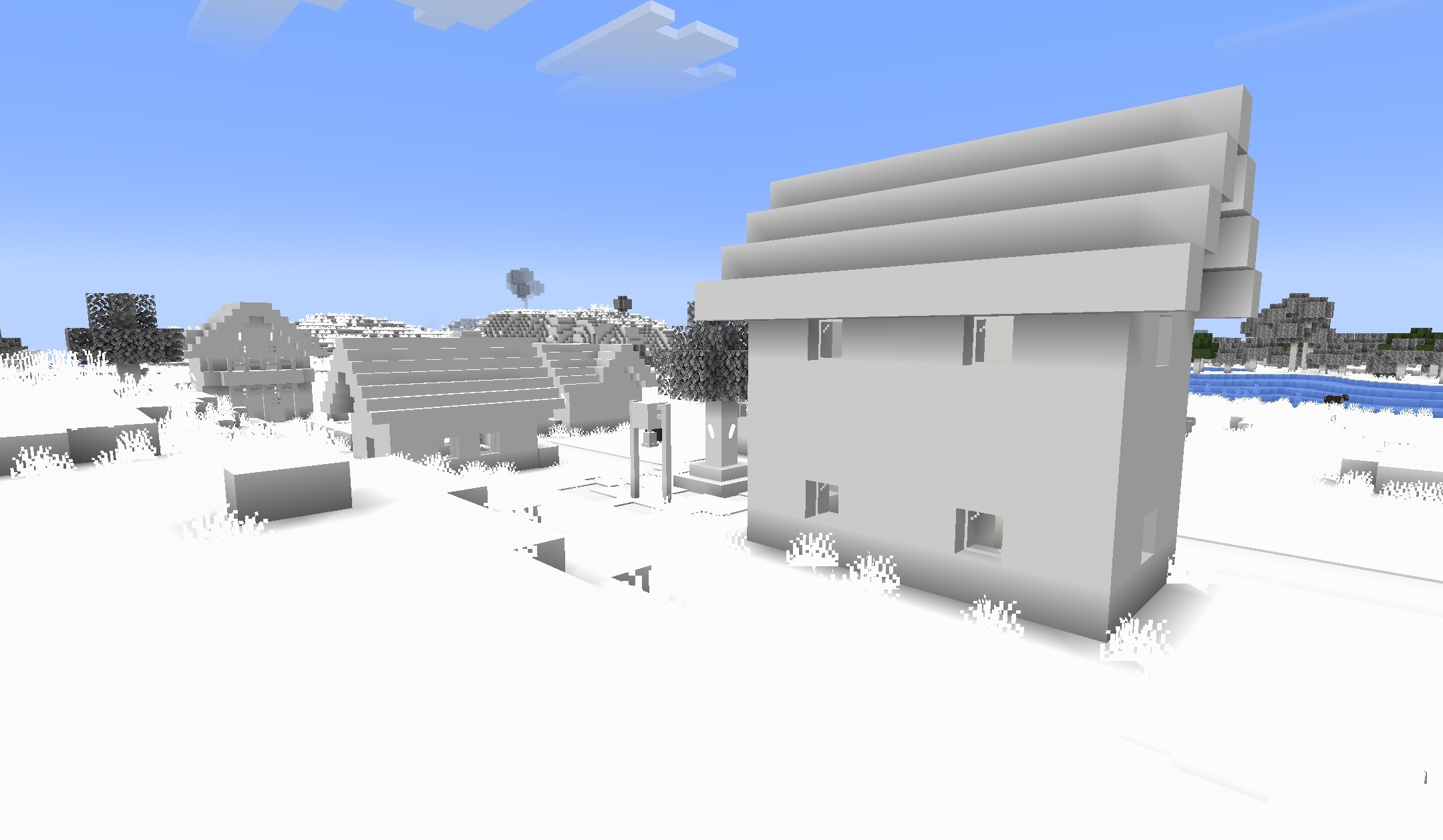
A regular version with standard menus and a more difficult version in which the interface also becomes white are available. The pack even supports some older builds such as Alpha, Beta, and Infdev, as well as certain experimental versions.
How to install the texture pack:
First step: download and install All-White Textures
Second step: copy the texture pack to the C:\Users\USER_NAME\AppData\Roaming\.minecraft\resourcepacks
Third step: in game settings choose needed resource pack.
Comments (0)