



Ashen 16x for Minecraft 26.2
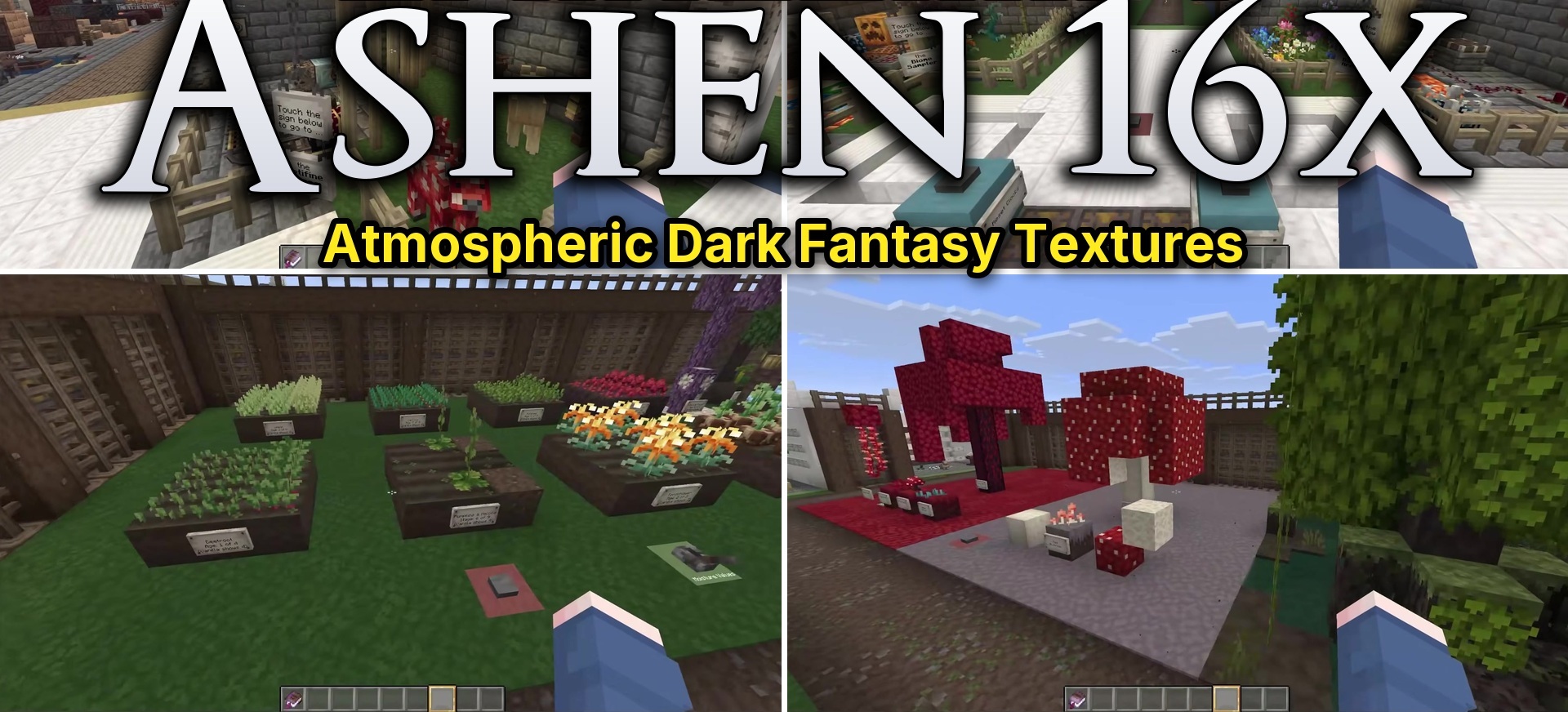
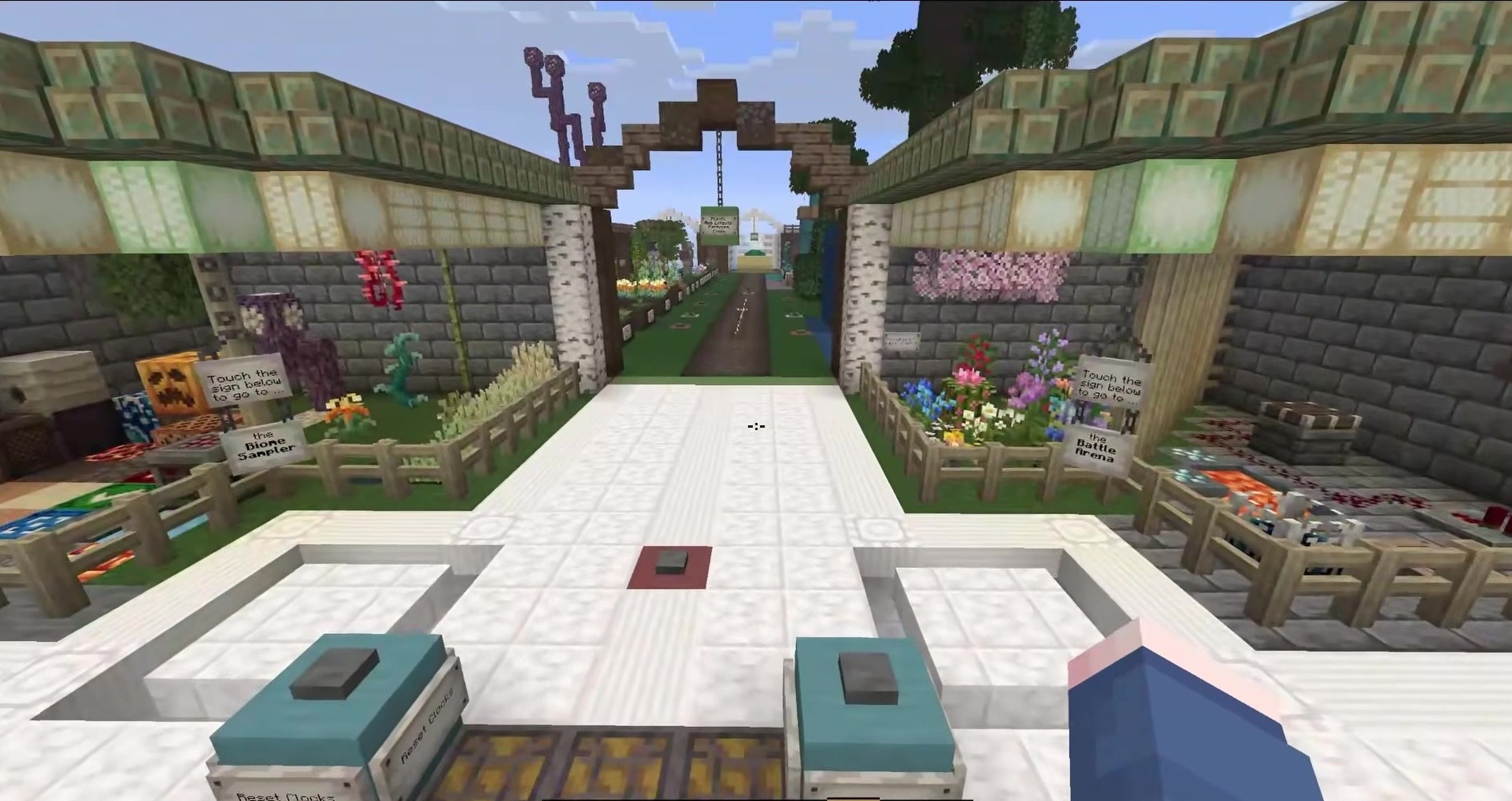
Ashen 16x completely redesigns Minecraft in the style of cozy medieval fantasy. Blocks, items, animals, and monsters receive new textures, while certain materials are supplemented with their own models. As a result, houses, fortresses, and villages look more detailed even without complex decorative modifications.
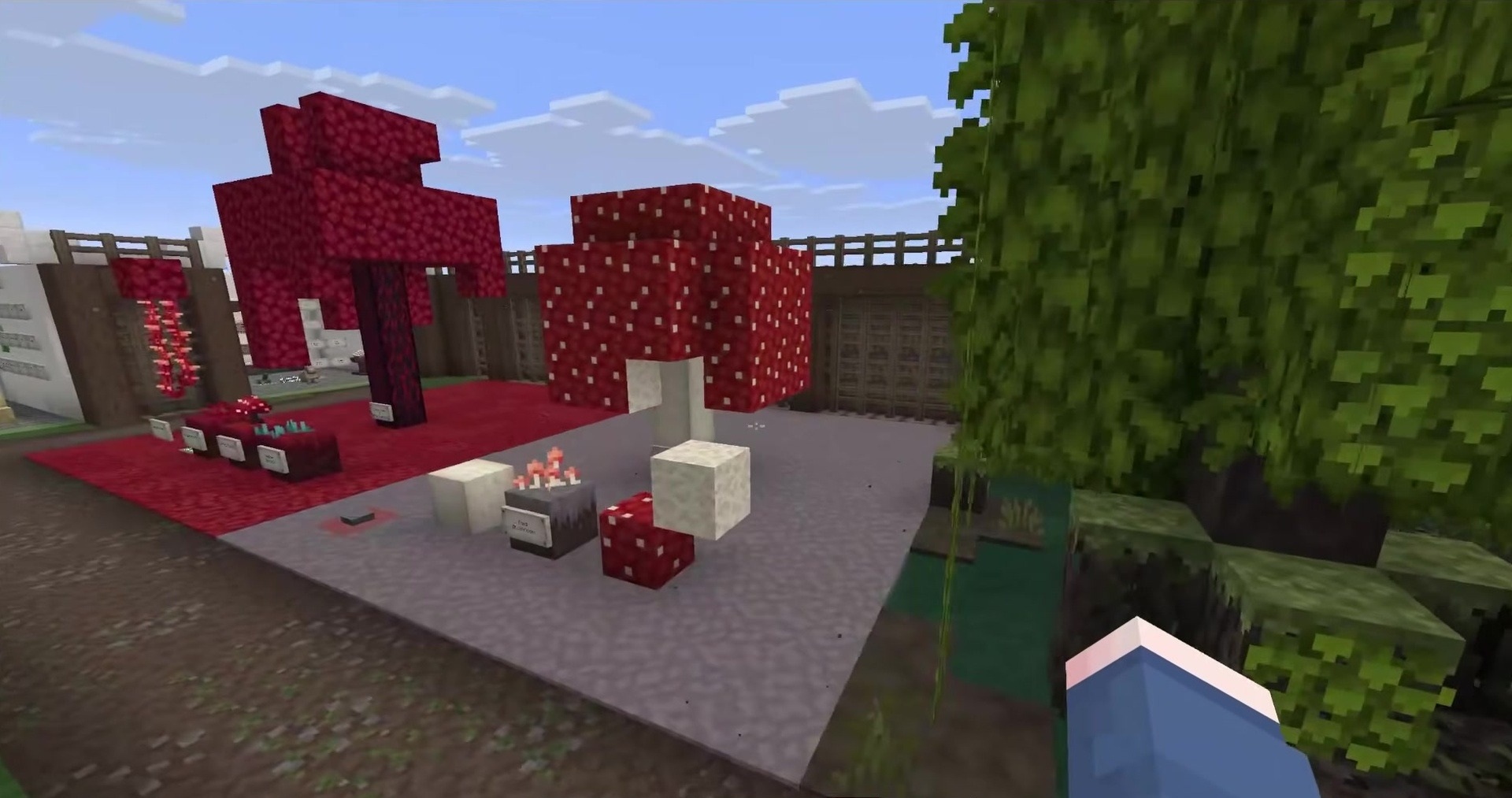
When OptiFine is used, the appearance of creatures changes, while installing it together with Fresh Animations gives them livelier movements. For the overlays to work correctly, Ashen should be placed above the animation pack in the resource list. The resolution remains standard, so the updated graphics do not create a heavy load and are suitable for older computers.
How to install the texture pack:
First step: download and install Ashen 16x
Second step: copy the texture pack to the C:\Users\USER_NAME\AppData\Roaming\.minecraft\resourcepacks
Third step: in game settings choose needed resource pack.
Comments (0)